It works great. I’m satisfied.
Download a free VPNfor Android
Protect your privacy, encrypt traffic, and block ads with the free VPN for your Android phone. Get 3 GB of fast traffic for free — no credit card needed. Install it from Google Play or download the APK
AdGuard VPN for Android v2.17.0.19

Why use our free VPN for Android
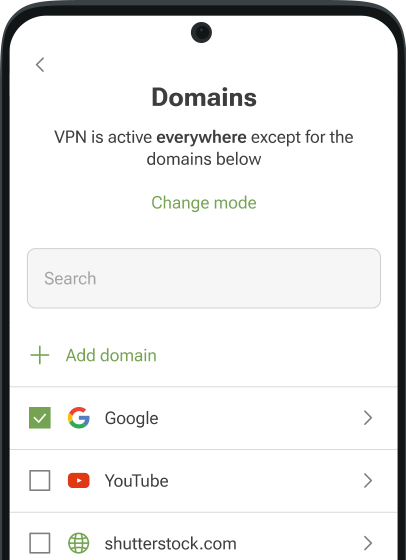
Browse without worry at a café, hotel, or airport — no one can see what you do online. Change your location to find the best deals. Block ads and trackers with the built-in DNS protection. Get AdGuard’s free VPN for Android — no credit card needed
3 GB for free each month
Start with 3 GB of fast and free VPN traffic. Need more? Upgrade to browse without speed limits and connect to any of the 75+ locations
No-logging policy
AdGuard’s free VPN for Android doesn’t log your online activity. Browse privately — no one can see what you do online
TrustTunnel VPN protocol
AdGuard VPN uses its own open-source TrustTunnel protocol. It keeps your traffic private and your connection fast. The code is open for anyone to review
Auto-protection
Visit a coffee shop and join their network — AdGuard VPN connects to a secure location right away. No need to remember to turn it on
How to set up the free VPN on Android

Get AdGuard VPN
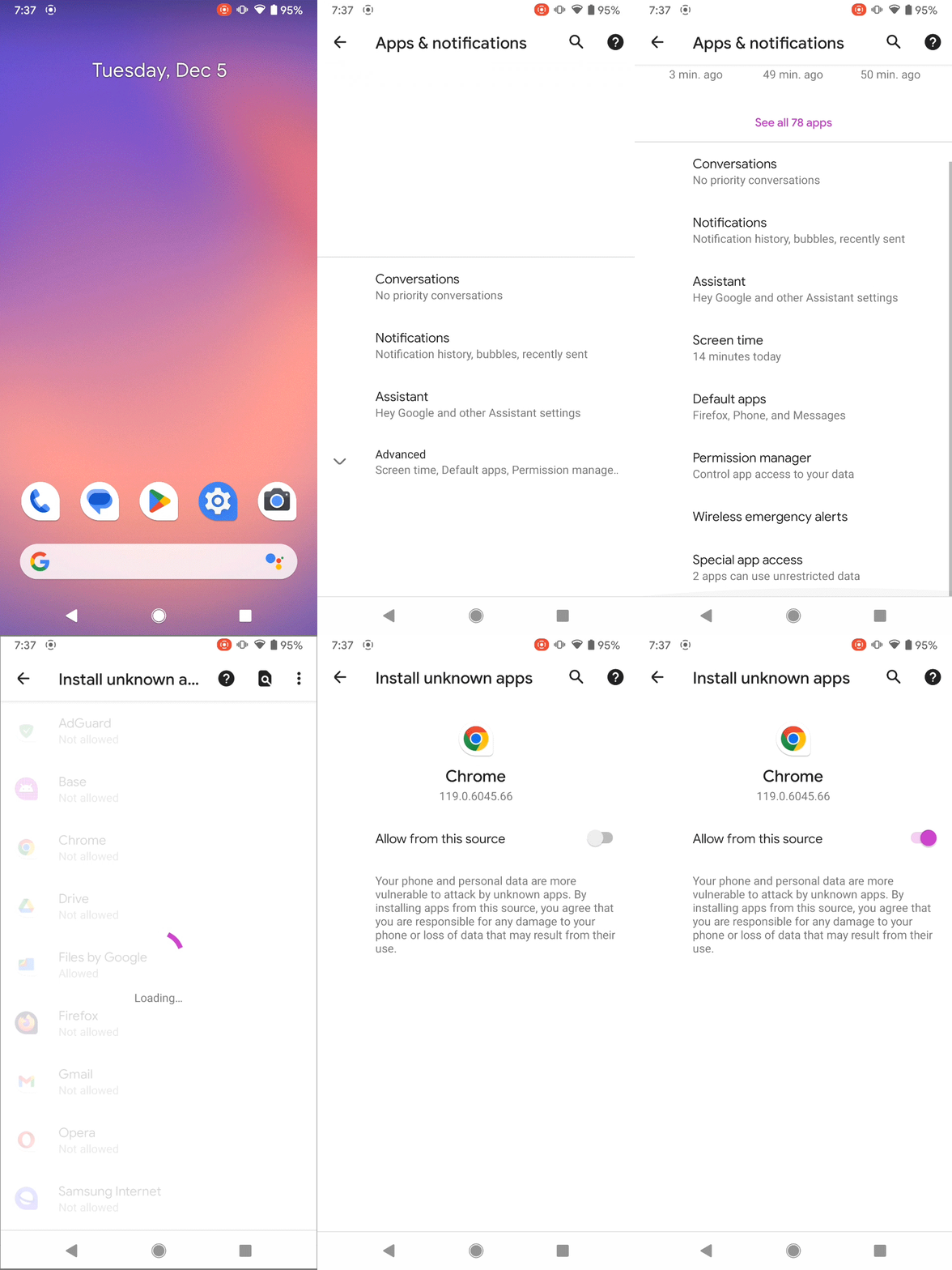
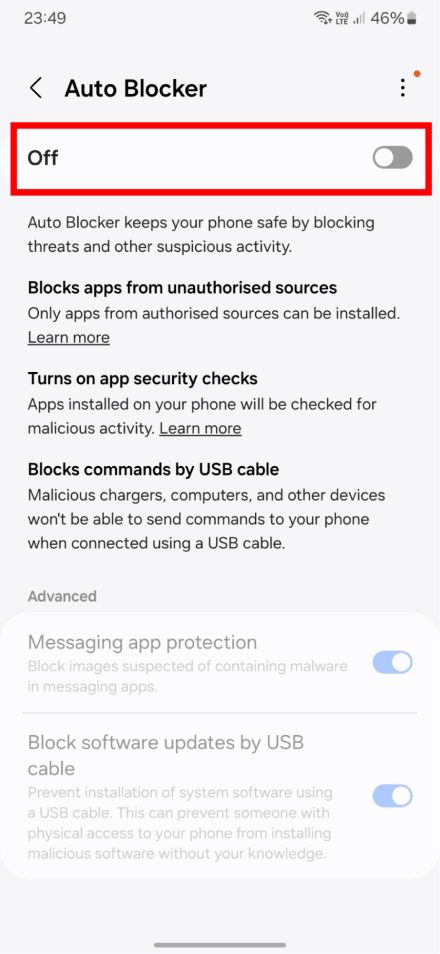
Install the app from your app store. Or download the APK from the official AdGuard website
Open the app
Give permission to set up a VPN connection — the VPN won’t work without it
Choose location
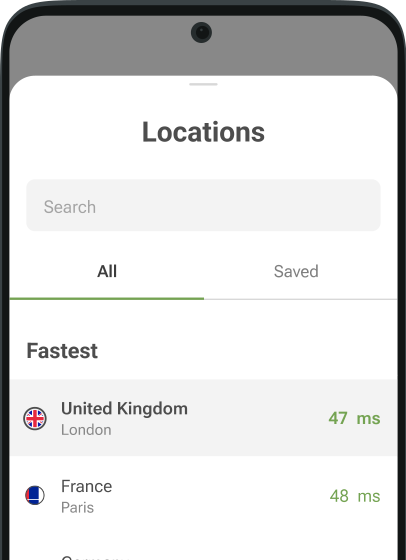
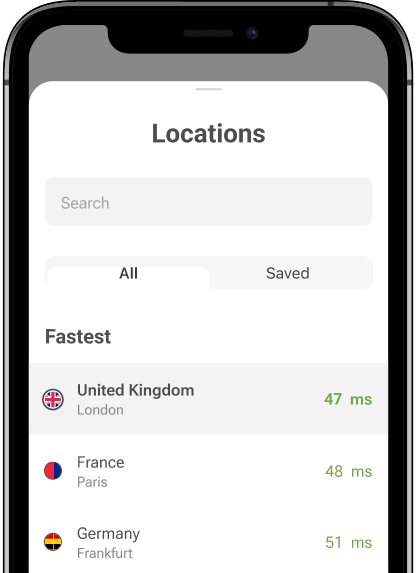
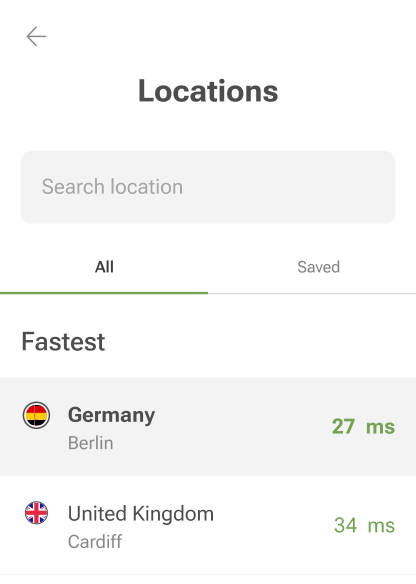
Tap the location list on the main screen. The free version offers 4 locations to switch between
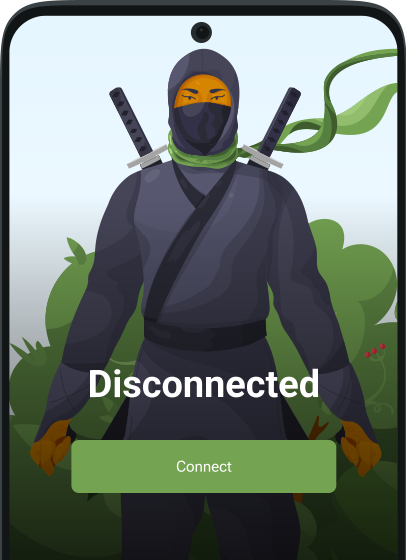
Connect
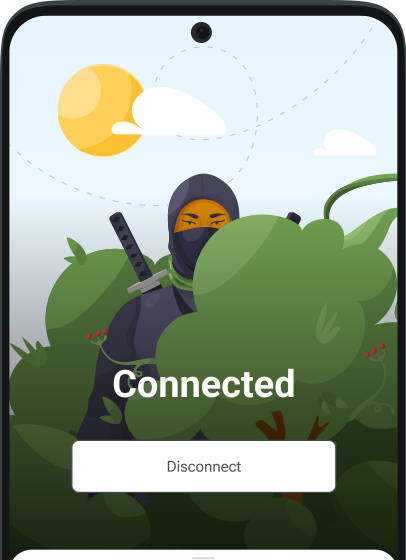
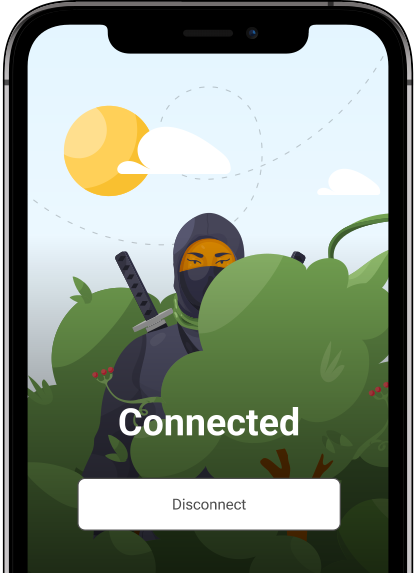
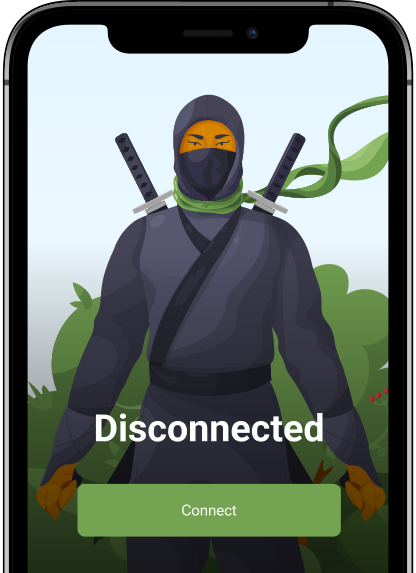
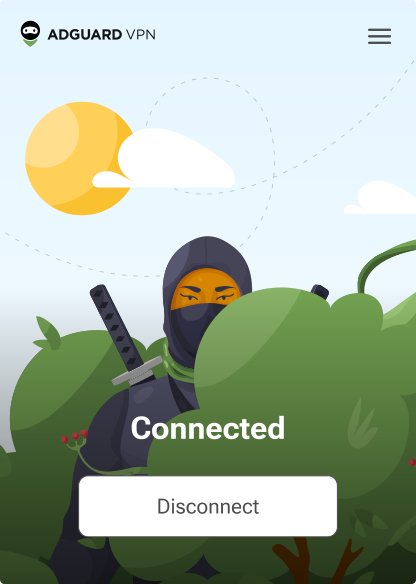
When the status shows Connected, your traffic is encrypted and your IP address is hidden
Free VPN for Android TV
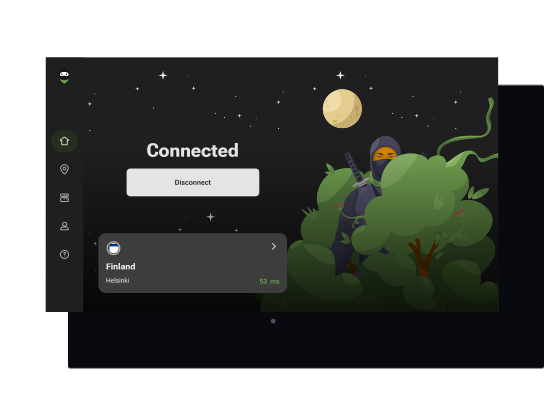
AdGuard VPN works on Android TV boxes, so you can stream movies and shows from other regions without geo-restrictions. Install it on your Android TV, pick a server location, and connect. Try the app for free — you get 3 GB of fast traffic every month
We’ve prepared step-by-step guides on how to install AdGuard VPN on your Android TV
AdGuard’s free VPN for Android rating:
4.7/5More than 9000 9,000 app reviews! We love our users and they love us back
It's great for what I need if for
Love this program, highly recommended.
Works as good or better than others and lifetime subscription is unbeatable.
it's very good and I tested some more vpns and they wouldn't work good but this was flash speed
I give 4 stars because it's free and reliable to use

Thank you! You’ve helped us become a bit better
Failed to send review
Please try again or contact support
FAQ about AdGuard’s free VPN for Android
- AdGuard VPN has a free and a paid version. We offer a free VPN service so you can try it before upgrading. Subscriptions help us improve the product and maintain our servers.
- Yes. The free VPN from AdGuard encrypts your connection and doesn’t keep logs. Our open-source TrustTunnel protocol masks your traffic so it looks like regular browsing — no one can tell you’re using a VPN.
- AdGuard VPN needs an Android device on version 9.0 or later. You can download it from Google Play, Huawei AppGallery, Mi Store, and Samsung Galaxy Store. If AdGuard VPN is not available in your region or can’t be downloaded, get the APK file from the official AdGuard website.Open the app, create an account or log in, and tap Connect. AdGuard VPN will automatically select the fastest server, or you can choose a location from the list.
- Yes, AdGuard VPN supports Android TV. It allows you to stay private, stream safely, and access the online content you want — no matter where you are.Go to Google Play on your TV box and download the AdGuard VPN app. If you don’t have a store app on your TV, there are other options to install the free VPN on your Android TV:
- Yes, you can download the AdGuard VPN APK file directly from the official AdGuard website. It has the same functionality as the app in Google Play Store.
- The free version provides 3 GB of VPN traffic per month. The data limit resets on the first day of each month. If you need unlimited traffic, try the paid version. With it, you also get access to all 75+ locations, VPN protection for 10 devices at once, and streaming at high speeds without limits.
- No. AdGuard doesn’t collect or share your data.We don’t store activity or connection logs of our users. We collect minimal information to identify and resolve technical issues. This data cannot be linked to you or your activity.
- The free version lets you try AdGuard VPN. You get 3 GB of traffic each month, 4 server locations, and up to 2 devices at once.AdGuard’s free VPN has some limits. After you use your 3 GB, the speed goes down. Some servers are locked, and streaming becomes unavailable.If you want to use AdGuard VPN without restrictions, try the paid version:Unlimited dataNo speed limit75+ locationsUp to 10 devices at onceStreaming support
Server locations
Check out the list of all available VPN servers you can connect to. We are constantly adding new locations and updating the server list. Keep in mind that the further away a server is from you, the longer it usually takes to respond
- Dubai
- Tirana (Coming soon)
- Buenos Aires
- Vienna
- Sydney
- Brussels
- Sofia
- São Paulo
- Vancouver Montreal Toronto
- Zurich
- Bogota
- Nicosia
- Prague
- Frankfurt Berlin
- Copenhagen
- Quito (Coming soon)
- Tallinn
- Cairo
- Barcelona Madrid
- Helsinki
- Paris Marseille
- Manchester London
- Athens
- Hong Kong
- Zagreb
- Budapest
- Dublin
- Tel Aviv
- Mumbai
- Palermo Rome Milan
- Tokyo
- Phnom Penh
- Seoul
- Vilnius
- Luxembourg
- Riga
- Mexico City
- Kuala Lumpur (Coming soon)
- Amsterdam
- Oslo
- Auckland
- Manila
- Karachi (Coming soon)
- Warsaw
- Lisbon
- Bucharest
- Belgrade
- Moscow
- Riyadh (Coming soon)
- Stockholm
- Singapore
- Bratislava
- Istanbul
- Taipei
- Kyiv
- Boston Las Vegas Seattle Dallas Phoenix Los Angeles Denver Silicon Valley Atlanta New York Miami Chicago
- Hanoi
- Johannesburg
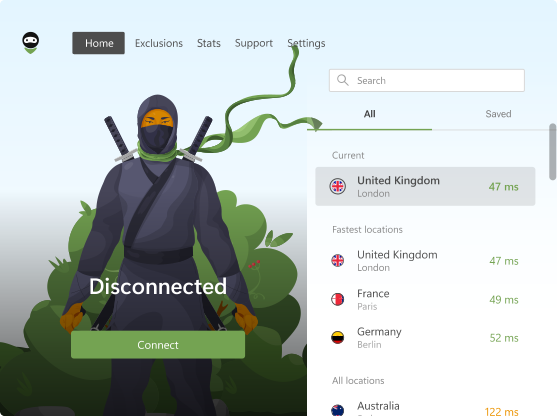
AdGuard VPN for Windows
Use any browser or app and never worry about your anonymity again. The entire world is at your fingertips with AdGuard VPN.
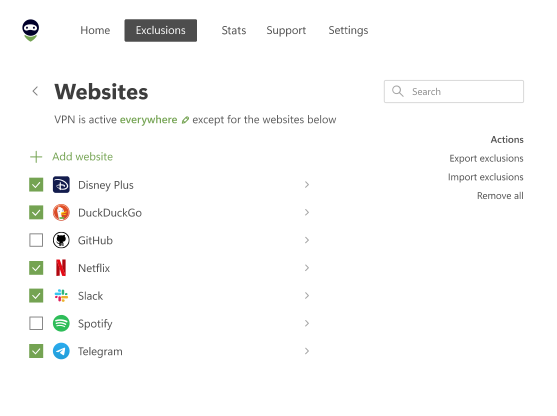
AdGuard VPN for Mac
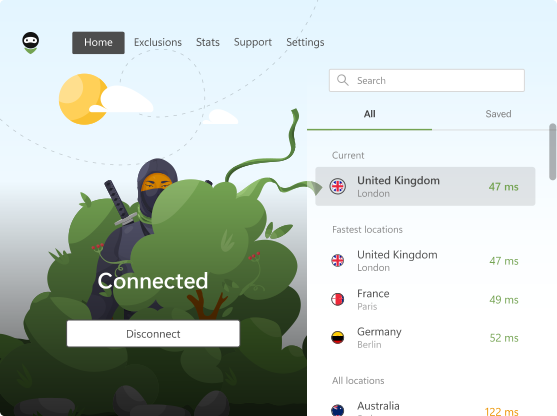
In just two clicks, select a city from anywhere in the world — we have 75+ locations — and your data is invisible to prying eyes.
AdGuard VPN for Android
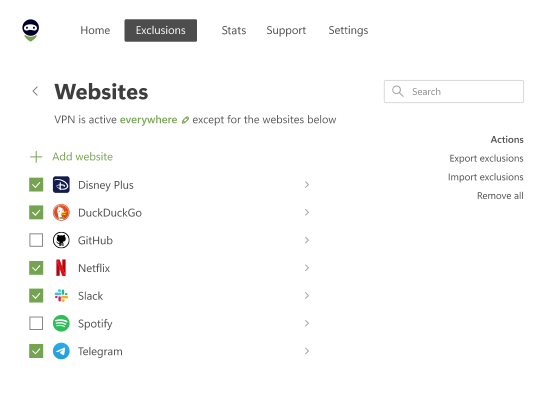
AdGuard VPN for Android offers dozens of fast locations. Browse with more privacy on the go. Block ads and trackers with the built-in DNS protection
AdGuard VPN for iOS
Protect your privacy and stream your favorite shows anonymously with AdGuard VPN for iOS. Block ads with the built-in DNS protection
Learn more
AdGuard VPN for Android TV
Discover AdGuard VPN for Android TV! Enjoy seamless streaming, enhanced security, and easy setup.
AdGuard VPN for Chrome
AdGuard VPN for Edge
AdGuard VPN for Firefox
AdGuard VPN for Opera
Hide your true location and emerge from another place in the world — access any content without speed limits and preserve your web anonymity.
Get to a different location in one click, hide your IP, and make your web surfing safe and anonymous.
Protect your privacy, hide your real location, and decide to where you need the VPN and where you don't!
Be a ninja in your Opera browser: move quickly to any part of the world and remain unnoticed.
AdGuard VPN for routers
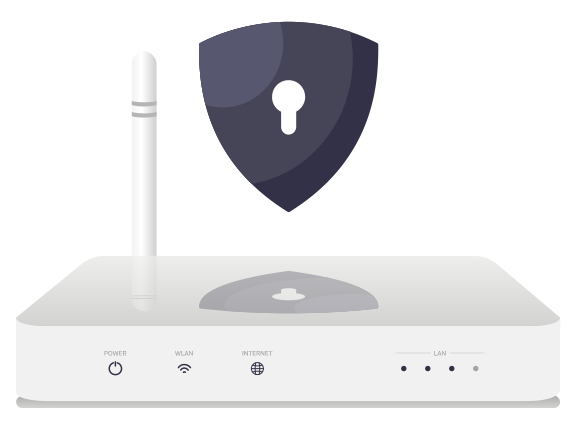
Install AdGuard VPN on your router to secure your entire network. Decide which devices to protect and when
This option is only available with an AdGuard VPN subscription
AdGuard VPN for Linux
Get the best free VPN for Linux and enjoy seamless web browsing, enhanced security, Internet traffic encryption, and DNS leak protection. Choose from multiple VPN servers and access the locations you want

AdGuard VPN for Apple TV
Discover AdGuard VPN for Apple TV! Enjoy seamless streaming, enhanced security, and easy setup
This option is only available with an AdGuard VPN subscription

AdGuard VPN for Xbox
Protect your Xbox with AdGuard VPN and enjoy seamless online gaming, enhanced security, and easy setup
This option is only available with an AdGuard VPN subscription

AdGuard VPN for PS4/PS5
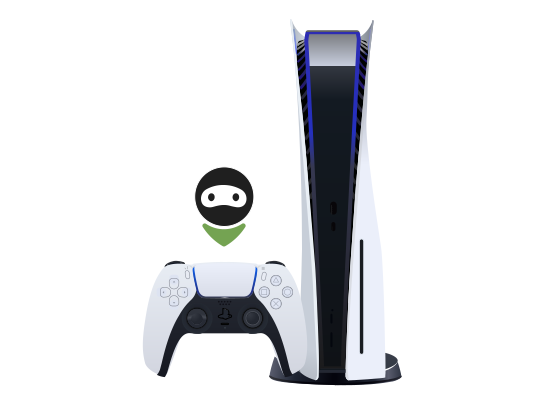
Protect your PlayStation with AdGuard VPN and enjoy seamless online gaming, enhanced security, and easy setup. Choose from multiple VPN servers and access the locations you want
This feature is only available with an AdGuard VPN subscription
This option is only available with an AdGuard VPN subscription
AdGuard VPN for Chromecast
Install AdGuard VPN on your Google TV (Chromecast Gen 4) or on your network router (Chromecast Gen 3) and enjoy streaming content with Chromecast while staying anonymous online and accessing content from anywhere. For Chromecast Gen 3, you need an AdGuard VPN subscription
This option is only available with an AdGuard VPN subscription
AdGuard VPN for mobile
Scan to install AdGuard VPN on your mobile device