very good 👍👍👍👍👍
AdGuard VPN for Apple TV
Discover AdGuard VPN for Apple TV! Enjoy seamless streaming, enhanced security, and easy setup
This option is only available with an AdGuard VPN subscription

Use your router to set up VPN for Apple TV
Follow these steps to easily connect your Apple TV to VPN.
Make sure your router supports IPsec
Subscribe
- Select the subscription that suits you best
- Confirm your email address — you’ll need it to access your AdGuard account and get your credentials
Get your credentials
- In your AdGuard account, select AdGuard VPN
- Under Devices, click Add router
- Select the desired VPN server location and generate credentials
Set up VPN on your router
- In your router admin page, go to Settings
- Enable VPN Client and click Add VPN server
- Select IPsec/IKEV2
- Enter the credentials created in step 2
- Connect your Apple TV to your router
There you go! Your Apple TV is now protected by AdGuard VPN. Enjoy watching movies and TV shows in complete privacy!
Other instructions
Five reasons to choose AdGuard VPN — best VPN for Apple TV
Proprietary protocol
AdGuard VPN uses a unique VPN protocol that gives you a fast connection and unmatched user security
Military-standard encryption
AdGuard VPN uses AES-256, the strongest and fastest encryption algorithm, to ensure your information remains encrypted and protected from potential breaches
Multiple server locations
AdGuard VPN offers dozens of server locations for secure and fast streaming
Money-back guarantee
If AdGuard VPN does not work for you, enjoy our 30-day money-back guarantee on 1-year or longer subscriptions bought on our website
Apps for all platforms
In addition to AdGuard VPN for Android TV, we offer apps for multiple platforms to ensure a consistent and secure experience across all your devices
Enhance your privacy with AdGuard VPN — protect your Apple TV with VPN
We offer you a VPN that guarantees uncompromised privacy protection and traffic security — be sure you get the best free VPN service available
Invisible & fast
Most VPN services aren’t perfect and have similar problems. Stand out with AdGuard VPN — we took it one step further and developed our own VPN protocol for you to enjoy fast and anonymous browsing.
75+ locations
6 continents and dozens of countries. Choose a city and surf the Net safely!
Stream & chill
The best way to spend your evening is to watch a streaming service and chill. And with AdGuard VPN you can watch anything anywhere.
No-logging policy
We respect your privacy and prove it with our zero-logging policy. If we don’t know what you’re doing online, then nobody does.
AdGuard VPN rating:
4.7/5More than 9000 9,000 app reviews! We love our users and they love us back
The best of the best. Amazing support!
Excellent, they have a great track record with the best ad blocker around and this is just as good
Simply magnificent! I am very pleased!
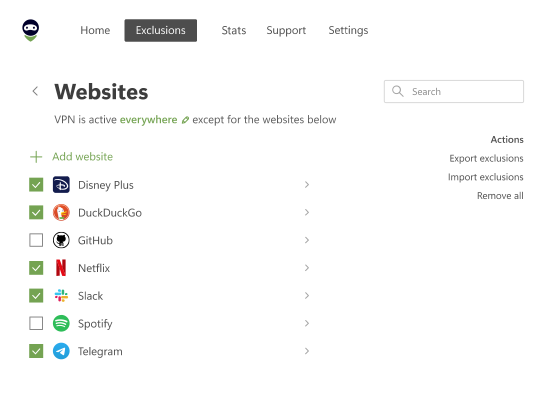
The Best. Exclusions option super!
i like AdGuard VPN, it works pretty well and it does help me find what i wanna see that's banned from my country or simply need to use it for a website to run fine when it isn't able to without AdGuard VPN on!

Thank you! You’ve helped us become a bit better
Failed to send review
Please try again or contact support
FAQ
- Connect your Apple TV to your home network’s Wi-Fi router and follow our simple 3-step guide on how to set up AdGuard VPN on a router.
- These are the Apple TV models that you can connect to AdGuard VPN:Apple TV 4K (1st, 2nd, and 3rd generation)Apple TV HDApple TV (1st, 2nd, and 3rd generation)
- To select a VPN server, log in to your AdGuard account and pick a location when creating your credentials. To change the server location, re-create the credentials in your AdGuard account for the new server and re-enter them on your router admin page.
Browse like a ninja
AdGuard VPN for Windows
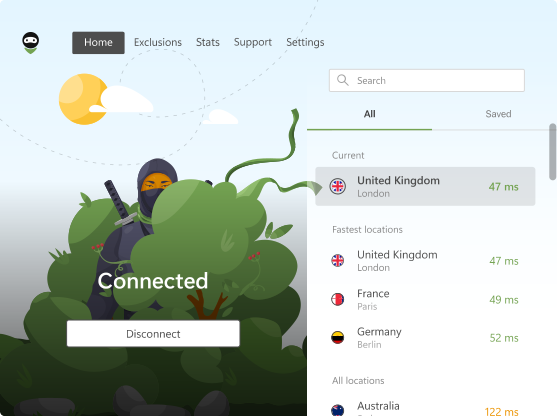
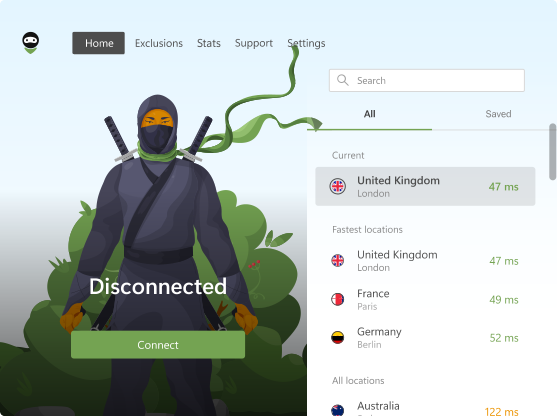
Use any browser or app and never worry about your anonymity again. The entire world is at your fingertips with AdGuard VPN.
AdGuard VPN for Mac
In just two clicks, select a city from anywhere in the world — we have 75+ locations — and your data is invisible to prying eyes.
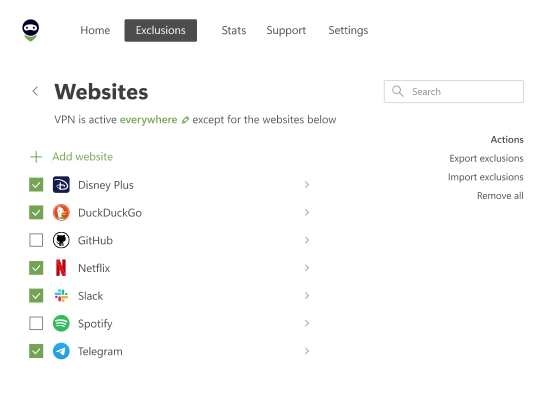
AdGuard VPN for Android
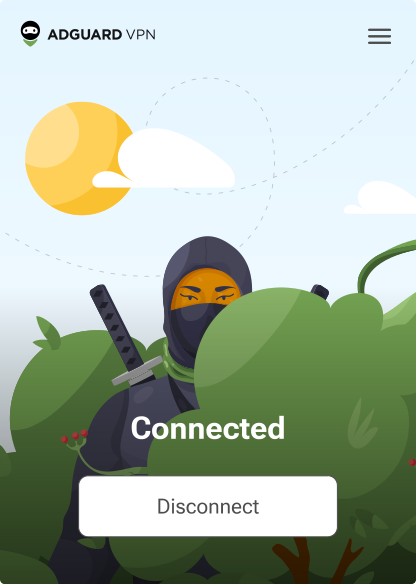
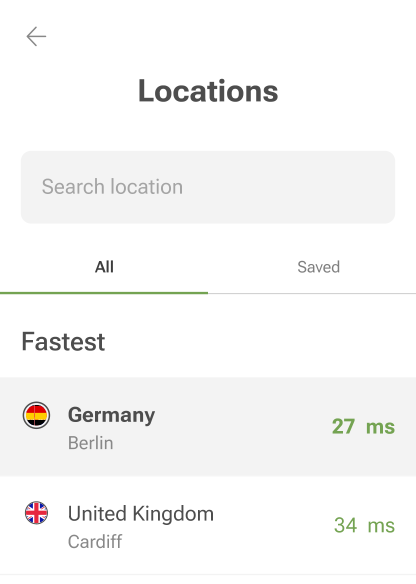
AdGuard VPN for Android offers dozens of fast locations. Browse with more privacy on the go. Block ads and trackers with the built-in DNS protection
Learn more

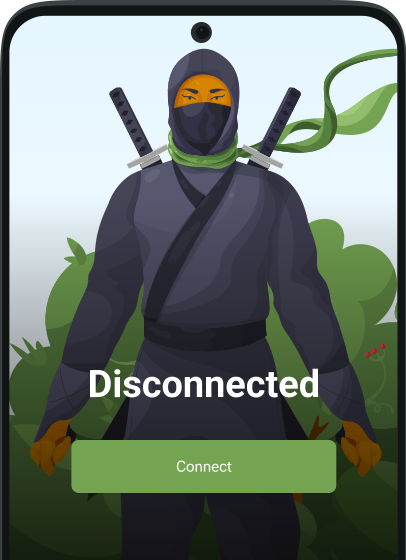
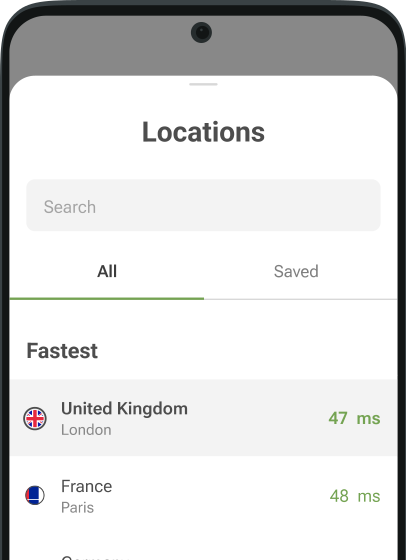
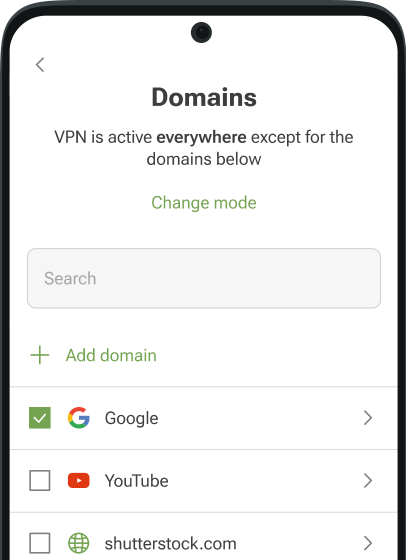

AdGuard VPN for iOS
Protect your privacy and stream your favorite shows anonymously with AdGuard VPN for iOS. Block ads with the built-in DNS protection
Learn more
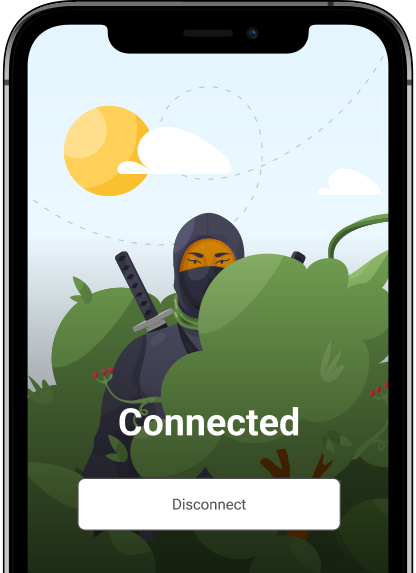
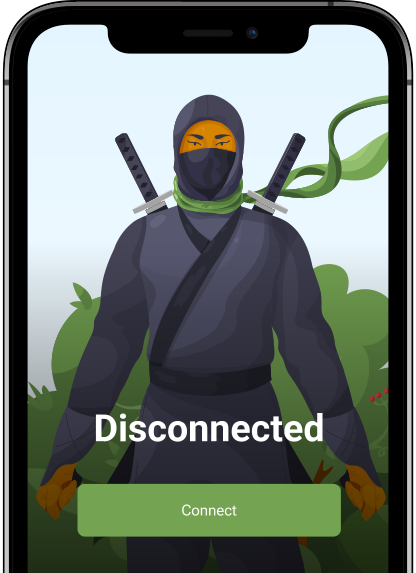
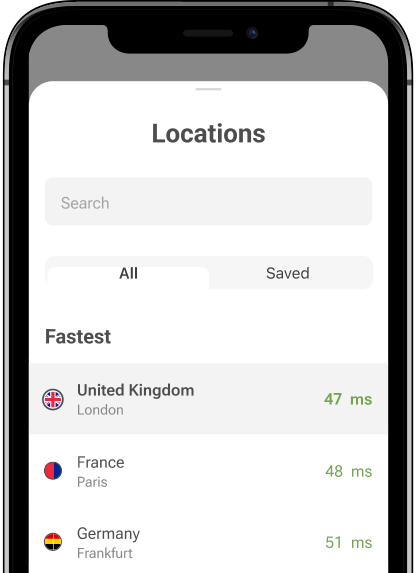
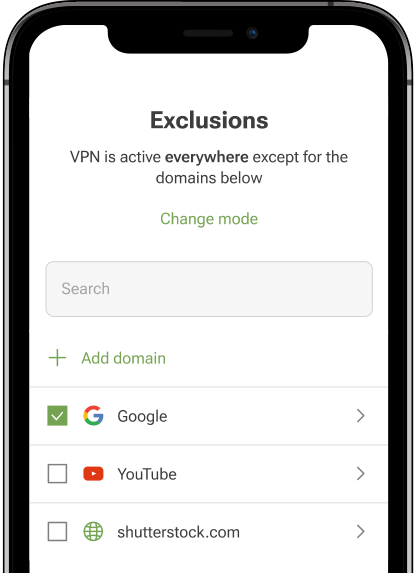

AdGuard VPN for Android TV
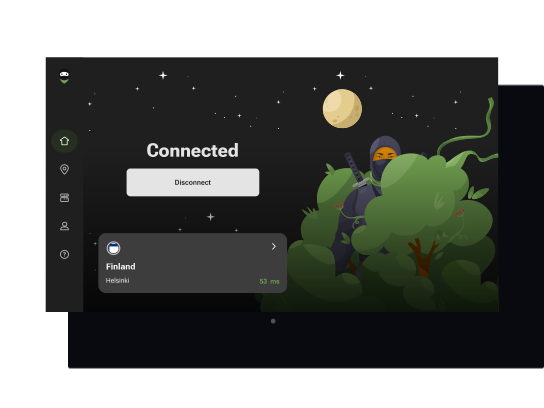
Discover AdGuard VPN for Android TV! Enjoy seamless streaming, enhanced security, and easy setup.
AdGuard VPN for Chrome
AdGuard VPN for Edge
AdGuard VPN for Firefox
AdGuard VPN for Opera
Hide your true location and emerge from another place in the world — access any content without speed limits and preserve your web anonymity.
Get to a different location in one click, hide your IP, and make your web surfing safe and anonymous.
Protect your privacy, hide your real location, and decide to where you need the VPN and where you don't!
Be a ninja in your Opera browser: move quickly to any part of the world and remain unnoticed.
AdGuard VPN for routers
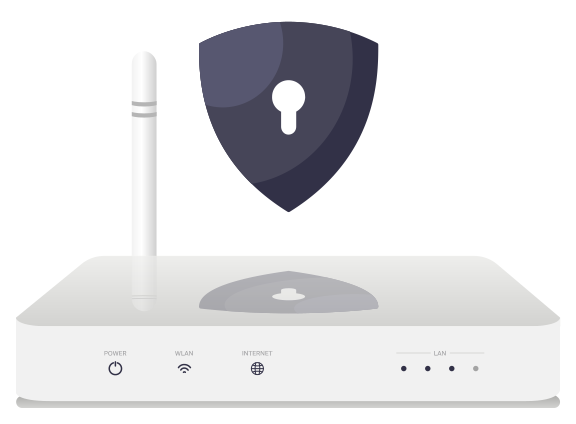
Install AdGuard VPN on your router to secure your entire network. Decide which devices to protect and when
This option is only available with an AdGuard VPN subscription
AdGuard VPN for Linux
Get the best free VPN for Linux and enjoy seamless web browsing, enhanced security, Internet traffic encryption, and DNS leak protection. Choose from multiple VPN servers and access the locations you want

AdGuard VPN for Apple TV
Discover AdGuard VPN for Apple TV! Enjoy seamless streaming, enhanced security, and easy setup
This option is only available with an AdGuard VPN subscription
AdGuard VPN for Xbox
Protect your Xbox with AdGuard VPN and enjoy seamless online gaming, enhanced security, and easy setup
This option is only available with an AdGuard VPN subscription

AdGuard VPN for PS4/PS5
Protect your PlayStation with AdGuard VPN and enjoy seamless online gaming, enhanced security, and easy setup. Choose from multiple VPN servers and access the locations you want
This feature is only available with an AdGuard VPN subscription
This option is only available with an AdGuard VPN subscription

AdGuard VPN for Chromecast
Install AdGuard VPN on your Google TV (Chromecast Gen 4) or on your network router (Chromecast Gen 3) and enjoy streaming content with Chromecast while staying anonymous online and accessing content from anywhere. For Chromecast Gen 3, you need an AdGuard VPN subscription
This option is only available with an AdGuard VPN subscription
How does it work?
Your provider
You

Desired website
AdGuard VPN
AdGuard VPN for mobile
Scan to install AdGuard VPN on your mobile device
AdGuard VPN for mobile
Scan to install AdGuard VPN on your mobile device


