AdGuard VPN for Mac v2.10: Complete accessibility support
AdGuard VPN for Mac v2.10 marks the final milestone in our effort to make the app accessible to everyone. Our journey began in version 2.9, when we started overhauling the interface to work seamlessly with assistive technologies.
With v2.10, we are bringing that project to a close. The remaining sections — Website and app exclusions, Statistics, and Advanced settings — are now fully accessible for users relying on assistive technologies. Every single screen in the app supports VoiceOver and can be navigated entirely with a keyboard.
Clearer controls and predictable navigation
Here is what has changed in the final sections:
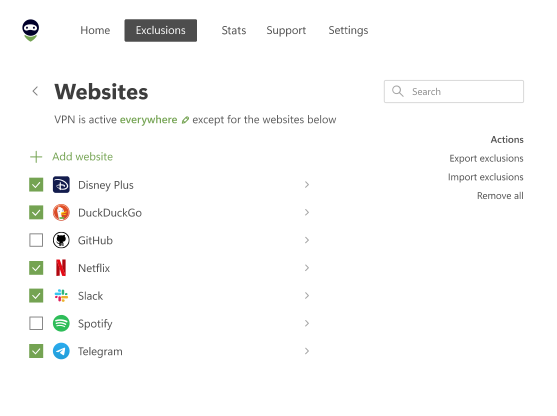
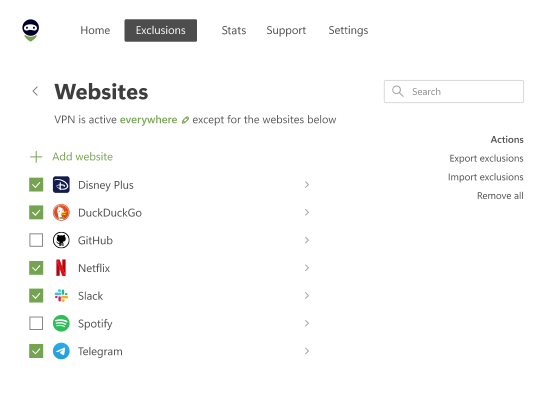
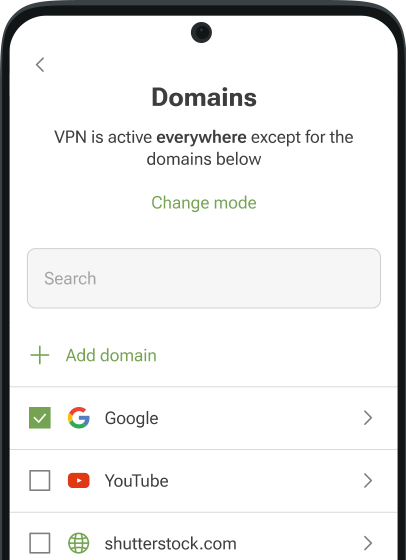
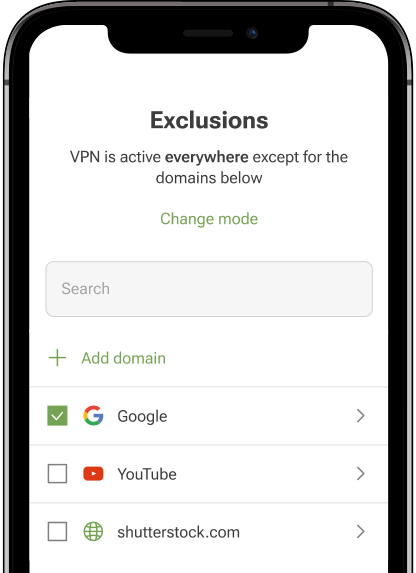
Websites and apps exclusions: Interface elements now feature clearer labels and a logical focus order, making it straightforward to manage exclusions without a mouse.
Statistics: VoiceOver accurately identifies controls, usage metrics, and active states so you can easily review your traffic data.
Advanced settings: Focus behavior across complex options and modal dialogs is now consistent, preventing unexpected jumps.
Beyond these specific screens, we refined keyboard movement across the entire app. Focus transitions follow a clear sequence, ensuring you do not get stuck or lose your place while navigating.
Alongside accessibility enhancements, we included several stability fixes behind the scenes to keep performance smooth, fast, and reliable.
Share your feedback
Accessibility is an ongoing process, and user feedback directly guides our updates. If you rely on VoiceOver or keyboard navigation and notice anything that could be improved, let us know via Support in the app or on GitHub.
To stay in touch, follow us on X (Twitter), Telegram, or Instagram, and join our Reddit community.