AdGuard VPN v2.17 for iOS and Android: one update for two platforms

AdGuard VPN v2.17 is here — this time as a joint release for iOS and Android. Starting with this release, we’ll keep updates for both platforms in sync to bring you key features and improvements faster.

This version introduces revamped Shortcuts for iOS: you can control your connection in one tap or even with a Siri voice command.

We’ve also made it easier for Android users to check available promotions: they’ll now appear on the purchase screen right in the app. And finally, we’ve improved Exclusions on both platforms, with support for domains written in non-Latin scripts.

Take a shortcut

You start the day with AdGuard VPN on. Then you need it off for a few minutes to check your bank account, so you open the app, tap Disconnect, open the banking app, close the banking app, open the AdGuard VPN app again, and tap Connect.

Sure, that’s easy enough to do once, but what if you do the same thing five times a day? Shortcuts on iOS can make your life easier — you can connect or disconnect in one tap from your Home Screen, or set up an automation for a specific app.

To add a Connect, Disconnect, or Toggle VPN shortcut to your Home Screen, open the AdGuard VPN app and go to Settings → Shortcuts → Add Shortcuts to the Home Screen. You’ll find quick installation instructions there.
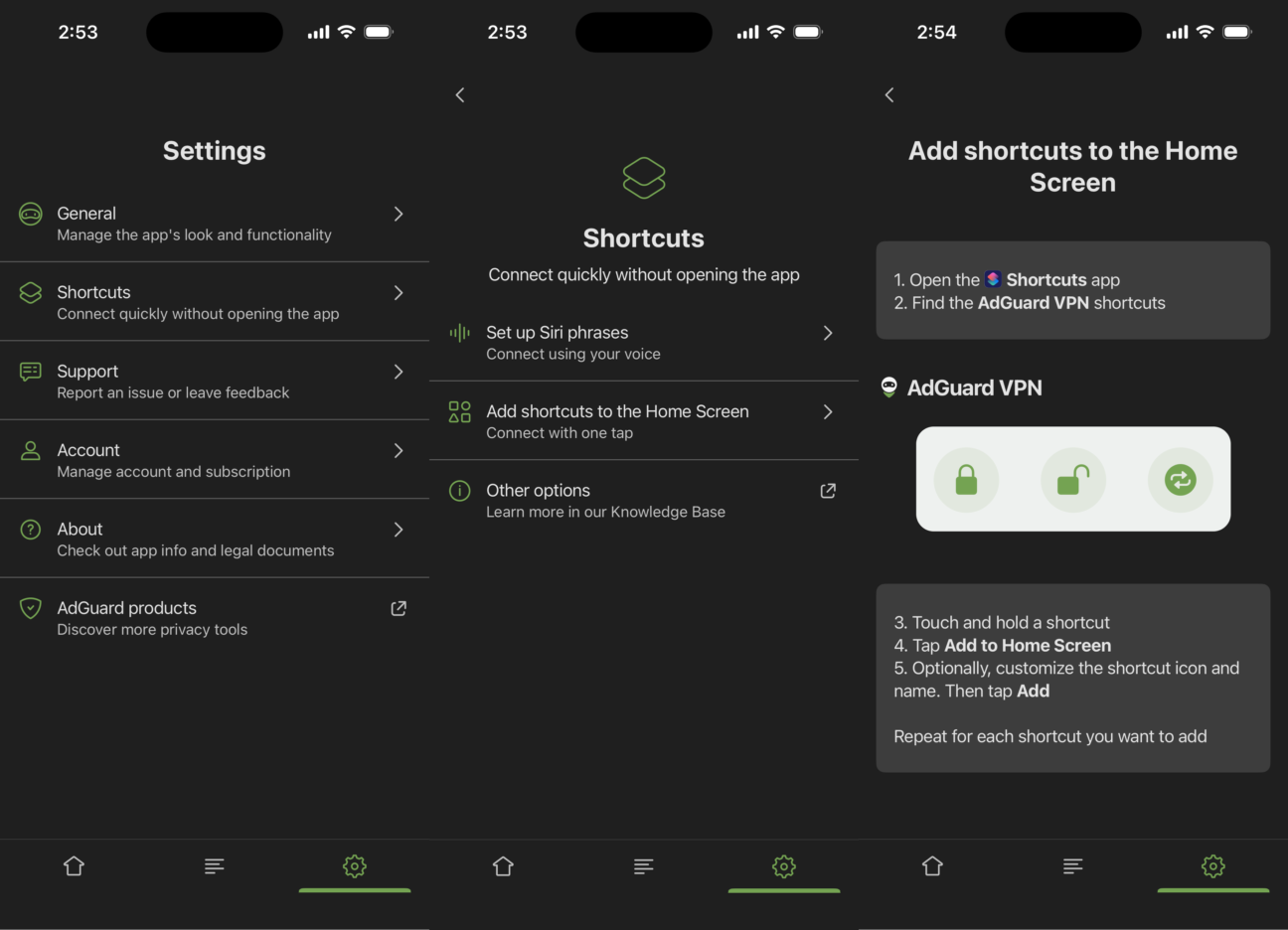
Shortcuts menu and instructions

You can also add your shortcuts as a widget on the Home Screen, add a control to the Control Center, or set up automations to turn AdGuard VPN on for a specific app or Wi-Fi network.

Read more about what you can do with Shortcuts in our knowledge base

Hey Siri, connect to AdGuard VPN

Sometimes even tapping the screen can feel like too much. Use a Siri voice command of your choosing to turn AdGuard VPN on and off whenever you want.

Open the AdGuard VPN app and go to Settings → Shortcuts → Set up Siri phrases. Record separate phrases for connecting and disconnecting, and AdGuard VPN will follow your command.
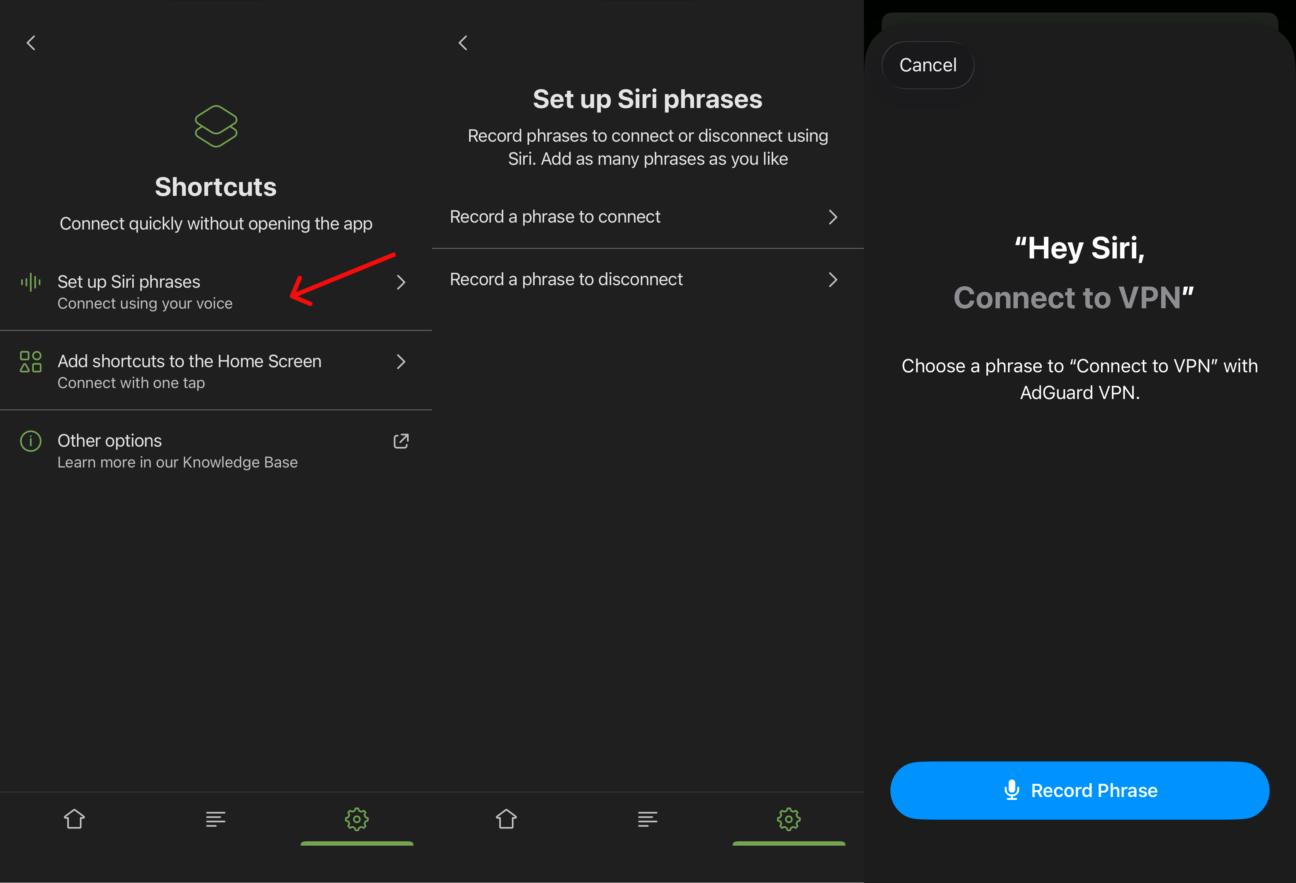
Siri activation

Catch every discount

This one is for Android users. If you’re waiting for the right moment to buy a VPN license, tracking discounts just got easier.

When a promotion is active, it appears on the purchase screen in the app. There’s no need to check our website or wait for an email to find out whether a special offer is available.

Change the script

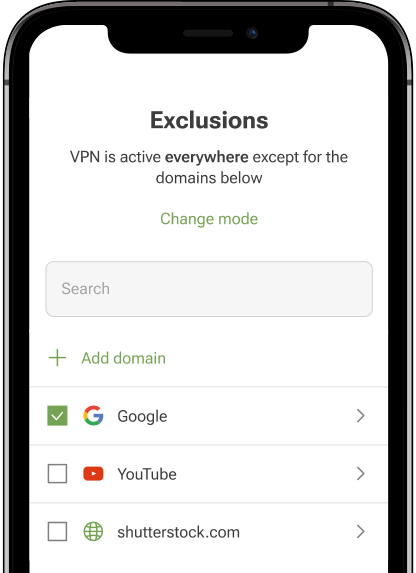
You can now add domains written in non-Latin scripts, like *.рф for Russia and *.中国 for China. Just go to Exclusions → Add website and enter the domain you need.
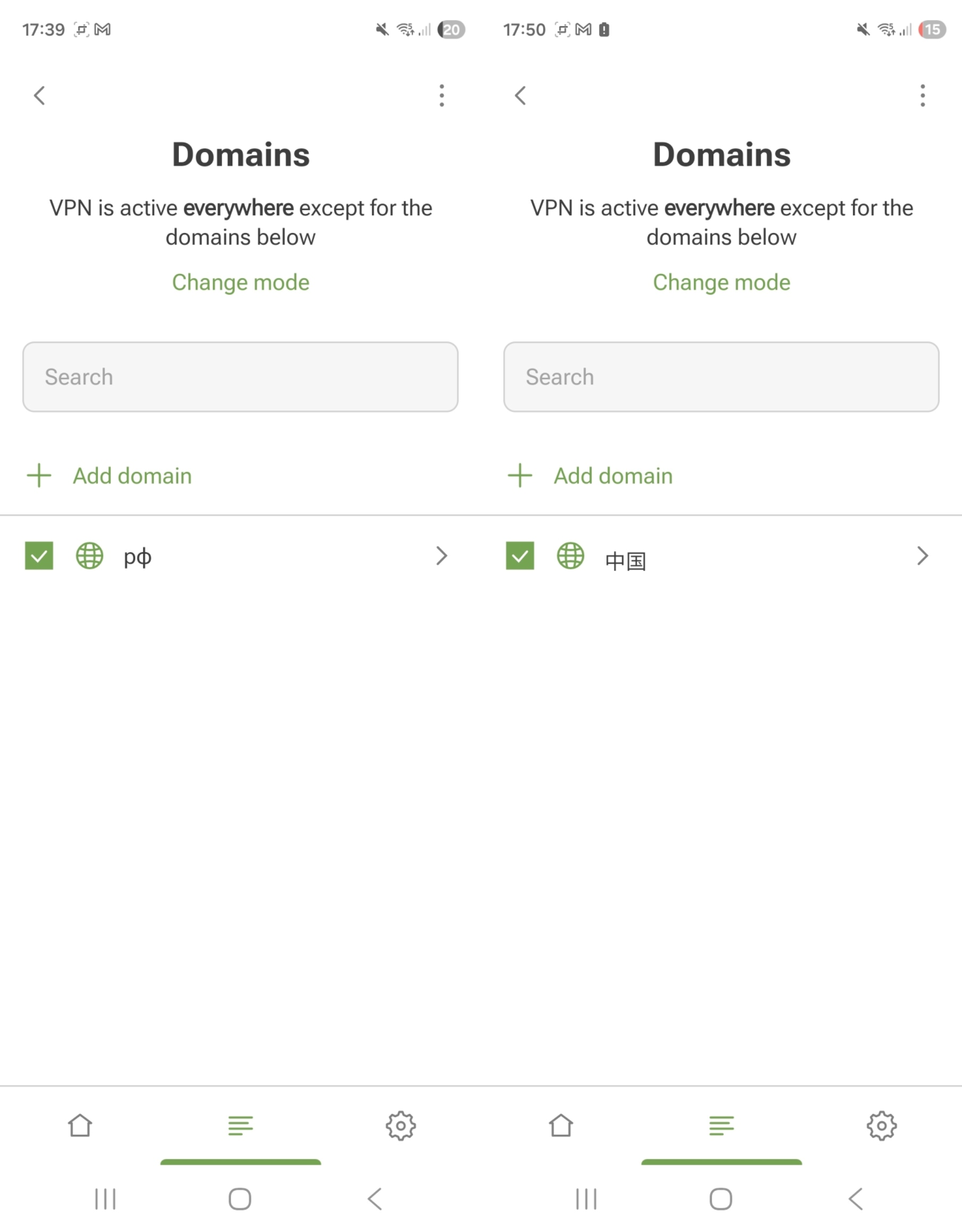
Non-Latin domains added to Exclusions *mobile

As always, we’d be happy to hear your feedback. You can leave your suggestions on our social media channels or open an issue in our GitHub repositories for iOS and Android.


Liked this post?
9,332 9332 user reviews
Excellent!

AdGuard VPN for Windows

Use any browser or app and never worry about your anonymity again. The entire world is at your fingertips with AdGuard VPN.
Download
By downloading the program you accept the terms of the License agreement
Learn more
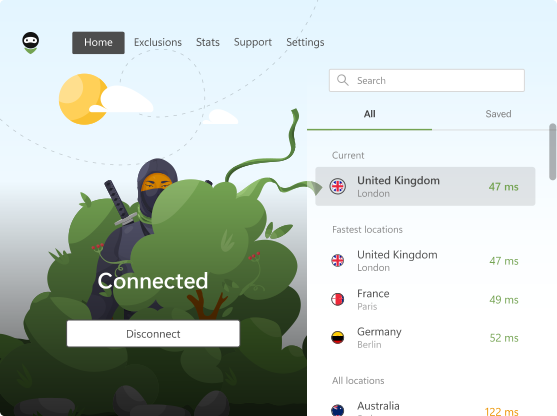
The main screen of AdGuard VPN for Windows with an active VPN connection.
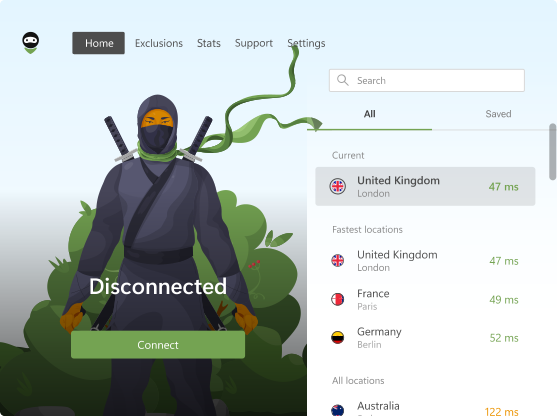
The main screen of AdGuard VPN for Windows showing the disconnected status.
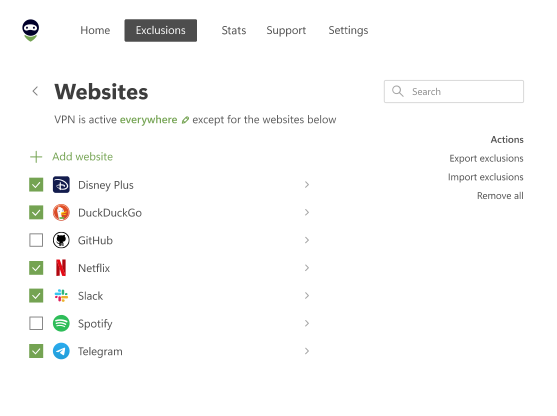
The Exclusions screen with a list of websites that don’t use the VPN.
9,332 9332 user reviews
Excellent!

AdGuard VPN for Mac

In just two clicks, select a city from anywhere in the world — we have 75+ locations — and your data is invisible to prying eyes.
Download
By downloading the program you accept the terms of the License agreement
Learn more
The main screen of AdGuard VPN for Mac with an active VPN connection.
The main screen of AdGuard VPN for Mac showing the disconnected status.
The Exclusions screen with a list of websites that don’t use the VPN.
9,332 9332 user reviews
Excellent!

AdGuard VPN for Android

AdGuard VPN for Android offers dozens of fast locations. Browse with more privacy on the go. Block ads and trackers with the built-in DNS protection
Learn more
Download
By downloading the program you accept the terms of the License agreement
Google Play
By downloading the program you accept the terms of the License agreement
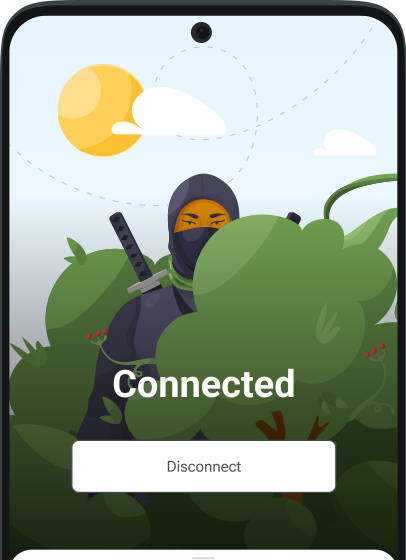
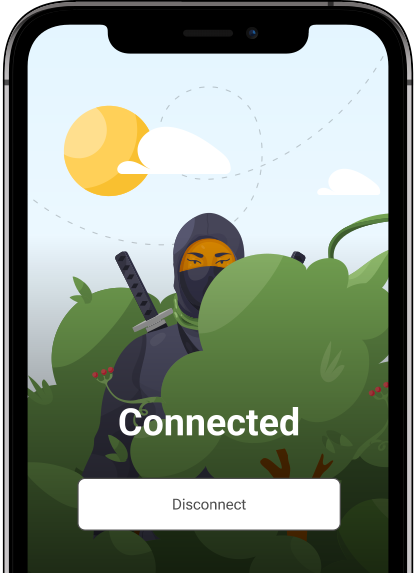
The main screen of AdGuard VPN for Android with an active VPN connection.
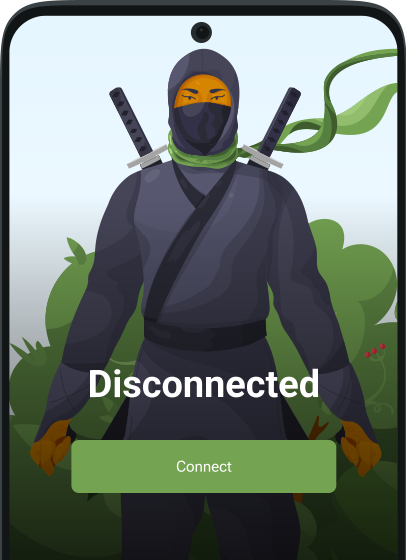
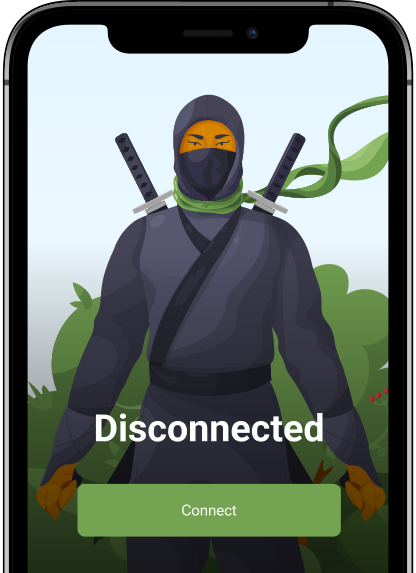
The main screen of AdGuard VPN for Android showing the disconnected status.
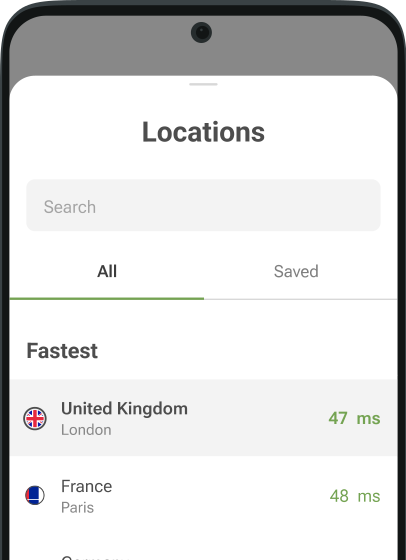
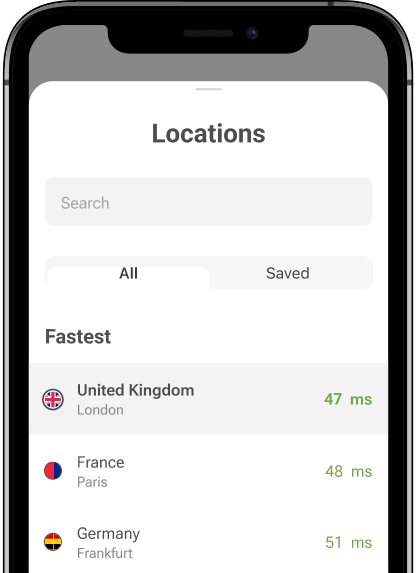
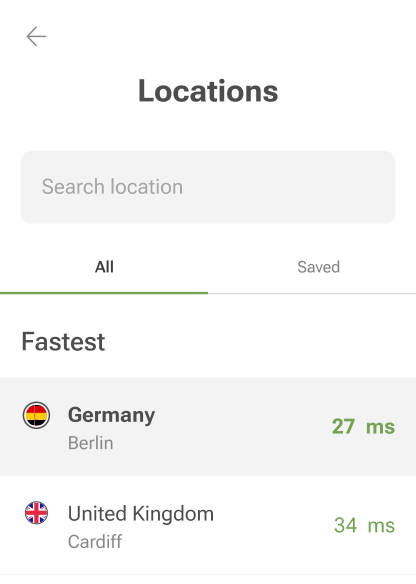
The Locations screen showing the fastest available servers.
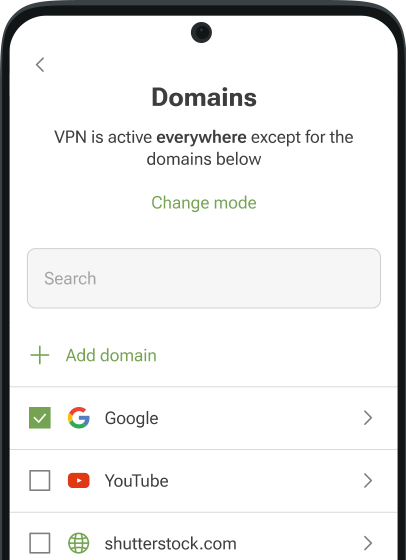
The Exclusions screen with a list of websites that don’t use the VPN.
The screen with a QR code to install AdGuard VPN.
9,332 9332 user reviews
Excellent!

AdGuard VPN for iOS

Protect your privacy and stream your favorite shows anonymously with AdGuard VPN for iOS. Block ads with the built-in DNS protection
Learn more
App Store
By downloading the program you accept the terms of the License agreement
The main screen of AdGuard VPN for iOS with an active VPN connection.
The main screen of AdGuard VPN for iOS showing the disconnected status.
The Locations screen showing the fastest available servers.
The Exclusions screen with a list of websites that don’t use the VPN.
The screen with a QR code to install AdGuard VPN.
9,332 9332 user reviews
Excellent!

AdGuard VPN for Android TV

Discover AdGuard VPN for Android TV! Enjoy seamless streaming, enhanced security, and easy setup.
Download
By downloading the program you accept the terms of the License agreement
Google Play
By downloading the program you accept the terms of the License agreement
Learn more
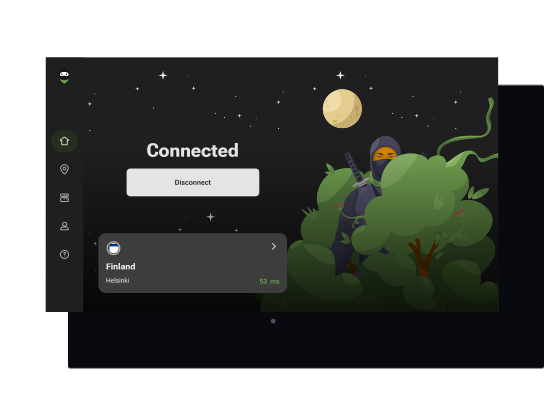
The main screen of AdGuard VPN for Android TV with an active VPN connection to a server in Helsinki, Finland.
9,332 9332 user reviews
Excellent!

AdGuard VPN for Chrome

AdGuard VPN for Edge

AdGuard VPN for Firefox

AdGuard VPN for Opera

Hide your true location and emerge from another place in the world — access any content without speed limits and preserve your web anonymity.
Get to a different location in one click, hide your IP, and make your web surfing safe and anonymous.
Protect your privacy, hide your real location, and decide to where you need the VPN and where you don't!
Be a ninja in your Opera browser: move quickly to any part of the world and remain unnoticed.
Install
By downloading the program you accept the terms of the License agreement
Learn more
Install
By downloading the program you accept the terms of the License agreement
Learn more
Install
By downloading the program you accept the terms of the License agreement
Learn more
Install
By downloading the program you accept the terms of the License agreement
Learn more
The main screen of AdGuard VPN browser extension with an active VPN connection.
The Locations screen showing the fastest available servers.
9,332 9332 user reviews
Excellent!

AdGuard VPN for routers

Install AdGuard VPN on your router to secure your entire network. Decide which devices to protect and when
This option is only available with an AdGuard VPN subscription
A router with a keyhole shield icon.
9,332 9332 user reviews
Excellent!

AdGuard VPN for Linux

Get the best free VPN for Linux and enjoy seamless web browsing, enhanced security, Internet traffic encryption, and DNS leak protection. Choose from multiple VPN servers and access the locations you want
AdGuard VPN’s mascot, Tengu, with the Linux penguin, Tux, sitting in the bushes.
9,332 9332 user reviews
Excellent!

AdGuard VPN for Apple TV

Discover AdGuard VPN for Apple TV! Enjoy seamless streaming, enhanced security, and easy setup
This option is only available with an AdGuard VPN subscription
An Apple TV streaming device with the AdGuard VPN logo.
9,332 9332 user reviews
Excellent!

AdGuard VPN for Xbox

Protect your Xbox with AdGuard VPN and enjoy seamless online gaming, enhanced security, and easy setup
This option is only available with an AdGuard VPN subscription
A Microsoft Xbox console and controller with the AdGuard VPN logo.
9,332 9332 user reviews
Excellent!

AdGuard VPN for PS4/PS5

Protect your PlayStation with AdGuard VPN and enjoy seamless online gaming, enhanced security, and easy setup. Choose from multiple VPN servers and access the locations you want
This feature is only available with an AdGuard VPN subscription
This option is only available with an AdGuard VPN subscription
A Sony PlayStation console and controller with the AdGuard VPN logo.
9,332 9332 user reviews
Excellent!

AdGuard VPN for Chromecast

Install AdGuard VPN on your Google TV (Chromecast Gen 4) or on your network router (Chromecast Gen 3) and enjoy streaming content with Chromecast while staying anonymous online and accessing content from anywhere. For Chromecast Gen 3, you need an AdGuard VPN subscription
This option is only available with an AdGuard VPN subscription
A Google Chromecast streaming device with a keyhole shield icon.
AdGuard VPN
download has started
Click the button indicated by the arrow to start the installation.
Scan to install AdGuard VPN on your mobile device
The screen with a QR code to install AdGuard VPN.