AdGuard VPN for Mac v2.9: Accessibility improvements
AdGuard VPN for Mac v2.9 focuses on improving accessibility — an important step toward making the app easier to use for everyone, including people who rely on assistive technologies.
Alongside these changes, we’ve also made a few smaller updates that might be less noticeable at first glance, but still help improve the overall experience. Let’s take a look at everything in order.
Accessibility improvements
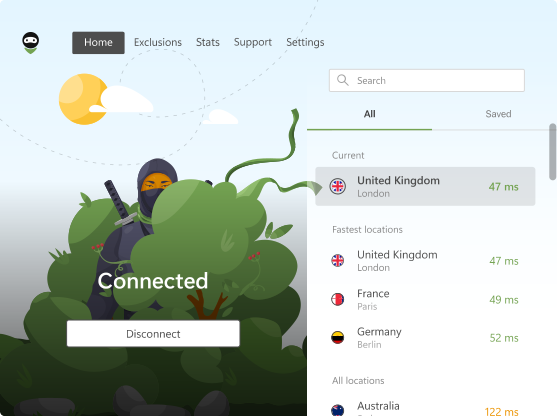
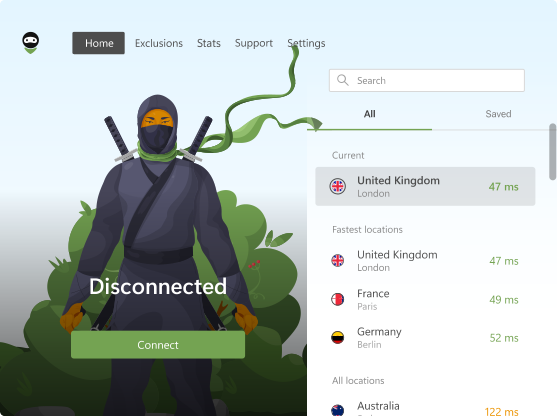
Now AdGuard VPN for Mac is much easier to navigate without relying on visual cues. Interface elements are properly labeled and structured, allowing screen readers to accurately describe buttons, statuses, and actions. In practice, this means the app can “speak” clearly — helping users understand what’s happening and interact with it more confidently.
We’ve expanded accessibility support across key sections of the app, including Settings, App settings, DNS servers, Authorization, Support, Home, Onboarding, and Promo. These improvements make the experience more intuitive and predictable for users with visual impairments.
Dark app icon support
AdGuard VPN now supports a dark app icon on macOS, allowing it to better match your system’s appearance. It’s a small detail, but one that helps the app feel more at home in your environment.
Updated system requirements
Starting with version 2.9, AdGuard VPN for Mac requires macOS 12 (Monterey) or later. This change allows us to take advantage of newer system features and continue improving the app going forward.
We’re always working to make AdGuard VPN better for everyone, and your feedback plays a big part in that. If you have ideas, suggestions, or something you’d like to see improved, feel free to share them on GitHub, on social media, or through the Support section in the app.