AdGuard VPN Browser Extension v2.11: Faster controls, smarter exclusions
This release is all about making everyday VPN use feel a little easier. From connecting in fewer clicks to ensuring your exclusions work exactly as expected, we’ve polished the little things that make a big difference.
Connect and disconnect in one click
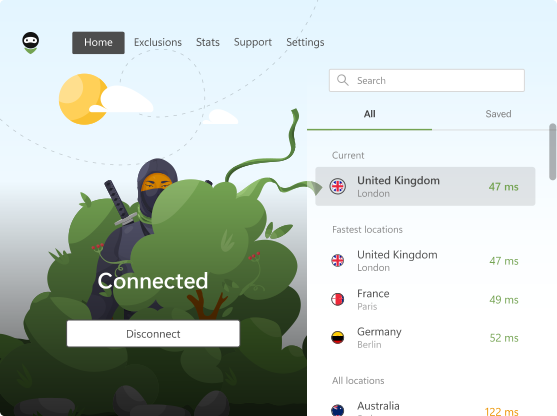
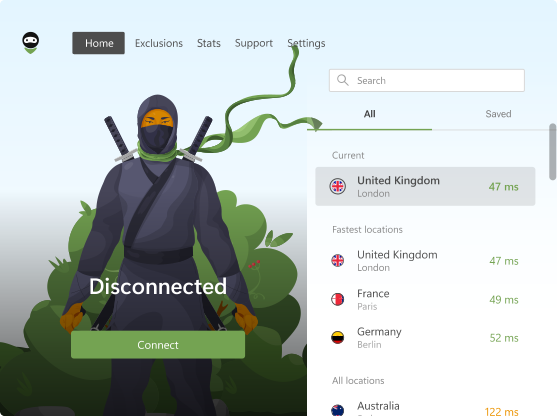
Turning your VPN on or off is now even quicker. You can connect to or disconnect from the VPN directly from the extension’s context menu, so there’s no need to open the popup first.
It’s a small quality-of-life improvement, but one you’ll likely notice every day. The controls you use most are now right where you need them, making it easier to protect your connection whenever you want.
And here’s a fun fact: this feature was requested by one of our users on GitHub. We always appreciate your ideas, and whenever possible, we turn them into real improvements. So keep those suggestions coming — we’re listening!
More reliable exclusions for top-level domains
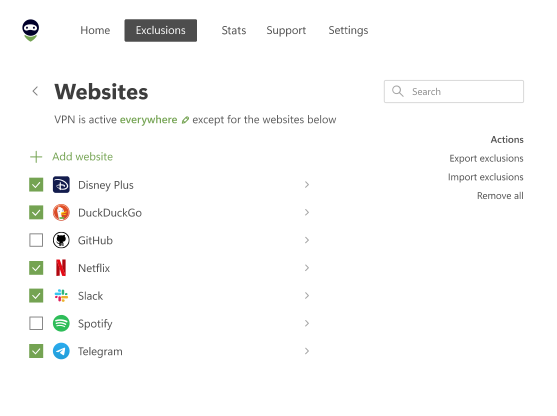
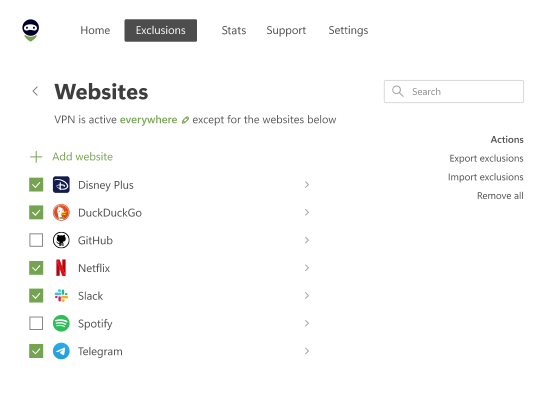
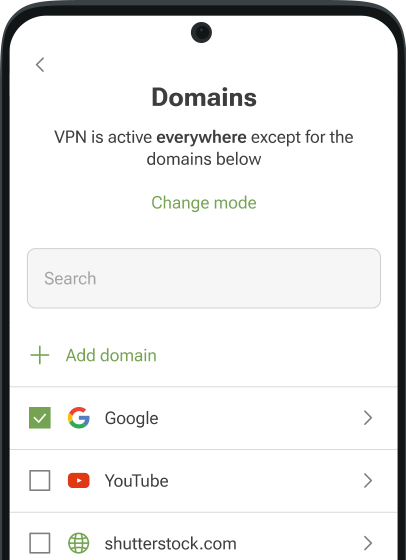
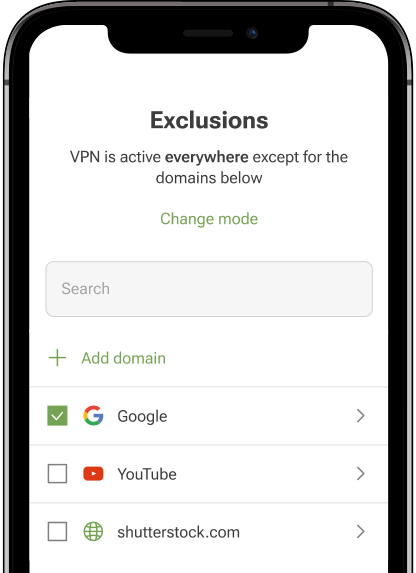
We’ve also improved the way the extension handles top-level domains (TLDs) in exclusions.
Previously, adding entries such as .com or .co.uk could result in invalid exclusion rules, preventing websites from bypassing the VPN as expected. The extension now processes these domains correctly, so your exclusions work reliably.
The result? Fewer surprises when configuring your VPN settings.
Plus the usual fixes and improvements
As always, we’ve made a number of smaller fixes and under-the-hood improvements to keep the extension running smoothly and reliably.
We’d love your feedback
Have you tried the new version yet? Let us know what you think. Whether you’ve spotted a bug, have an idea for a new feature, or simply want to share your experience, your feedback helps us make AdGuard VPN better with every release. You can share your thoughts through our social media or report issues on GitHub.