AdGuard VPN Browser Extension v2.8: now on Firefox for Android
AdGuard VPN Browser Extension v2.8 is out! With this version, we are doing two things: expanding the range of browsers you can use it with, and making a few small but necessary UI and visual improvements along the way. Let us go into detail below.
Now available in Firefox for Android
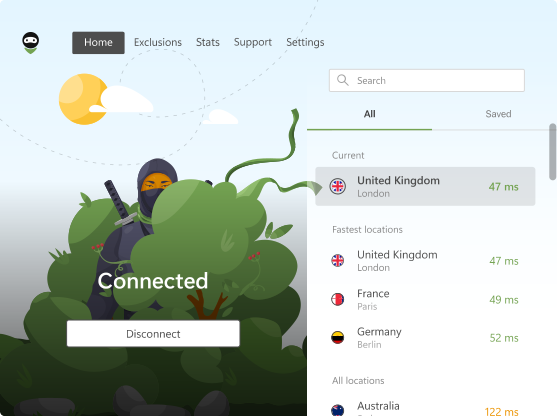
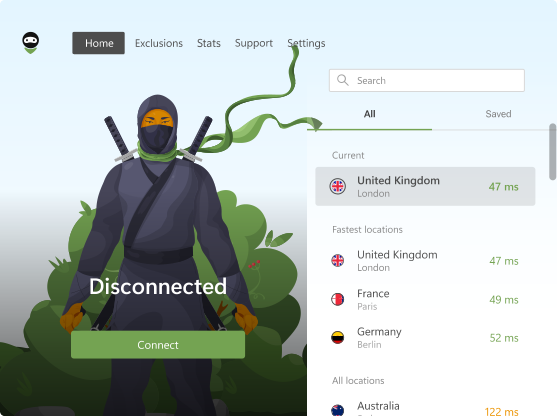
Proceeding to the bigger news of this release — we added support for Firefox for Android! Our users have different approaches to VPN, and we are trying to cater to all of them. Now, if you don’t want to use the full-fledged app, you can switch AdGuard VPN Browser Extension on right in your favorite browser.
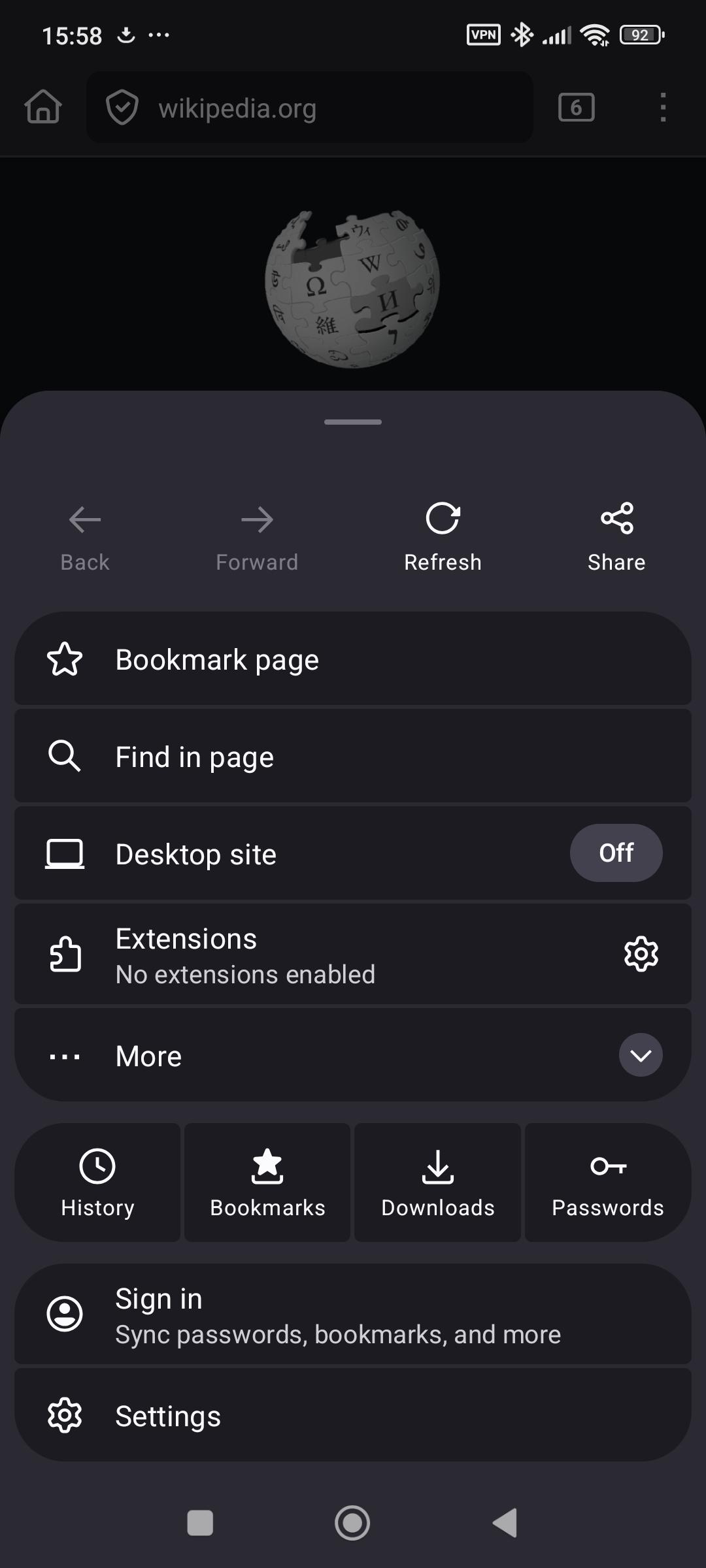
How to install AdGuard VPN Browser Extension on Firefox for Android
- Open Firefox on your Android device.
- Tap the three-dot menu on the right side of the browser window.
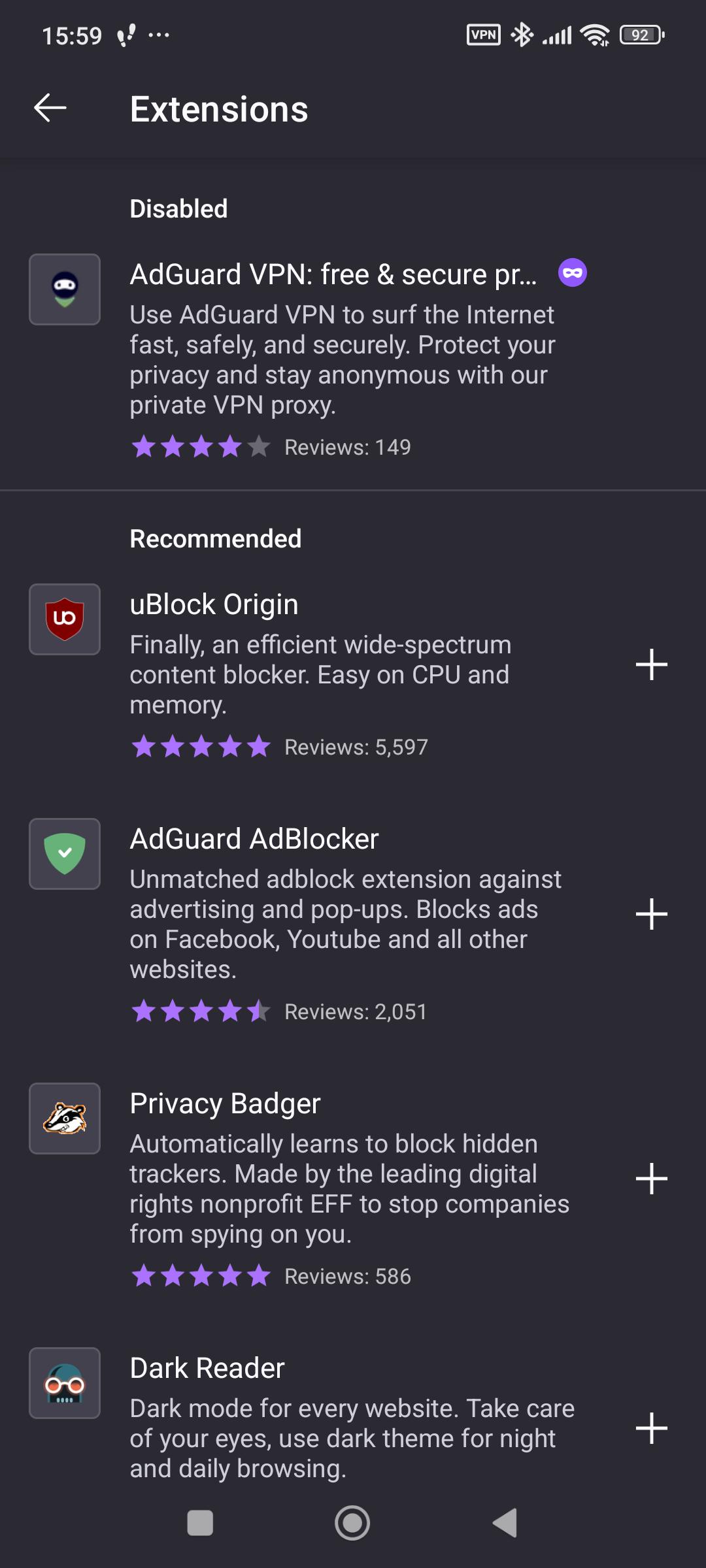
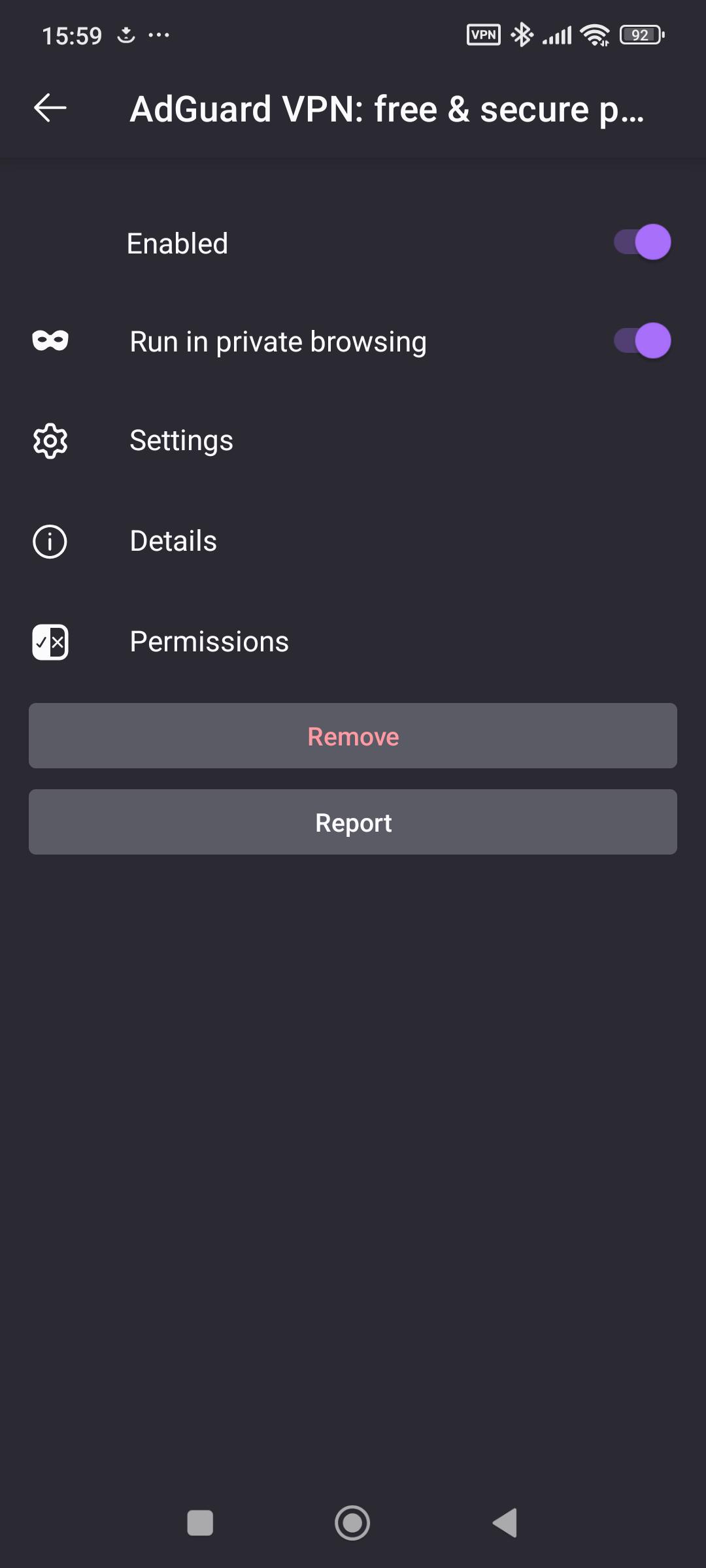
- Tap Extensions to find AdGuard VPN Browser Extension. It will either be in the list, or you will be able to search for it through the Find more extensions line.
- Read and accept the EULA and Privacy Policy by checking the respective box. Optionally, you can also allow AdGuard VPN to collect anonymous data on the app usage, which we need to improve our product. Then click Continue.
- You will need to sign up or log in to your AdGuard account to finish the installation.

We would really appreciate it if you could try the new version of our VPN extension on Firefox for Android and leave feedback — this way we will be able to address any possible issues and clear them up fast, to make the usage of the app enjoyable for everyone.
UI improvements
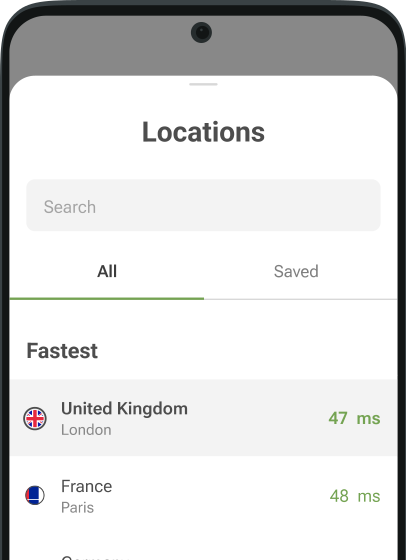
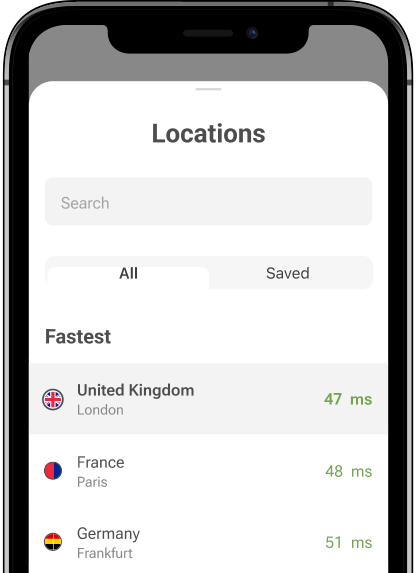
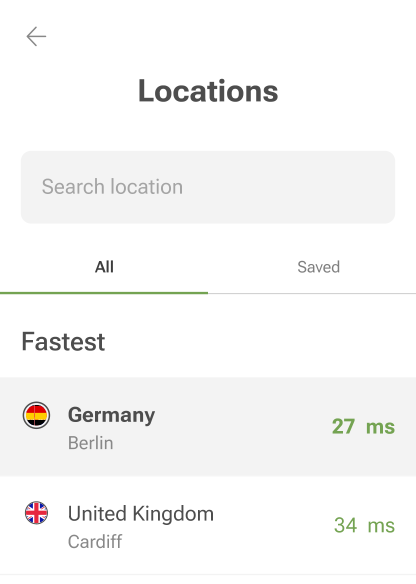
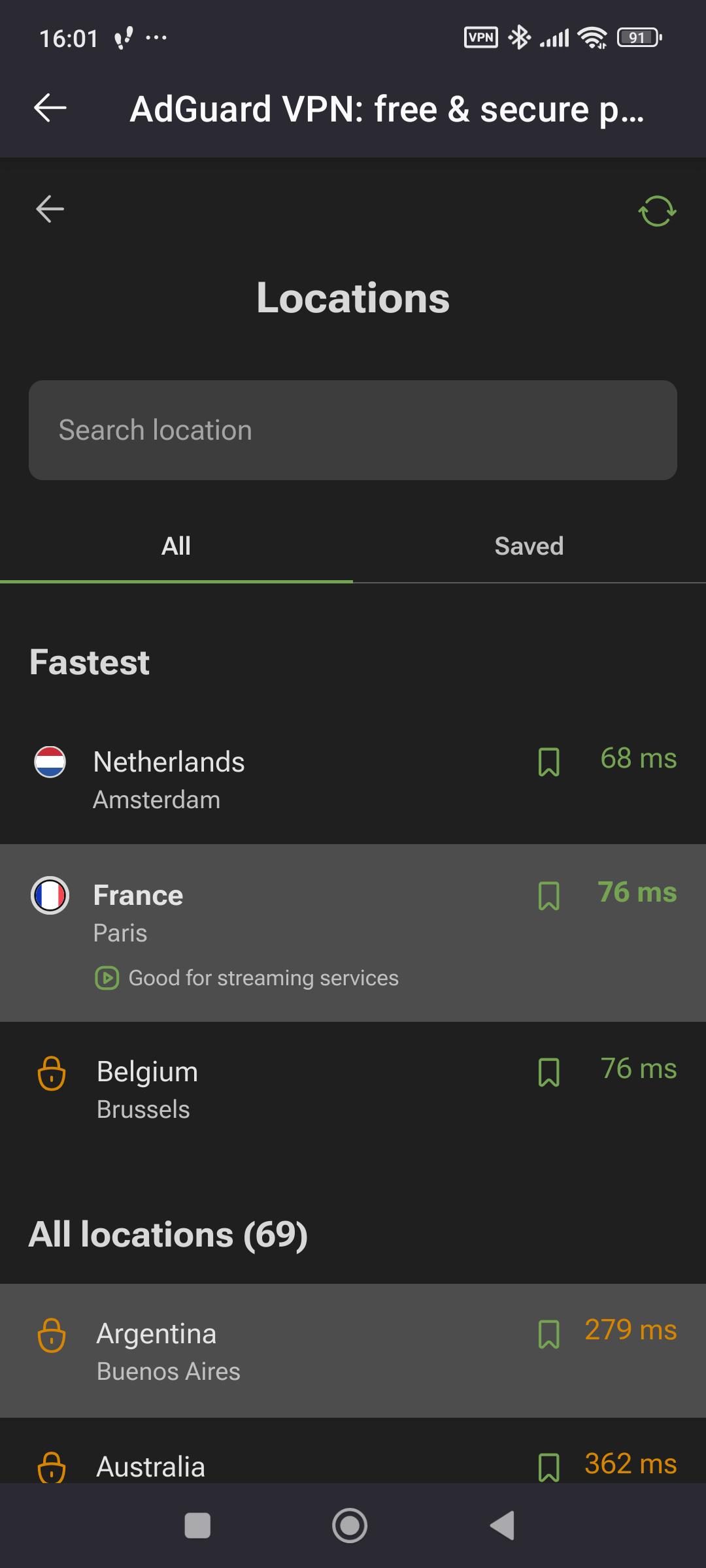
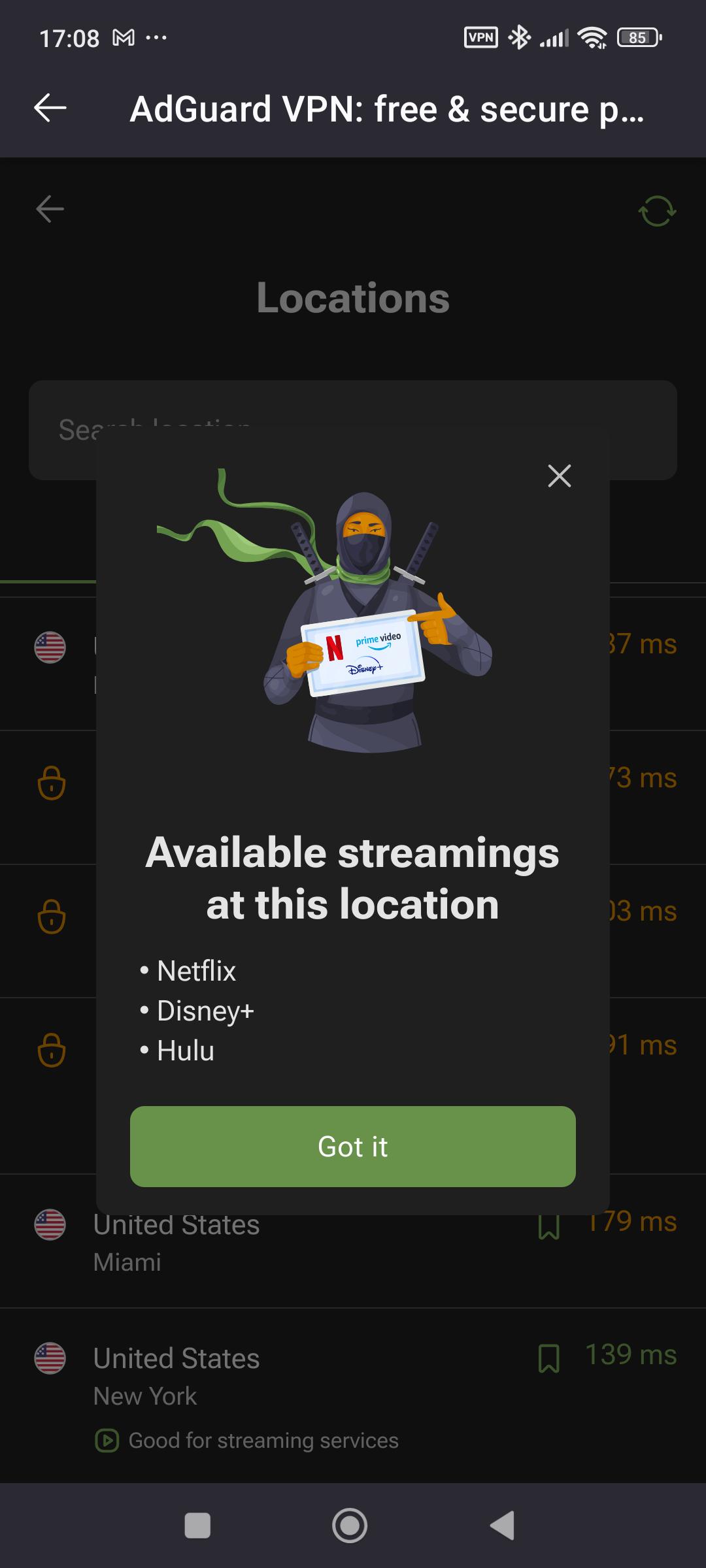
As for UI, now the locations best suited for streaming have their own separate icons and can be easily identified. The locations are clickable: you can see which streaming services are available for each of those locations.
We also fixed a glitch that affected the display of notification messages and cleared out all the visual clutter.
You can check out the full changelog on our website.
Feedback is important
We make our products better with your feedback: please don’t hesitate to contact us on social media or suggest features or changes on GitHub.