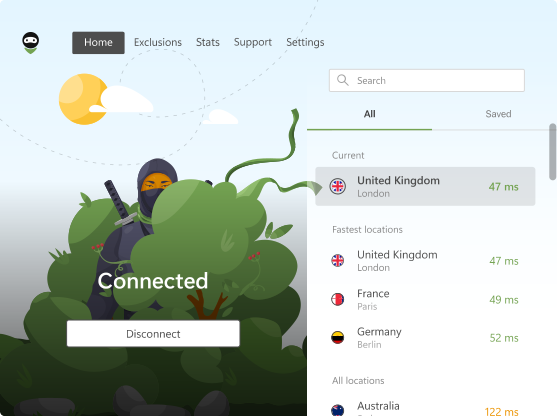
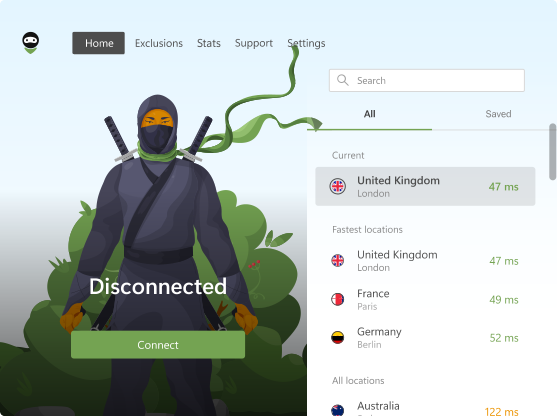
AdGuard VPN Browser Extension v2.7: Now with web-based authorization

AdGuard VPN Browser Extension v2.7 is out! We improved our extension both outside and inside — we worked on the UI, tweaked the code, fixed small bugs, and added an important change to the types of logging in. Let’s see in detail what we have to offer with this version.

Web-based authorization: why is it special?

We’ve switched to web authorization to our VPN extension, and now our whole range of VPN products supports this type of authentication. The mechanics are pretty simple: whenever you log in, you’ll be taken to a browser page where you can access your AdGuard account and log in seamlessly.

What are the benefits of web-based authorization?

  • It allows us to maintain the service more efficiently, identifying and resolving issues faster.
  • It provides a consistent login process and interface across all devices.
  • It is now possible to use password managers and enable autocomplete. If you forget your password or choose not to use one, you can get a temporary code via email with the new “Use one-time code instead” option.

Changes in the UI

One of the changes we mentioned above concerned the user interface. Let’s expand on that. We pay special attention to the usability of all our products, and the UI is an essential component. This time, we worked on the Stats page. We noticed that the way dates were formatted didn’t help much, so we decluttered this tab and made it easier to read.
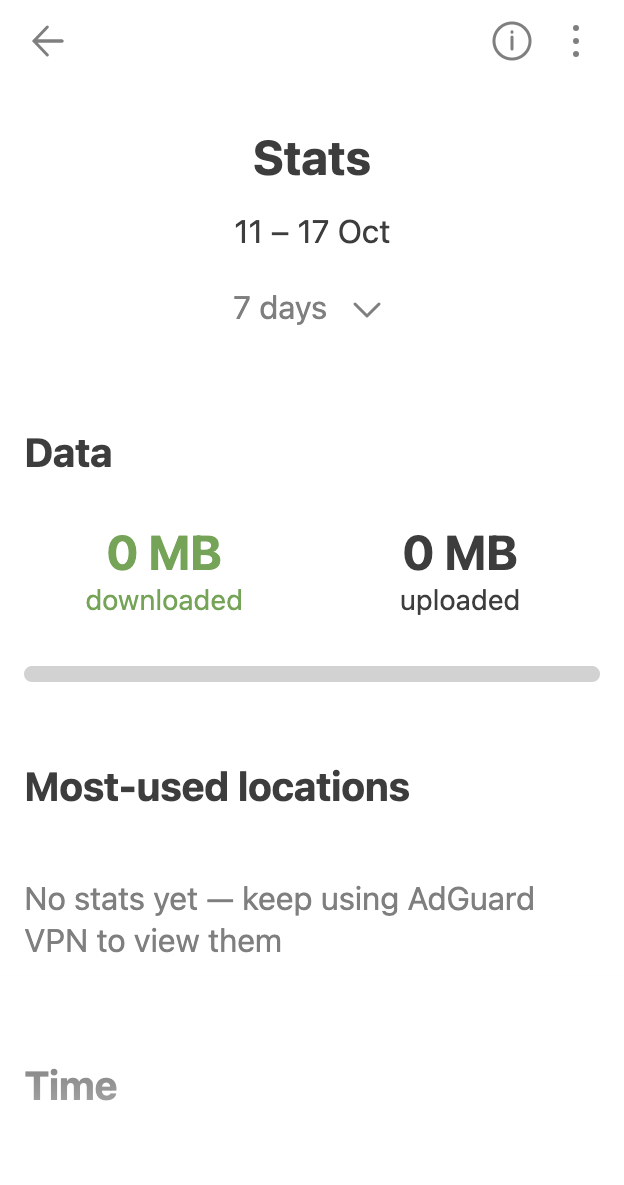
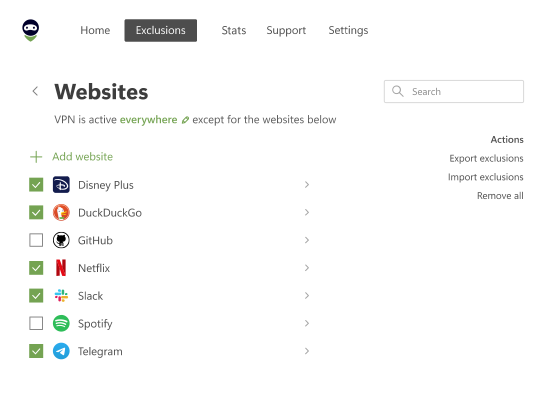
Stats tab *mobile_border

Another difference is that the pop-up menu on the Stats page has changed. You now have a separate About your stats dialog. Clicking on the Information sign in the upper corner of the screen gives you information on what is and isn’t counted in your statistics. Stats may differ depending on which browsers you use AdGuard VPN Browser Extension in.
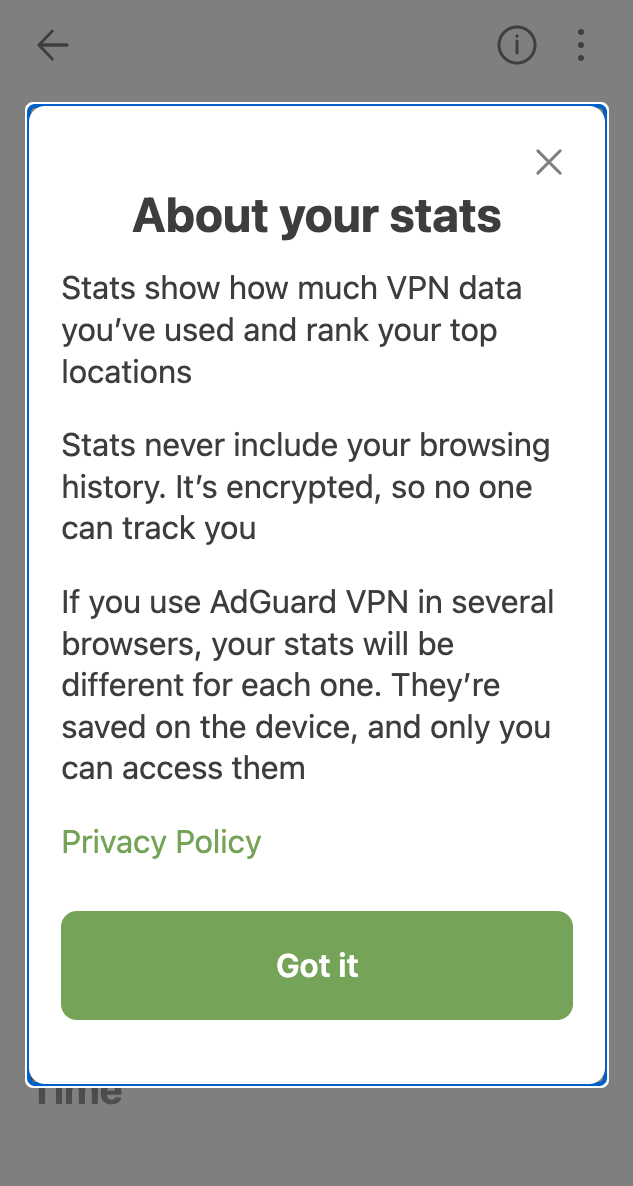
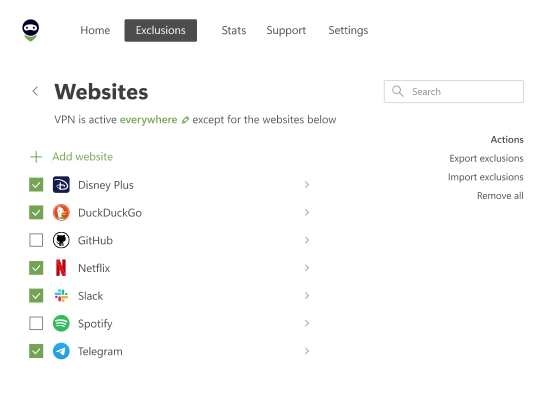
Pop-up menu *mobile_border

Finally, we’ve also made significant improvements to the VPN client itself, enhancing the extension’s performance and stability. You can check out the full changelog on our website.

Feedback is important

We rely on your feedback to make our products better: don’t hesitate to contact us on social media or suggest features or changes on GitHub.


Liked this post?
9,332 9332 user reviews
Excellent!

AdGuard VPN
for Windows

Use any browser or app and never worry about your anonymity again. The entire world is at your fingertips with AdGuard VPN.
Download
By downloading the program you accept the terms of the License agreement
Read more
9,332 9332 user reviews
Excellent!

AdGuard VPN
for Mac

In just two clicks, select a city from anywhere in the world — we have 80+ locations — and your data is invisible to prying eyes.
Download
By downloading the program you accept the terms of the License agreement
Read more
9,332 9332 user reviews
Excellent!

AdGuard VPN
for Android

Remain anonymous wherever you go with AdGuard VPN! Dozens of locations, fast and reliable connection — all in your pocket.
Google Play
By downloading the program you accept the terms of the License agreement
Read more
Download
By downloading the program you accept the terms of the License agreement
Read more
9,332 9332 user reviews
Excellent!

AdGuard VPN
for iOS

Boost your online protection by taking it with you wherever you go. Use AdGuard VPN to enjoy your favorite movies and shows!
App Store
By downloading the program you accept the terms of the License agreement
Read more
9,332 9332 user reviews
Excellent!

AdGuard VPN
for Android TV

Discover AdGuard VPN for Android TV! Enjoy seamless streaming, enhanced security, and easy setup.
Google Play
By downloading the program you accept the terms of the License agreement
Download
By downloading the program you accept the terms of the License agreement
9,332 9332 user reviews
Excellent!

AdGuard VPN
for Chrome

Hide your true location and emerge from another place in the world — access any content without speed limits and preserve your web anonymity.
Learn more
Install
By downloading the program you accept the terms of the License agreement

AdGuard VPN
for Edge

Get to a different location in one click, hide your IP, and make your web surfing safe and anonymous.
Learn more
Install
By downloading the program you accept the terms of the License agreement

AdGuard VPN
for Firefox

Protect your privacy, hide your real location, and decide to where you need the VPN and where you don't!
Learn more
Install
By downloading the program you accept the terms of the License agreement

AdGuard VPN
for Opera

Be a ninja in your Opera browser: move quickly to any part of the world and remain unnoticed.
Learn more
Install
By downloading the program you accept the terms of the License agreement
9,332 9332 user reviews
Excellent!

AdGuard VPN
for routers

Install AdGuard VPN on your router to secure your entire network. Decide which devices to protect and when
This option is only available with an AdGuard VPN subscription
9,332 9332 user reviews
Excellent!

AdGuard VPN
for Linux

Get the best free VPN for Linux and enjoy seamless web browsing, enhanced security, Internet traffic encryption, and DNS leak protection. Choose from multiple VPN servers and access the locations you want
9,332 9332 user reviews
Excellent!

AdGuard VPN
for Apple TV

Discover AdGuard VPN for Apple TV! Enjoy seamless streaming, enhanced security, and easy setup
This option is only available with an AdGuard VPN subscription
9,332 9332 user reviews
Excellent!

AdGuard VPN for Xbox

Protect your Xbox with AdGuard VPN and enjoy seamless online gaming, enhanced security, and easy setup
This option is only available with an AdGuard VPN subscription
9,332 9332 user reviews
Excellent!

AdGuard VPN
for PS4/PS5

Protect your PlayStation with AdGuard VPN and enjoy seamless online gaming, enhanced security, and easy setup. Choose from multiple VPN servers and access the locations you want
This feature is only available with an AdGuard VPN subscription
9,332 9332 user reviews
Excellent!

AdGuard VPN
for Chromecast

Install AdGuard VPN on your Google TV (Chromecast Gen 4) or on your network router (Chromecast Gen 3) and enjoy streaming content with Chromecast while staying anonymous online and accessing content from anywhere. For Chromecast Gen 3, you need an AdGuard VPN subscription
AdGuard VPN
download has started
Click the button indicated by the arrow to start the installation.
Scan to install AdGuard VPN on your mobile device