VPN for Kodi
Kodi has become one of the most popular platforms for streaming media, offering users access to movies, TV shows, live sports, and music — all in one place. Its open-source nature allows developers to create countless add-ons, making Kodi highly customizable and appealing to millions of users worldwide. Whether you’re looking to organize your media library or explore different types of content, Kodi provides an easy and flexible solution.
However, great flexibility comes with certain risks. Many Kodi users access third-party add-ons or stream content from unofficial sources, which can expose their devices and personal information to cyber threats. This is where a VPN (Virtual Private Network) becomes essential.
A VPN helps users protect their online privacy and maintain anonymity. By encrypting your Internet connection, a VPN for Kodi ensures that your streaming activity remains private, safeguarding you from hackers, Internet service providers (ISPs), and potential security issues related to unverified add-ons or unsafe content. In this article, we’ll explore why Kodi users need a VPN, the specific risks involved, and how a VPN enhances your streaming experience.
Why do Kodi users need a VPN?
Users need a VPN for Kodi because streaming without one can expose them to privacy risks and security threats. While Kodi itself is completely legal, many people install third-party add-ons to expand their streaming options. These add-ons sometimes pull content from unofficial or unverified sources, which can increase the chance of malware and put your personal data at risk. A VPN for Kodi helps reduce these dangers by hiding your real IP address and encrypting your Internet traffic, ensuring your activity stays private and protected.
Another important reason to use a VPN for Kodi is protection on public or untrusted networks. If you stream on hotel Wi-Fi, at a café, or even at home through your ISP, your traffic could be monitored or throttled. A VPN prevents ISPs from deliberately slowing down your connection and stops hackers from intercepting your data.
What are the main risks of using Kodi without a VPN?
Using Kodi without a VPN leaves you vulnerable to several serious risks.
First, you lose your privacy. Your ISP can monitor everything you stream through Kodi. If they detect heavy data usage, they may throttle your connection, slowing down your streams. Without encryption, all of your online activity is exposed to your ISP and potentially to other third parties.
Second, there are security threats. Many Kodi users install third-party add-ons to expand their streaming options, but not all of these add-ons are trustworthy. Some may contain malicious code, unsafe links, or even hidden trackers. Without using a VPN for Kodi, to mask your real IP address and encrypt your traffic, you’re more vulnerable to hackers who could target your device or steal sensitive data.
Third, there are legal and safety concerns. While Kodi itself is completely legal, some unofficial add-ons may provide access to copyrighted material. If you accidentally stream such content without protection, your online activity can be easily traced back to you through your IP address.
In short, streaming on Kodi without a VPN means less privacy, weaker security, and higher risk of exposure. A VPN for Kodi helps protect your identity, safeguard your data, and create a safer streaming environment.
How does a VPN improve the Kodi streaming experience?
A VPN improves your streaming experience by adding privacy, security, and stability to your connection. Without protection, everything you stream is visible to your ISP. ISPs often monitor traffic and may deliberately slow down connections during high-bandwidth activities like HD or 4K streaming. With a VPN for Kodi, your traffic is encrypted and hidden, so your ISP can’t easily see or throttle your activity — resulting in smoother, more reliable playback.
Security is another big advantage. Many Kodi add-ons come from third-party sources that sometimes carry hidden risks, such as malware, trackers, or unsafe scripts. A VPN for Kodi masks your real IP address, making it harder for attackers to identify or target you.
Combined with strong encryption, this ensures that your personal data and device remain protected while you explore different Kodi add-ons.
Finally, a VPN for Kodi helps maintain anonymity. Your IP address is like a digital fingerprint that reveals your identity and location. Without a VPN, this information is exposed whenever you stream through Kodi. A VPN replaces your IP address with one from its own secure server, giving you an extra layer of anonymity and peace of mind while you enjoy your favorite content.
Can a VPN prevent tracking from Kodi add-ons?
Yes, using a VPN can significantly reduce the risk of being tracked by Kodi add-ons. Many third-party add-ons collect IP address, device information, and streaming habits to serve targeted ads or for other purposes. Without a VPN, your real IP address and location are visible, making it easy for add-ons — or anyone monitoring them — to identify you.
When you use a VPN, your Internet traffic is encrypted and routed through a secure server. This masks your real IP address, so the add-ons only see the VPN server’s IP address instead of yours. Even if an add-on attempts to track your activity, it won’t be able to link it back to you directly.
While a VPN can’t block all data collection within the add-on itself (for example, if the add-on actively logs account activity or settings), it does prevent external tracking and monitoring by ISPs, hackers, or other third parties. Combined with safe streaming habits and trusted add-ons, a VPN adds a strong layer of privacy for Kodi users, keeping their streaming activity more anonymous and secure.
Will a VPN slow down streaming on Kodi?
Using a VPN may slightly affect your streaming speed, but this impact is often minimal with a reliable service. When you connect to a VPN, your Internet traffic is encrypted and routed through a VPN server. This extra step can add a small delay, depending on factors like the server’s location, its load, and the strength of your Internet connection.
However, many top-tier VPNs are optimized for streaming and use high-speed servers specifically designed to handle large amounts of data. These VPNs minimize buffering, reduce lag, and maintain smooth playback even in HD or 4K. In some cases, the best VPN for Kodi can even improve streaming performance if your ISP is throttling certain types of traffic, such as video streaming.
How to choose a VPN for Kodi
Choosing the right VPN for Kodi is essential to ensure a secure, private, and smooth streaming experience. Not all VPNs are created equal, and some may slow down your connection, log your activity, or fail to protect your privacy properly. Here are the key factors to consider:
Strong encryption and no-logs policy. Look for a VPN that uses strong encryption (like AES-256) to keep your data safe from hackers and prying eyes. A strict no-logs policy ensures the provider doesn’t store records of your online activity, keeping your streaming habits private.
High-speed servers. Kodi streaming requires stable, high-bandwidth connections. Choose a VPN with fast servers optimized for streaming to minimize buffering and maintain smooth playback, even for HD or 4K content.
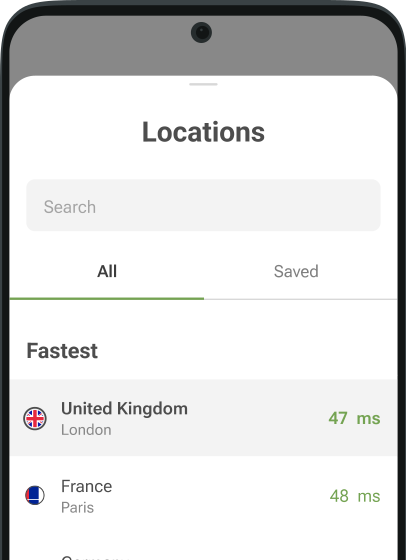
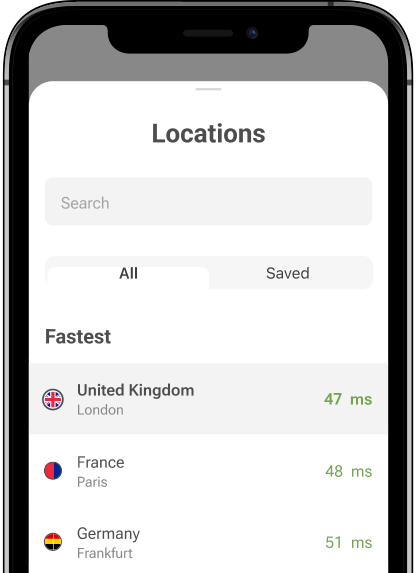
Wide server network. A VPN with servers in multiple locations helps maintain a reliable connection. Even if one server is busy, you can switch to another for better performance.
Device compatibility. Make sure the VPN supports all the devices you use with Kodi, whether it’s a Fire TV Stick, Android box, Windows PC, or smartphone. Some VPNs offer dedicated apps for easy setup on popular streaming devices.
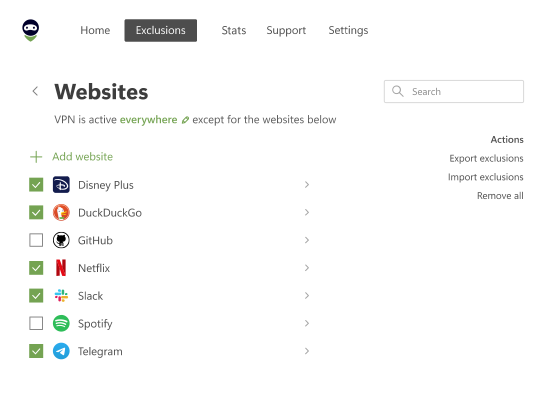
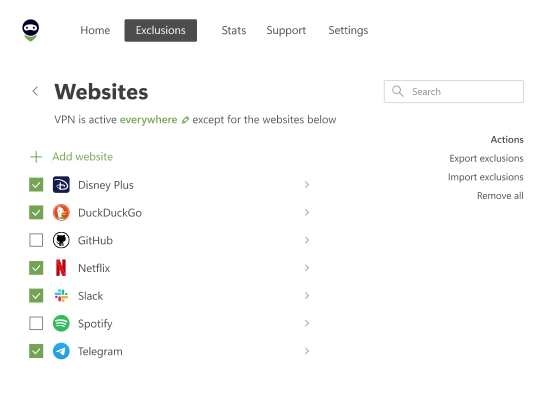
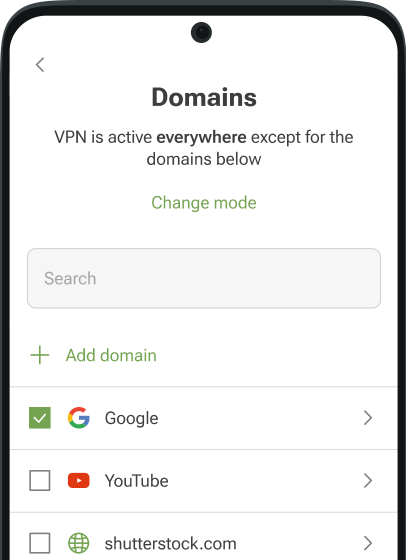
Security features. Additional features like a kill switch, DNS leak protection, and split tunneling enhance security and prevent accidental exposure if the VPN connection drops.
Reputation and support. Check reviews, independent tests, and user feedback to ensure the VPN is reliable and trustworthy. Responsive customer support is also important if you run into setup or connectivity issues.
Which VPN services are best for Kodi?
In this section, we’ll take a closer look at some of the best VPNs for Kodi. Each of them provides reliable protection and solid performance, but they differ in features, and the kind of user they’re best suited for.
AdGuard VPN
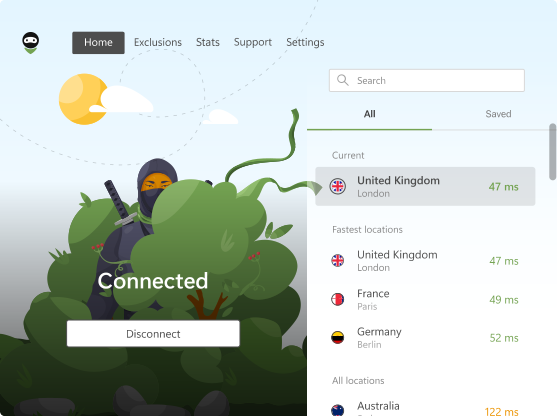
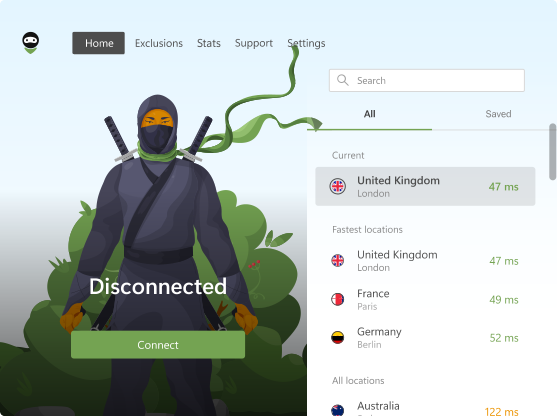
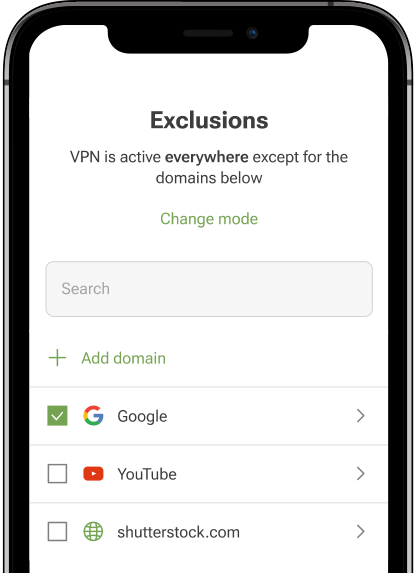
AdGuard VPN is a strong choice for Kodi users who want both privacy and flexibility. It offers a free plan with 3 GB of monthly traffic, which can be useful for light streaming, but the paid version is more suitable for those who watch regularly. The service uses AES-256 encryption and a proprietary protocol that keeps connections secure while maintaining stable speeds, even when streaming in high quality.
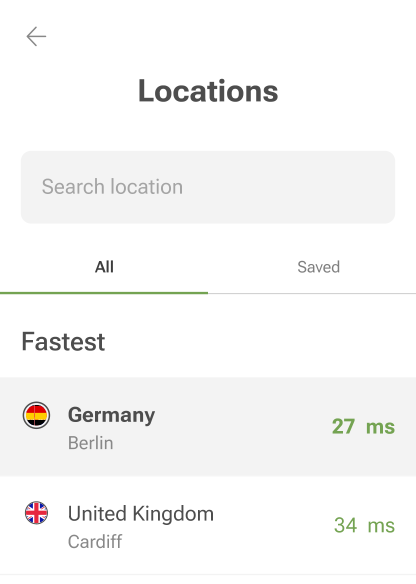
AdGuard VPN also follows a strict no-logging policy, ensuring that your streaming activity is not tracked or stored. With support for a wide range of devices, including Windows, macOS, Android, iOS, Android TV, routers, and even game consoles, it easily integrates into most home entertainment setups. For Kodi users, this means you can protect your privacy whether you are streaming on a dedicated TV box, a Fire Stick, or directly on your computer. The free tier may feel restrictive for heavy streaming, but the paid option provides up to 10 simultaneous device connections and over 80 server locations worldwide, making it a reliable and versatile VPN for Kodi.
NordVPN
NordVPN is one of the most trusted names in the VPN industry and works very well with Kodi. It combines fast servers with a large global network, which helps maintain smooth playback even for HD or 4K streams. Privacy is a major strength, as NordVPN runs RAM-only servers, has undergone independent audits, and enforces a strict no-logs policy. Extra features like Threat Protection, double VPN routing, and obfuscated servers add additional layers of security, making it harder for anyone to monitor your online activity. NordVPN is available on most platforms and is easy to set up on Kodi devices such as Fire Stick or Android boxes, making it a good balance of speed, security, and usability.
Surfshark
Surfshark is particularly attractive for Kodi users who have multiple devices, since it allows unlimited simultaneous connections on one subscription. This means you can cover your TV, smartphone, laptop, and other Kodi devices without restrictions. Despite its affordable price, Surfshark offers solid speeds and reliable streaming performance, handling HD and even 4K playback with little buffering. It also comes with additional privacy features such as CleanWeb, which blocks ads and trackers, and multi-hop connections for extra security. For Kodi users looking for an affordable yet feature-rich VPN, Surfshark is a very practical option.
ExpressVPN
ExpressVPN is often recommended for its consistency and reliability, which are especially important for Kodi streaming. It provides excellent speeds, strong encryption, and advanced security measures like a kill switch and private DNS to ensure that your data is never exposed. ExpressVPN also works across a wide range of platforms and can be installed on routers, which is useful if your Kodi device doesn’t support VPN apps directly. Its premium pricing makes it more expensive than some competitors, but for users who prioritize stable performance and ease of use, ExpressVPN remains a dependable choice for streaming with Kodi.
CyberGhost
CyberGhost is another popular VPN for Kodi, especially for beginners who value simplicity. It offers an enormous server network with thousands of options worldwide, making it easy to find a fast and stable connection. The apps are straightforward to use and include dedicated streaming profiles that optimize connections for smooth playback. CyberGhost also enforces a no-logs policy and uses strong encryption to keep your data private. While it may not have as many advanced settings as some competitors, its combination of ease of use, wide server coverage, and affordable plans makes it a solid option for Kodi users who want a hassle-free experience.
IPVanish
IPVanish is well-suited to Kodi users who want flexibility and a high number of simultaneous connections. It supports unlimited devices on a single subscription, so you can secure all your streaming gadgets at once. The service provides solid speeds, decent privacy protection through a no-logs policy, and apps for a wide range of platforms including Android, Fire TV, Windows, and macOS. While it may not be quite as fast or feature-rich as premium VPNs like NordVPN or ExpressVPN, IPVanish remains a reliable mid-tier option that balances performance, privacy, and affordability for Kodi users.