Instagram stalker
An Instagram stalker is someone who closely monitors another person’s activity on the platform — such as their posts, stories, followers, likes, and comments — often without engaging or making their presence known. While casual browsing is common on social media, the term “Instagram stalker” implies a pattern of repeated and intense observation, which can feel invasive to the person being watched.
Many users are concerned about Instagram stalking because it raises issues of privacy and personal boundaries. With features like stories, reels, and follower lists, it’s easy for an Insta stalker to keep tabs on someone without their knowledge. This can lead to discomfort or even fear, especially when the behavior crosses into obsession or harassment.
It’s important to distinguish between harmless curiosity — such as occasionally checking a friend’s profile — and intrusive behavior, where someone tracks every move and interaction. The line between the two is often defined by intent, frequency, and the effect on the person being observed.
In this article, we’ll explore the signs of Instagram stalking, how the platform handles privacy and security, ways to protect yourself, and whether it’s possible to find out who’s watching your activity.
What is an Instagram stalker?
An Instagram stalker is someone who closely and repeatedly monitors another user’s activity on the platform — often without revealing their identity or engaging with the user. This can include watching stories, viewing posts, or checking profiles frequently, sometimes to the point of obsession. Unlike regular followers who interact openly, stalkers usually remain silent and unnoticed.
What kind of behavior is considered Instagram stalking?
Stalking on Instagram typically involves someone closely monitoring another person’s activity in a way that feels excessive or intrusive. Examples include an Instagram stalker repeatedly watching someone’s stories as soon as they’re posted, frequently visiting their profile without engaging, or scrolling far back to view and like very old posts. In some cases, stalking can involve creating fake or anonymous accounts to continue viewing someone’s content, especially after being blocked. The key element is a pattern of quiet, persistent observation that goes beyond normal curiosity.
Why is this behavior a concern?
While Instagram is designed for public sharing, this kind of silent and ongoing attention can make people feel uncomfortable or even unsafe. Many users describe feeling watched or monitored, especially when the person doing it is a stranger or someone they don’t wish to interact with. Over time, this behavior can cross the line from passive viewing to emotional distress. In more serious cases, it can lead to harassment or attempts to contact the person outside of the platform.
Is this behavior visible to the person being stalked?
Not always. Instagram doesn’t notify users when someone visits their profile, so most of this activity remains invisible. Aside from actions like likes, comments, or story views, there are few signs that someone is paying close attention. This lack of transparency can be unsettling, especially when a person suspects they are being observed but has no way to confirm it.
Can you see who stalks your Instagram?
No, Instagram does not let users see who views their profile. Many users search for ways online on how to see who stalks their Instagram, — but the truth is, the app doesn’t provide that information. Instagram intentionally limits this kind of tracking to protect user privacy. That means there is no official feature that shows who visits your profile or checks your content without interacting.
What activity can you see on Instagram?
Although Instagram hides profile views, it does show certain types of engagement that can hint at who’s paying attention to your content. For example, you can see who watches your stories and highlights, but only within 24 hours of posting. Likes, comments, and follows are also visible and provide a clear indication of who interacts with your profile publicly. In addition, if someone frequently replies to your stories or sends direct messages related to your posts, they may be closely following your activity — even if they don’t engage publicly.
Are there apps that show who’s stalking your Instagram?
Some third-party apps claim to reveal who is viewing your Instagram profile, but these services are misleading and often unsafe. Instagram does not share profile view data with external apps, which means those tools can’t actually deliver on their promises. Instead, they may collect your personal data, put your account at risk, or even violate Instagram’s terms of service — potentially leading to your account being restricted or banned.
Are there privacy or security risks associated with using these apps?
Yes, and they are serious. Many stalker apps collect your personal data — sometimes directly from your Instagram account. This data can be misused, sold, or exploited. Even worse, most apps require you to log in with your Instagram credentials, putting your account at risk of being hacked or gaining unauthorized access.
Can using these apps get your account banned?
Yes. Granting access to unauthorized third-party services violates Instagram’s terms of service. If Instagram detects such activity, your account may be temporarily blocked or permanently banned.
What are the common signs of Instagram stalking?
One of the most frequent signs is receiving follow requests from new accounts with no posts, no profile pictures, and only a handful of followers. These accounts are often fake or secondary profiles used to view your activity anonymously. Another red flag is spotting fake-looking profiles — accounts with strange usernames, empty bios, or stolen photos — that never interact with you but keep watching your content.
If someone consistently appears in your story views but doesn’t follow you or engage with your content in any other way, that could also indicate stalking — especially if it happens regularly. Sudden spikes in story views or random likes on very old posts might suggest that someone is quietly digging through your profile history — classic Insta stalker behavior.
When should you be concerned?
You should be especially cautious if you notice these behaviors often or if they are combined with other suspicious actions — like receiving strange or intrusive direct messages, being followed and unfollowed repeatedly, or noticing several similar-looking accounts monitoring your content. These patterns could indicate persistent surveillance, not just curiosity.
Could it be harmless?
Sometimes, yes. A few of these signs on their own may be the result of random browsing or algorithmic suggestions. But when anonymous activity is persistent, intentional, and makes you feel watched or uncomfortable, it’s important to take it seriously. Online behavior can have real emotional impact, and your discomfort is valid. Even if an Insta stalker isn’t actively threatening you, their constant monitoring can still feel invasive.
How can I protect myself from stalkers on Instagram?
If you feel someone is monitoring your activity too closely — or if you simply want more control over your privacy — there are clear steps you can take to limit who sees your content and how they interact with you. These measures are useful for both preventing unwanted attention and responding to suspicious behavior.
Should I make my account private?
Yes, making your account private is one of the most effective ways to protect yourself. With a private profile, only people you approve can see your posts, stories, and highlights. This simple change gives you full control over your audience and significantly reduces exposure to unknown or unwanted viewers.
Can I remove someone without blocking them?
Absolutely. You can remove any follower quietly, without notifying them. This is a subtle way to cut off access if someone is making you uncomfortable, but hasn’t done anything that clearly warrants a block.
When should I block or restrict someone?
If someone repeatedly views your content or behaves suspiciously, blocking them will cut off their access to your profile. If you prefer a less visible approach, select the Restrict option. This hides your activity from the selected user and limits how their messages and comments appear to you, without notifying them that they’ve been restricted.
Are there settings that control story visibility?
Yes, Instagram allows you to control who can see and interact with your stories. You can turn off the option for others to share your stories and hide them from specific followers. These settings give you tighter control over who views and shares your content.
It’s not possible to add someone else’s story directly to your highlights. Highlights can only include your own published stories that are automatically saved to your archive. However, if someone mentions you in their story, you’ll receive a notification in direct messages and may be able to repost it to your own story. Once reposted, it becomes part of your own story and can then be added to your highlights.
What tools does Instagram offer for safety?
Instagram provides several built-in tools for dealing with unwanted behavior. You can Restrict users to limit how they engage with you, Block them to fully cut off access, Hide Stories from specific people, or Report accounts that harass or violate community guidelines.
Can a VPN help protect me from Instagram stalkers?
A VPN (Virtual Private Network) won’t stop someone from watching your Instagram stories or checking your posts. However, it can help protect your network privacy and reduce the risk of more advanced tracking methods that operate outside the app itself. While most Instagram stalking happens through normal in-app behavior — like viewing stories or visiting profiles — some users worry about more technical forms of surveillance, such as IP-based tracking.
What is IP-based tracking, and should I be concerned?
Every device that connects to the Internet uses an IP address, which can reveal your general geographic location and link your activity across websites. While Instagram doesn’t share IP addresses between users, someone could potentially track your IP through third-party services, links you click, or other embedded tools. This is a less common but more invasive way of monitoring someone’s online behavior.
How does a VPN improve privacy?
A VPN works by routing your Internet connection through a secure, remote server. This hides your real IP address and encrypts your data, making it much harder for websites, advertisers, or malicious actors to pinpoint your location or monitor your browsing behavior across different platforms. Essentially, a VPN makes it harder to link your Instagram usage to your identity or physical location.
Which VPN is worth considering?
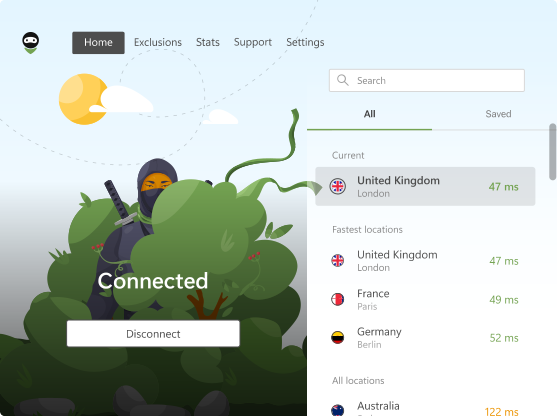
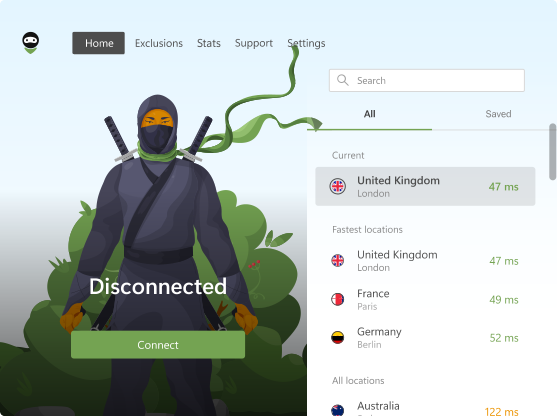
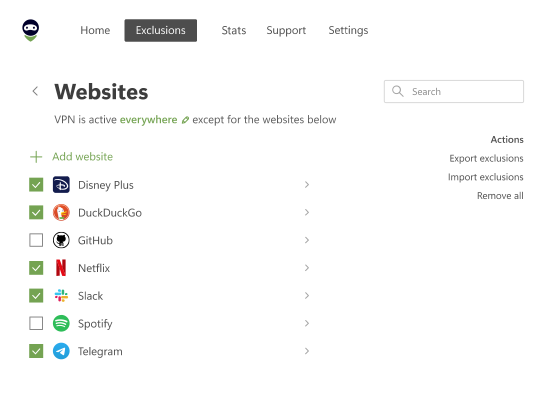
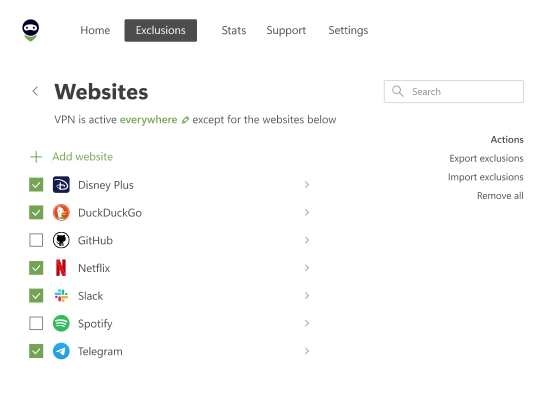
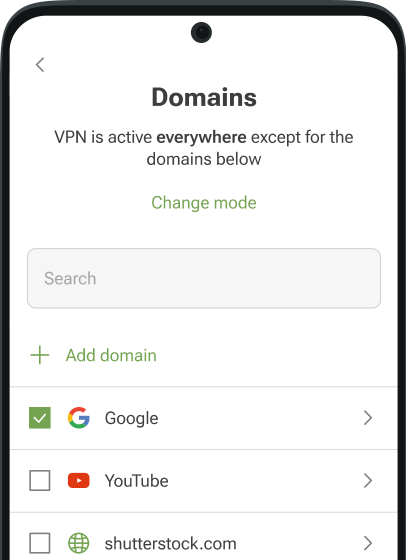
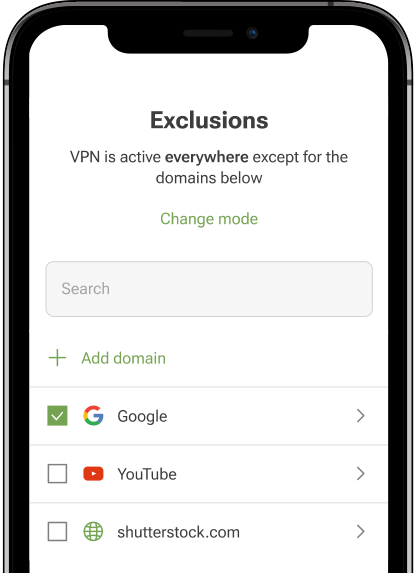
If you choose to use one, AdGuard VPN is a strong option worth considering. It offers fast and secure connections, a strict no-logging policy, and full transparency about how your data is handled. One of its standout features is the proprietary AdGuard VPN protocol, designed to disguise VPN traffic as regular traffic and avoid detection. You can also selectively route traffic through the VPN using Split Tunneling and Exclusions, giving you more control over which apps or websites use the secure connection. With apps for all major platforms and no tracking of your online activity, AdGuard VPN provides both privacy and flexibility.
Does a VPN stop Instagram stalking completely?
No. A VPN helps you stay anonymous in a broader Internet context, but it doesn’t prevent someone from watching your stories, liking your posts, or following you inside the app. It’s best thought of as an extra layer of protection — not a solution to social stalking itself.
When does Instagram stalking become harassment?
Instagram stalking crosses the line into harassment when it moves from passive observation to persistent, unwanted behavior that causes emotional distress, fear, or a feeling of being unsafe. This includes actions like sending repeated or aggressive messages, creating multiple accounts to bypass blocks, or using the platform to try to track your offline movements. If someone’s behavior makes you feel intimidated, watched, or violated, it’s no longer harmless — it’s harassment.
What should I do if I feel threatened?
If someone's actions on Instagram make you feel threatened or uncomfortable, don’t ignore it. Start by using Instagram’s tools to block or restrict the person, then report the account directly to the platform. You can also hide your stories from them or switch to a private account. If the situation escalates — especially if it involves threats, blackmail, or exposure of your personal information — contact your local authorities. Remember, online harassment can have offline consequences, and you have every right to protect yourself.
How do I report stalking on Instagram or to the police?
To report a user on Instagram, go to their profile, tap the three-dot menu, and choose Report. You can report them for harassment, impersonation, or abusive behavior. If the situation is more serious, such as someone threatening you or trying to find you in real life, contact your local police or a cybercrime unit. In many countries, persistent online harassment is considered a criminal offense that can be prosecuted.