Say hello to AdGuard VPN on the Microsoft Store
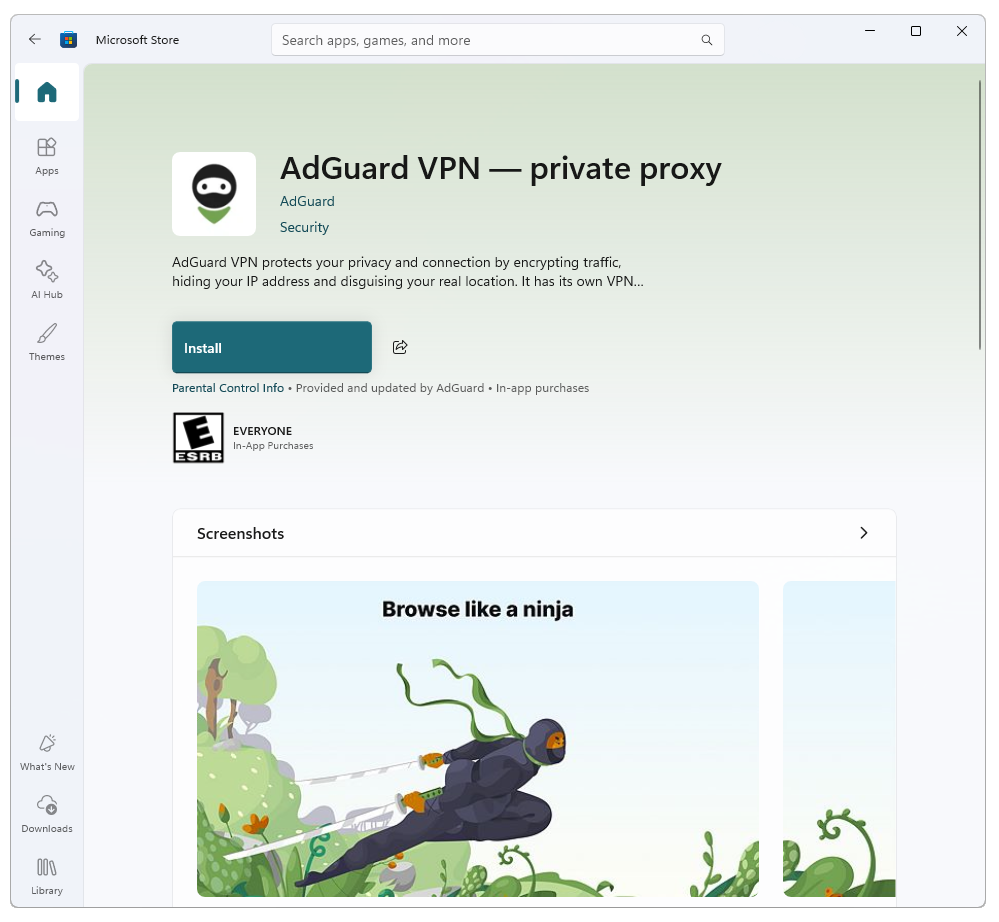
Good news for Windows users: AdGuard VPN for Windows is now available for download on the Microsoft Store. If you like keeping all your apps in one place, you can download AdGuard VPN directly from the store in just a few clicks.
This isn’t a new version of the app — it’s the same AdGuard VPN you already know and love, but now more convenient to install and manage.
Easy and secure
Getting started takes just a couple of clicks. Open the store page, sign in, and hit Install — that’s it.
Downloading from the Microsoft Store means that you can be sure you’re getting the official build. You can also turn on automatic updates to make sure all your apps — including AdGuard VPN — update in the background.
And another nice touch: billing still goes through the AdGuard website, not through Microsoft’s billing system. That means no store lock-in, and flexible subscription options under your control.
Of course, if you’d rather download the app straight from our website, that option is still available here.
Your feedback matters
Now that we’re on the Microsoft Store, you can rate and review AdGuard VPN right there. This helps our team make the app even better. It’s also easier to share the app with other Windows users by sending them a reliable store link.
As always, we’d love to hear from you on our social media and GitHub.