Strap in and get your headsets ready: AdGuard VPN is now on Meta Quest
AdGuard VPN can now be installed on Meta Quest headsets directly from the Meta Horizon Store. This brings private and secure internet access to Meta’s VR ecosystem and makes it easier to use AdGuard VPN in immersive environments powered by Horizon OS.
This is an important milestone for us. In early 2026, AdGuard VPN first entered the Meta environment as a browser extension for Meta Quest Browser. It protected traffic inside the browser — but that was only part of the picture. Now AdGuard VPN is available as an app, with system-level protection instead of browser-only coverage.
We’re especially glad to be among the first VPN providers to launch a full-fledged app on the platform, helping bring privacy tools to a new generation of devices early on.
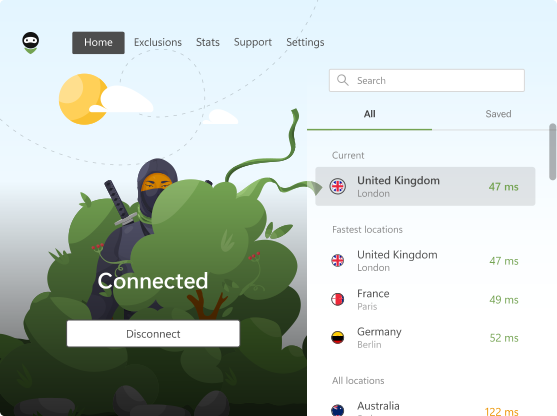
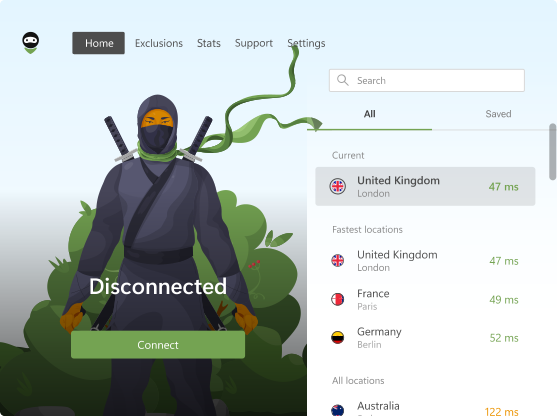
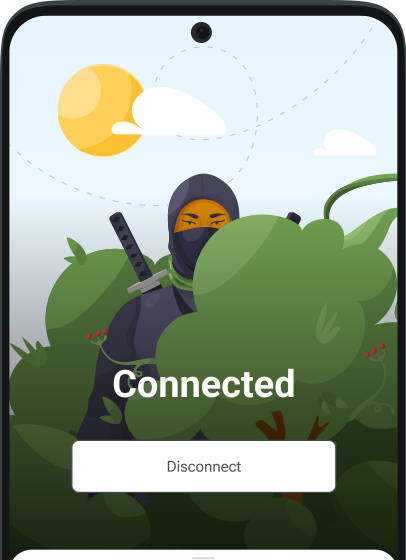
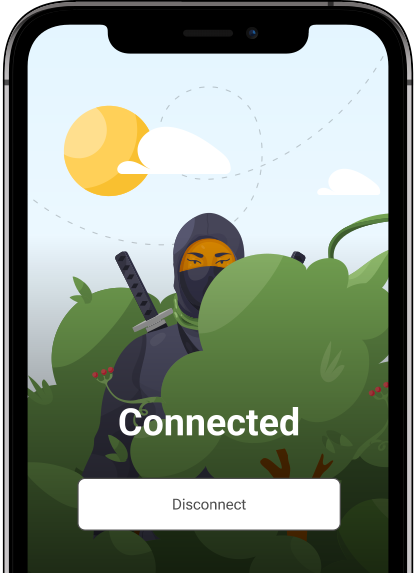
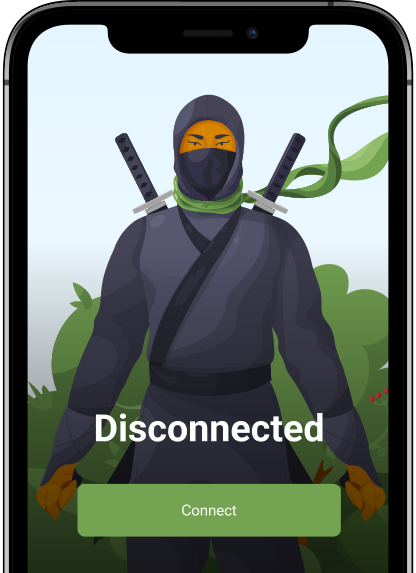
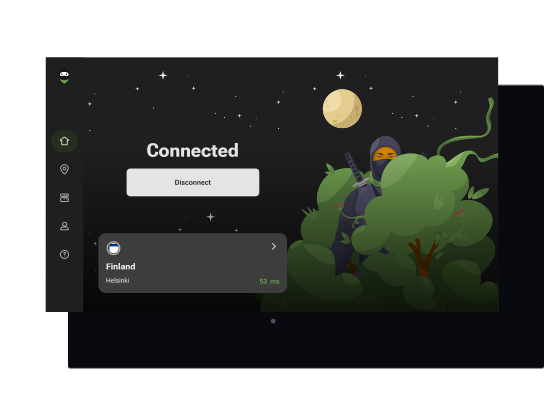
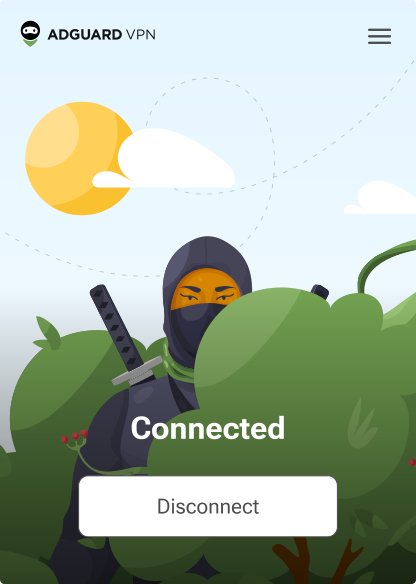
AdGuard VPN for Meta Quest works just like our mobile apps: it encrypts your traffic, hides your IP address, and secures your personal data, giving you a safer, unrestricted, and completely private virtual reality experience. Whether you’re gaming, streaming, or exploring virtual worlds in your Meta Quest headset, AdGuard VPN helps you stay secure and anonymous in any app. AdGuard VPN works on Quest 2, Quest Pro, Quest 3, and Quest 3S.
How to install AdGuard VPN from the Meta Horizon Store
Getting started is really simple:
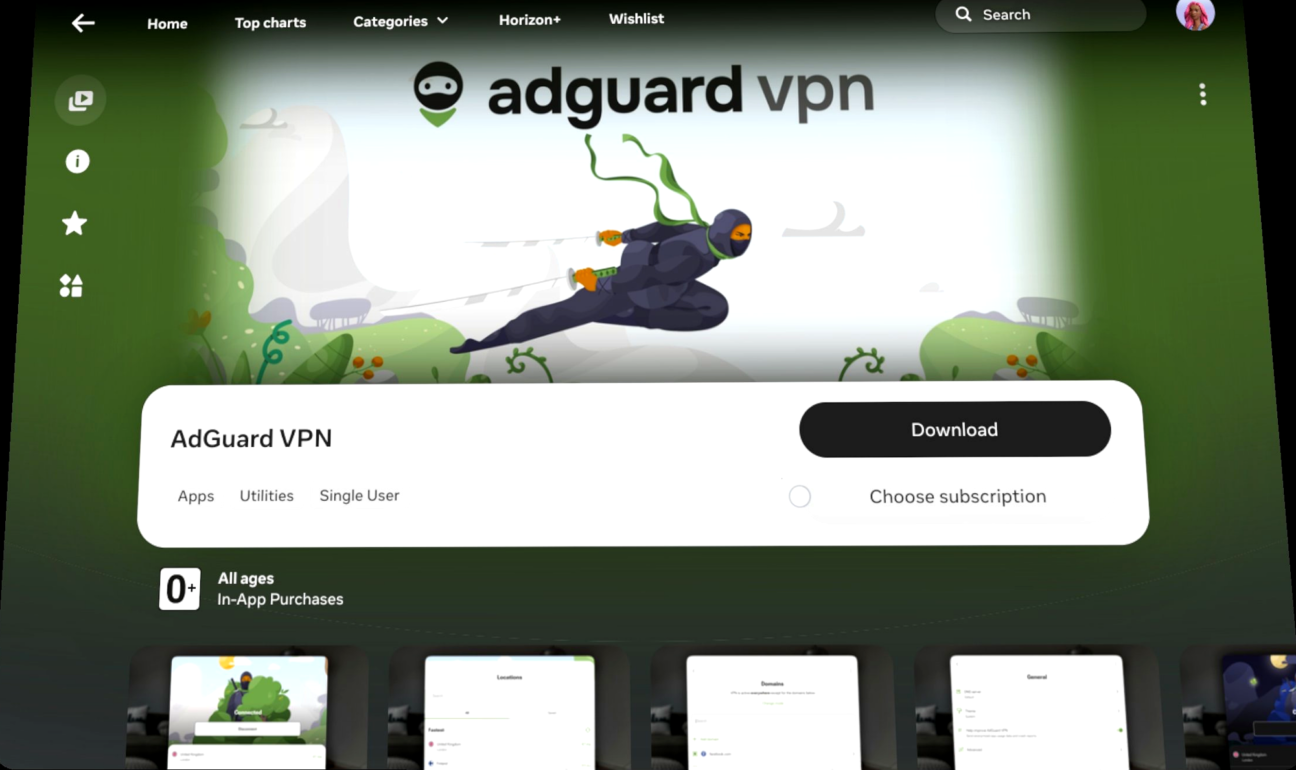
- Open the Meta Horizon Store on your device and search for AdGuard VPN
- Choose the app and tap Download
- Once downloaded, launch it from your App Library
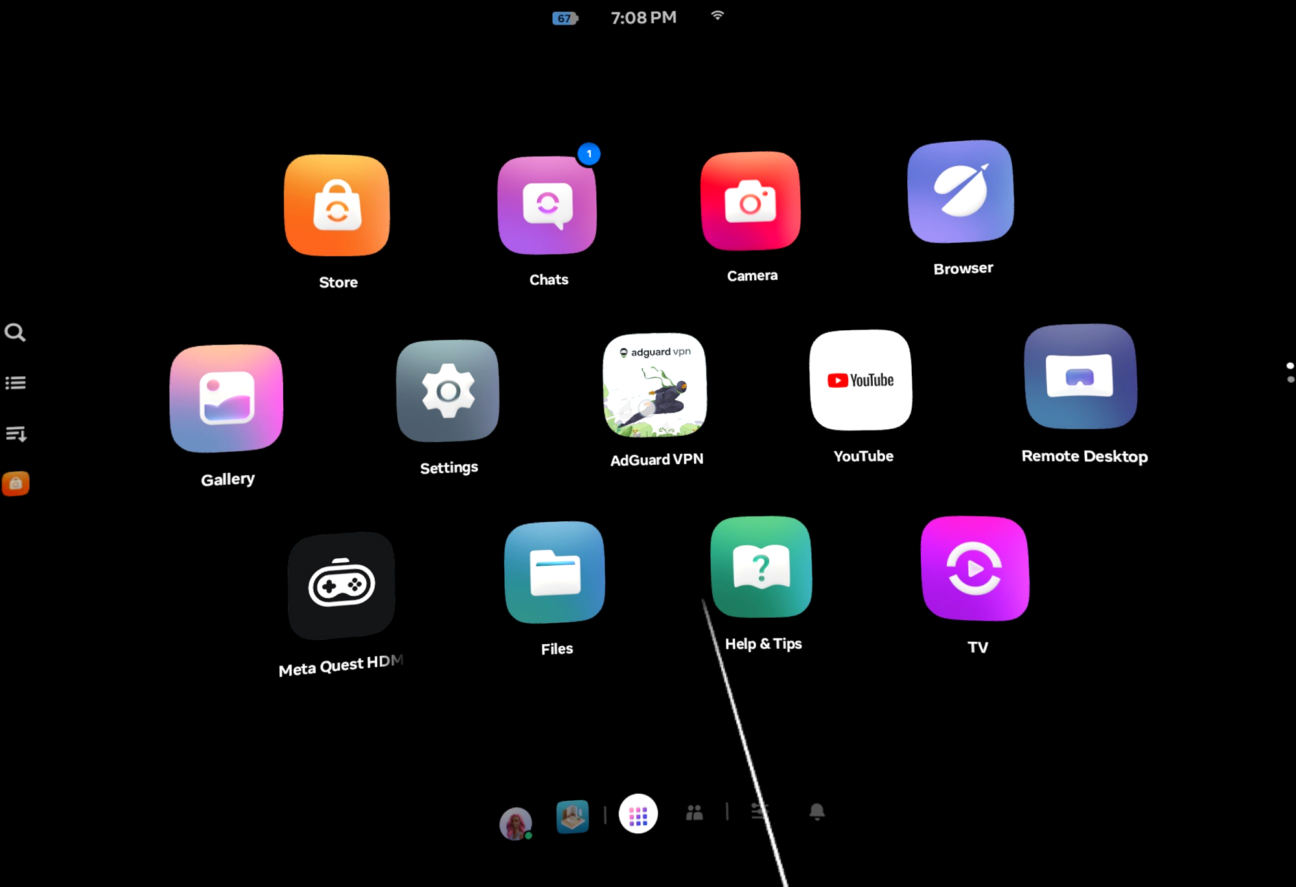
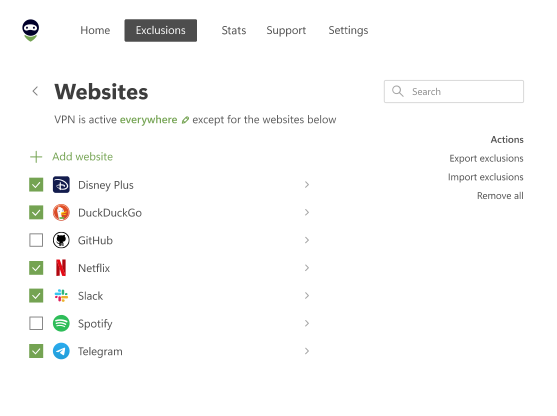
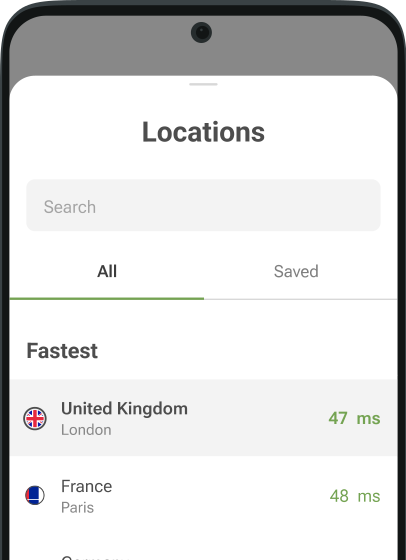
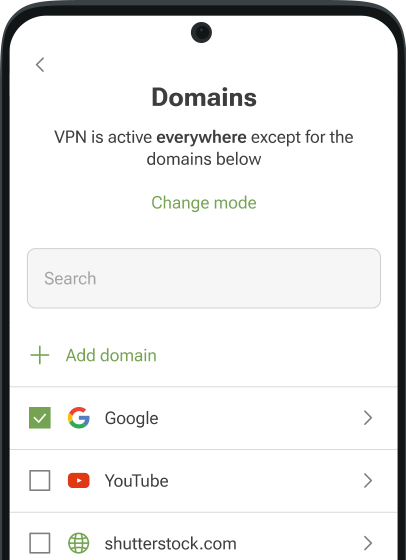
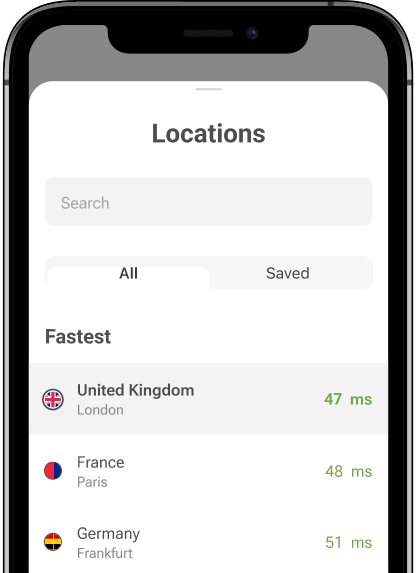
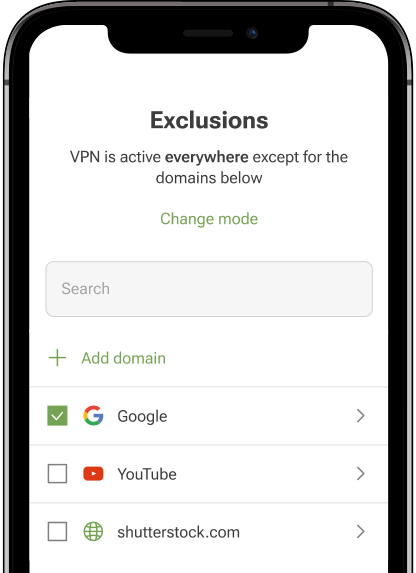
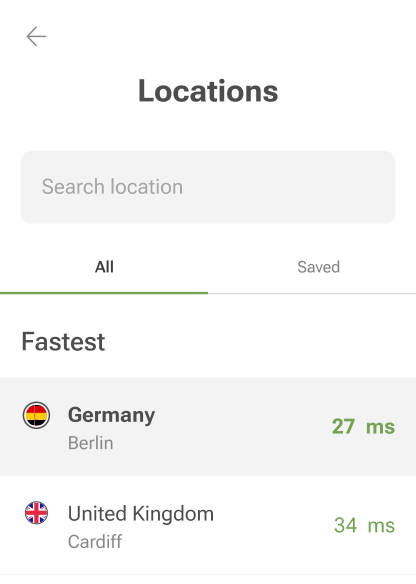
And you’re set! All that’s left is to open AdGuard VPN, choose your preferred server location, configure App exclusions if needed, and explore virtual reality with complete privacy.