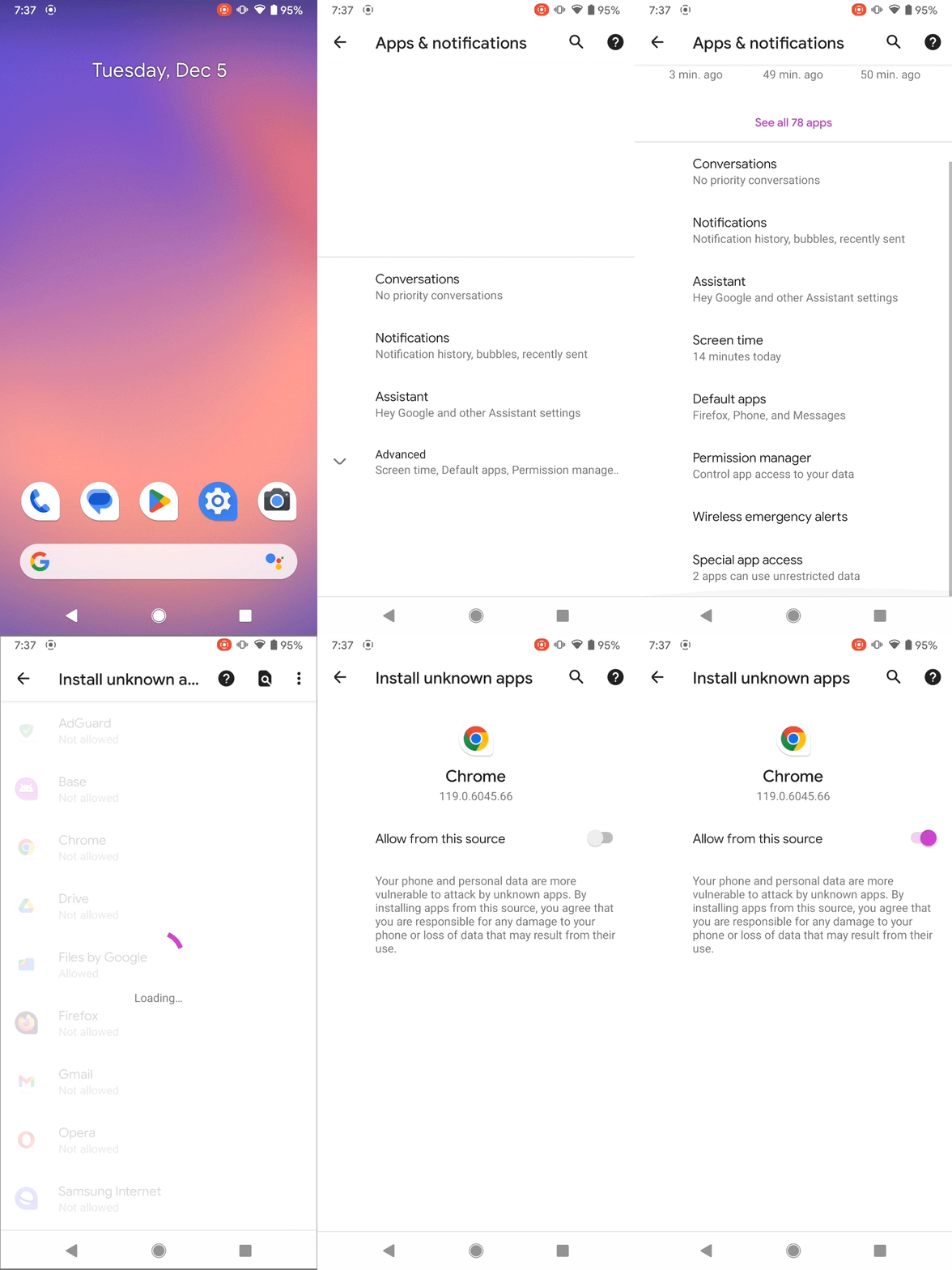
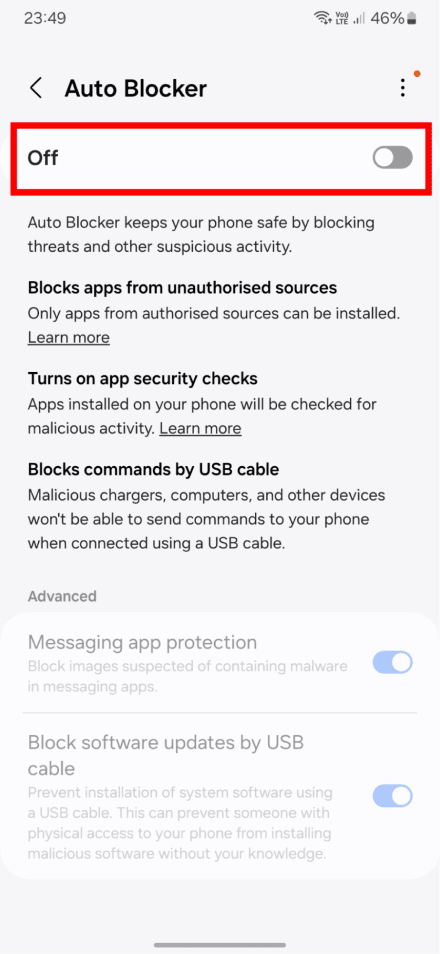
This app is saving my Internet at present. Thank you developers, team.
AdGuard VPN for Android
Install the VPN app for your Android from Google Play or download the APK for free
- Keep your online activity private with an encrypted VPN connection
- Choose from 75+ locations
- Access content from anywhere without geo-restrictions
AdGuard VPN for Android v2.17.3
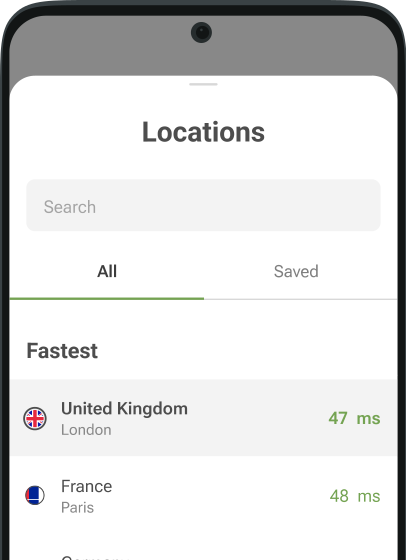
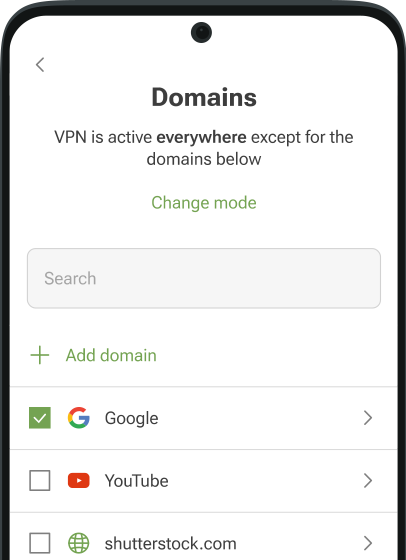
Why choose AdGuard VPN for Android
3 GB for free each month
Start with 3 GB of fast and free VPN traffic. Need more? Upgrade to stream without speed limits from any of the 75+ locations
TrustTunnel VPN protocol
AdGuard VPN uses its own open-source TrustTunnel protocol. It keeps your traffic private and your connection fast. The code is open for anyone to review
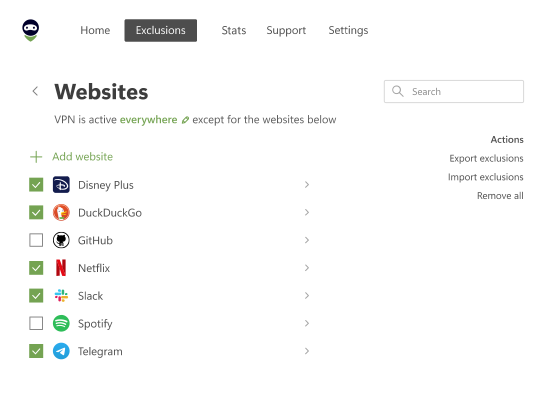
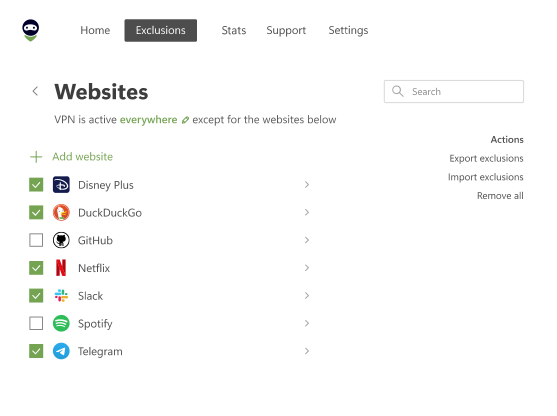
App and website exclusions
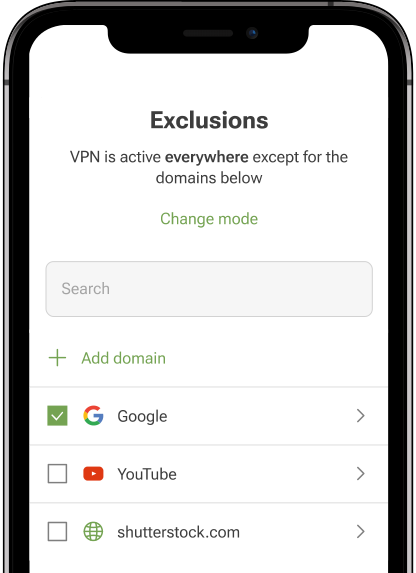
Use the VPN only where you need it. Choose which websites and apps go through the VPN, and which don’t
DNS servers
Stop your Internet provider from tracking your browsing history. Use any DNS you like on your Android. Some DNS servers can block ads, trackers, malicious websites, and adult content
Kill Switch
If the VPN connection drops, Kill Switch cuts your Internet connection. This way, your online activity stays private and there are no data leaks
Stream safely and anonymously
Watch your favorite TV shows while abroad. Or experience first-hand the streaming hits from other countries
AdGuard VPN for Android in other stores
AdGuard VPN rating:
4.7/5More than 9000 9,000 app reviews! We love our users and they love us back
Is a great VPN and I love that it is directly compatible with AdGuard itself. Two great services acting as one!
5 Star! Awesome app 💯👍🏼 Easy to use. Thank you for this.
Stabe and have many usable features.
I just downloaded and it works OK, but the free version is 3GB/mo which isn't much for video…
Doee the job done, Excellent

Thank you! You’ve helped us become a bit better
Failed to send review
Please try again or contact support
How to set up AdGuard VPN on Android

Get AdGuard VPN
Install the app from your app store. Or download the APK from the AdGuard VPN website
Choose location
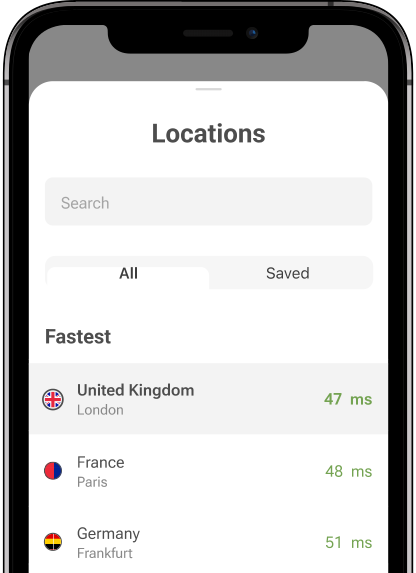
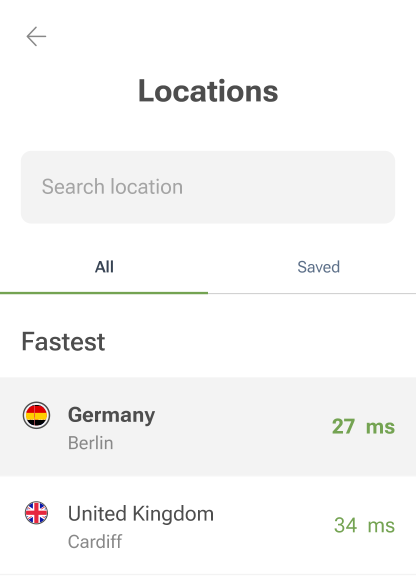
Tap the location list on the main screen. The free version offers 4 locations to switch between
Connect
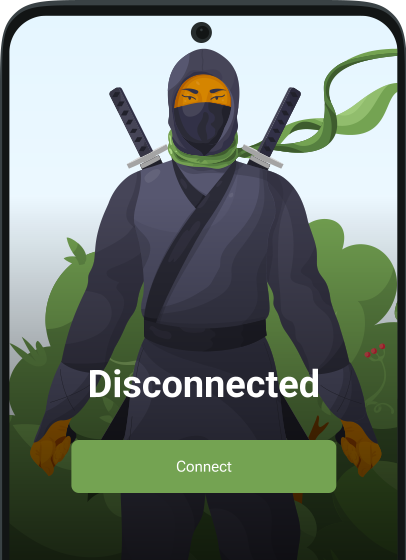
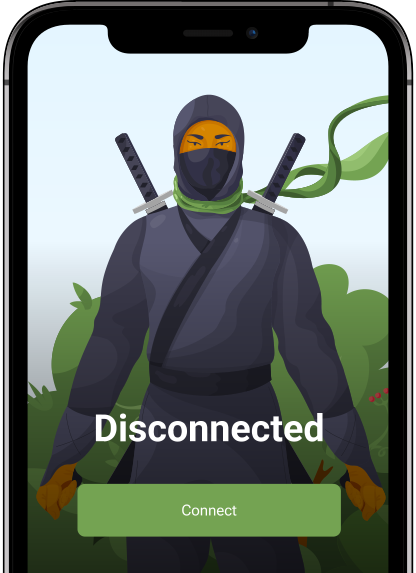
Give permission to set up a VPN connection — the VPN won’t work without it
Browse safely
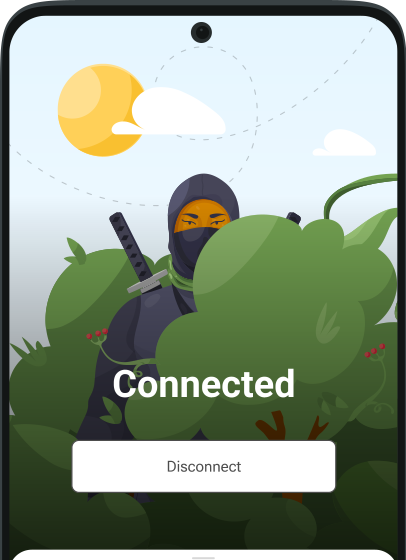
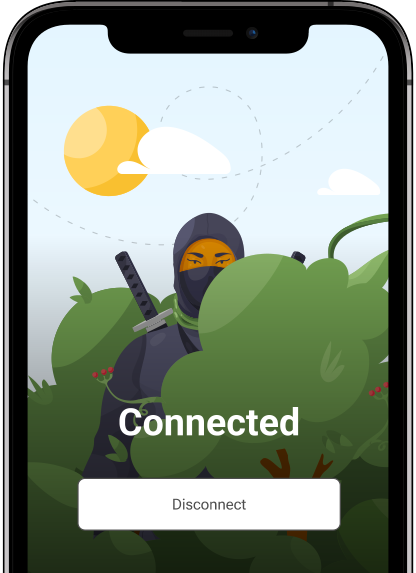
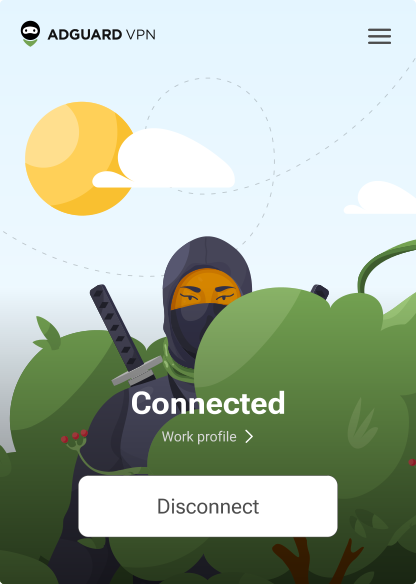
When the status shows Connected, your traffic is encrypted and your IP address is hidden
FAQ
- A VPN helps protect your privacy and personal information. Here’s what it does for your Android:Hides your IP address, so websites know less about youProtects you from attacks on public Wi-Fi networksKeeps your streaming and downloads privateHelps you find lower prices when shopping online
- Most Androids don’t come with a built-in VPN service. There’s an option to connect to a VPN server in the device’s Settings, but you first need to configure the VPN manually or use a third-party Android VPN app, such as AdGuard VPN.A built-in VPN service is available on Google’s Pixel 7 and later phones and is supported only in some regions.
- Encrypting your traffic takes extra work, so a VPN can slow your connection a bit and use a little more battery. If your battery screen shows AdGuard VPN near the top, here’s why: Android counts all network activity under the VPN app, so the number looks bigger than it really is.
- AdGuard VPN has a free and a paid version. The free version lets you try AdGuard VPN. Here’s what you get:3 GB of traffic each month4 server locationsUp to 2 devices at onceAdGuard’s free VPN has some limits. After you use your 3 GB, the speed goes down. Some servers are locked, and streaming becomes unavailable.If you want to use AdGuard VPN without restrictions, try the paid version:Unlimited dataNo speed limit75+ locationsUp to 10 devices at onceStreaming support
- Yes, you can. On your Android, go to Exclusions. There, change the exclusion mode so VPN is active only for certain apps and websites. Then add these apps and websites to exclusions. For everything else, AdGuard VPN won’t be active.Or you can use AdGuard VPN everywhere except for websites and apps in Exclusions. AdGuard VPN won’t be active for them.
- You can download the AdGuard VPN APK file directly from the official AdGuard VPN website. It has the same functionality as the app in the Google Play Store.
- Yes. In the AdGuard VPN settings, you can connect to a DNS server that blocks ads. We recommend using AdGuard DNS: it blocks ads and trackers and protects you from malware.Although AdGuard VPN can protect you from ads and trackers, it’s not as powerful as AdGuard Ad Blocker. It removes ads from websites and apps, blocks trackers, and warns you about dangerous websites. Besides, AdGuard VPN and AdGuard work well together on all devices.
- No. We keep no logs of your online activity. We collect only minimal information to identify and resolve technical issues. This data cannot be linked to you or your activity. AdGuard VPN doesn’t sell or share your data.
- Yes, AdGuard VPN supports Android TV. It allows you to stay private, stream safely, and access the online content you want — no matter where you are.Go to Google Play on your TV box and download the AdGuard VPN app. If you don’t have a store app on your TV, there are other options to install the app on your Android TV:
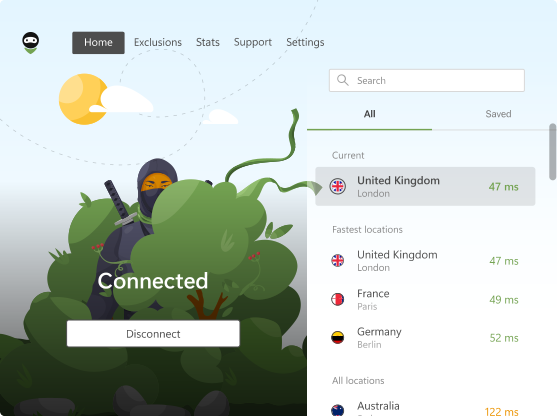
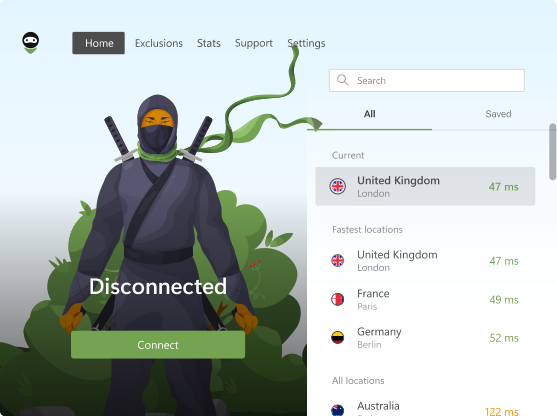
AdGuard VPN for Windows
Use any browser or app and never worry about your anonymity again. The entire world is at your fingertips with AdGuard VPN.
AdGuard VPN for Windows v2.10.3
AdGuard VPN for Mac
In just two clicks, select a city from anywhere in the world — we have 75+ locations — and your data is invisible to prying eyes.
AdGuard VPN for macOS v2.10.2
AdGuard VPN for Android
AdGuard VPN for Android offers dozens of fast locations. Browse with more privacy on the go. Block ads and trackers with the built-in DNS protection
AdGuard VPN for Android v2.17.3
AdGuard VPN for iOS
Protect your privacy and stream your favorite shows anonymously with AdGuard VPN for iOS. Block ads with the built-in DNS protection
Learn more
AdGuard VPN for iOS v2.17.3
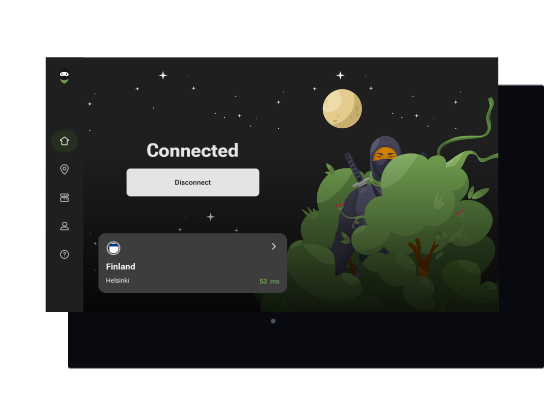
AdGuard VPN for Android TV
Discover AdGuard VPN for Android TV! Enjoy seamless streaming, enhanced security, and easy setup.
AdGuard VPN for Chrome
AdGuard VPN for Edge
AdGuard VPN for Firefox
AdGuard VPN for Opera
Hide your true location and emerge from another place in the world — access any content without speed limits and preserve your web anonymity.
Get to a different location in one click, hide your IP, and make your web surfing safe and anonymous.
Protect your privacy, hide your real location, and decide to where you need the VPN and where you don't!
Be a ninja in your Opera browser: move quickly to any part of the world and remain unnoticed.
AdGuard VPN Browser Extension v2.12.0.3
AdGuard VPN for routers
Install AdGuard VPN on your router to secure your entire network. Decide which devices to protect and when
This option is only available with an AdGuard VPN subscription
AdGuard VPN for Linux
Get the best free VPN for Linux and enjoy seamless web browsing, enhanced security, Internet traffic encryption, and DNS leak protection. Choose from multiple VPN servers and access the locations you want

AdGuard VPN for Apple TV
Discover AdGuard VPN for Apple TV! Enjoy seamless streaming, enhanced security, and easy setup
This option is only available with an AdGuard VPN subscription

AdGuard VPN for Xbox
Protect your Xbox with AdGuard VPN and enjoy seamless online gaming, enhanced security, and easy setup
This option is only available with an AdGuard VPN subscription

AdGuard VPN for PS4/PS5
Protect your PlayStation with AdGuard VPN and enjoy seamless online gaming, enhanced security, and easy setup. Choose from multiple VPN servers and access the locations you want
This feature is only available with an AdGuard VPN subscription
This option is only available with an AdGuard VPN subscription
AdGuard VPN for Chromecast
Install AdGuard VPN on your Google TV (Chromecast Gen 4) or on your network router (Chromecast Gen 3) and enjoy streaming content with Chromecast while staying anonymous online and accessing content from anywhere. For Chromecast Gen 3, you need an AdGuard VPN subscription
This option is only available with an AdGuard VPN subscription
How does a VPN work?
Your provider
You

Desired website
AdGuard VPN
AdGuard VPN for mobile
Scan to install AdGuard VPN on your mobile device
AdGuard VPN for mobile
Scan to install AdGuard VPN on your mobile device