A excelent VPN works great
AdGuard VPN for Chromecast
Install AdGuard VPN on your Google TV (Chromecast Gen 4) or on your network router (Chromecast Gen 3) and enjoy streaming content with Chromecast while staying anonymous online and accessing content from anywhere. For Chromecast Gen 3, you need an AdGuard VPN subscription
This option is only available with an AdGuard VPN subscription
How to use AdGuard VPN for Chromecast with Google TV
Chromecast with Google TV (Gen 4)
Install AdGuard VPN from Google Play
- Download and install AdGuard VPN from the Google Play Store and watch all your Internet content safely
Chromecast with Google TV (Gen 3)
Follow these steps to set up AdGuard VPN on your router. Make sure your router supports IPsec
Subscribe
- Select the subscription that suits you best
- Confirm your email address — you’ll need it to access your AdGuard account and get your credentials
Get your credentials
- In your AdGuard account, select AdGuard VPN
- Under Devices, click Add router
- Select the desired VPN server location and generate credentials
Set up your router
- In your admin page, go to the router settings
- Enable VPN Client and click Add VPN server
- Select IPsec/IKEV2
- Enter the credentials created in step 2
- Connect your TV and your smartphone, tablet, or computer to your router. Make sure they’re on the same network
Done! Now you’re ready to watch any content under the protection of AdGuard VPN
Benefits of AdGuard VPN for Chromecast
AdGuard VPN helps you stream content with Chromecast while staying anonymous online and accessing content from anywhere.
If you choose to install our app on your network router, it will also protect your entire network. All devices connected to your network are automatically protected by VPN, even those that don’t normally support VPN software. There is also no need to install and configure VPN on individual devices.
Other instructions
Five reasons to choose AdGuard VPN
Proprietary protocol
AdGuard VPN uses a unique proprietary VPN protocol that provides fast connection and unmatched user security
Military-standard encryption
AdGuard VPN uses AES-256, the strongest and fastest encryption standard available, to protect your data
Multiple server locations
AdGuard VPN has multiple VPN server locations for secure and fast streaming
Money-back guarantee
If AdGuard VPN does not work for you, enjoy our 30-day money-back guarantee on 1-year or longer subscriptions bought on our website
Apps for all platforms
In addition to AdGuard VPN for Chromecast, we offer apps for multiple platforms to ensure a consistent and secure experience across all your devices
Protect your privacy with AdGuard VPN
AdGuard VPN for Chromecast guarantees privacy and traffic security
Invisible and fast
AdGuard VPN has its own VPN protocol to ensure that you can enjoy fast, anonymous, and secure streaming. Experience top-notch protection with our exceptional VPN service!
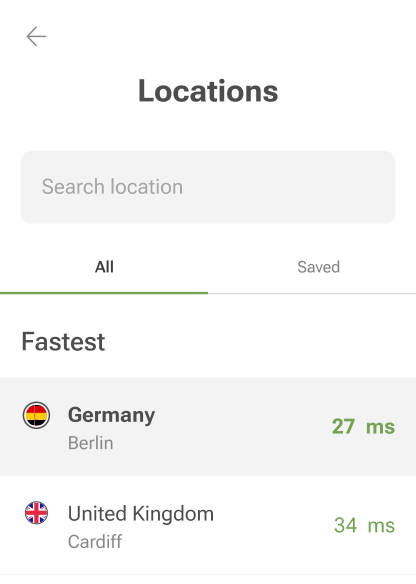
75+ locations
We offer VPN servers in many countries — hide your true IP address and enjoy the security and privacy of an encrypted VPN connection. Access your favorite content from anywhere!
Stream and chill
The best way to spend your evening is to watch a streaming service and chill. And with AdGuard VPN for Chromecast, you can watch whatever you want, wherever you are.
No-logging policy
We respect your privacy and prove it with our zero-logging policy. If we don’t know what you’re doing online, no one does.
AdGuard VPN rating:
4.7/5More than 9000 9,000 app reviews! We love our users and they love us back
It connects quickly and it sites wore very fast through the servers. I'm very happy with your VPN and AdGuard.
It works great. I’m satisfied.
It's great for what I need if for
Love this program, highly recommended.
Works as good or better than others and lifetime subscription is unbeatable.

Thank you! You’ve helped us become a bit better
Failed to send review
Please try again or contact support
FAQ
- When you use AdGuard VPN for Chromecast, you get an encrypted connection over the Internet. It allows you to stay private, secure, and access the online content you want no matter where you are. Encrypting your data helps prevent DNS leaks and protects your online activities from being tracked by ISPs.
- For Gen 4, simply download and install AdGuard VPN from Google Play.For Gen 3, follow our 3-step installation guide.
- For Gen 4, pick a VPN server from the list in your AdGuard VPN for Chromecast app.For Gen 3, log in to your AdGuard account and pick a VPN server location when creating your credentials. To change the server location, re-create the credentials in your AdGuard account for the new server and re-enter them on your router admin page.
- For Gen 4, you can use the free tier of AdGuard VPN. Purchasing a license unlocks more locations, removes usage caps, and allows streaming.For Gen 3, you need a paid AdGuard VPN subscription to use AdGuard VPN for Chromecast.
Browse like a ninja
AdGuard VPN for Windows
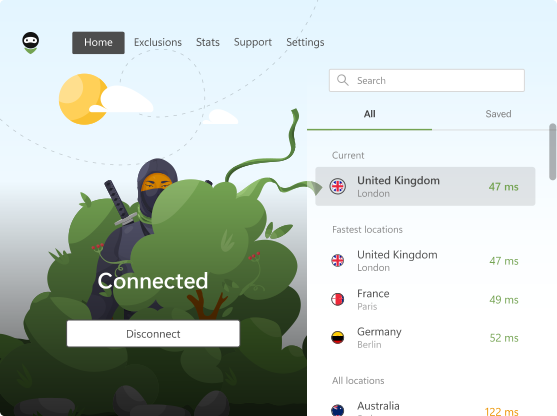
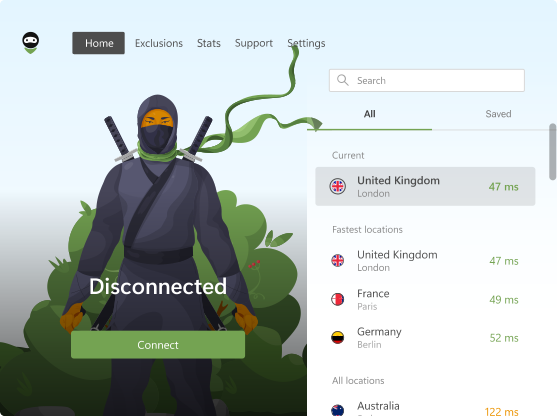
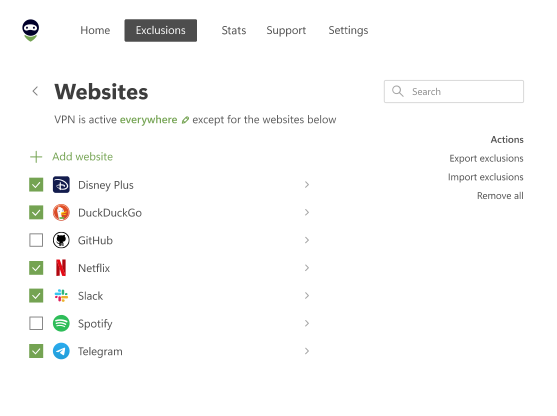
Use any browser or app and never worry about your anonymity again. The entire world is at your fingertips with AdGuard VPN.
AdGuard VPN for Mac
In just two clicks, select a city from anywhere in the world — we have 75+ locations — and your data is invisible to prying eyes.
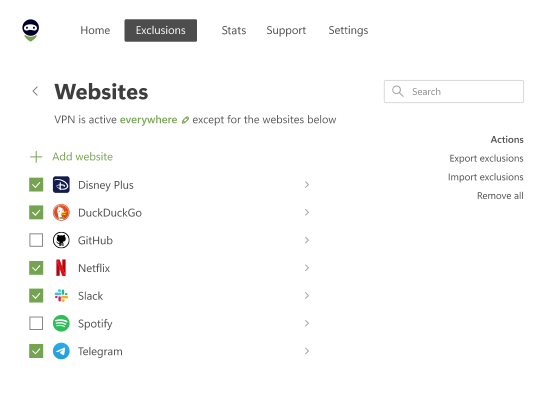
AdGuard VPN for Android
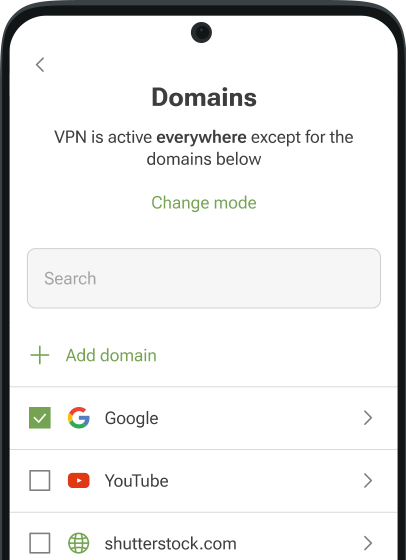
AdGuard VPN for Android offers dozens of fast locations. Browse with more privacy on the go. Block ads and trackers with the built-in DNS protection
Learn more
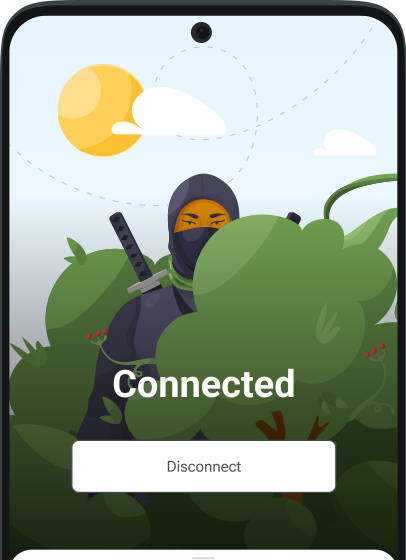
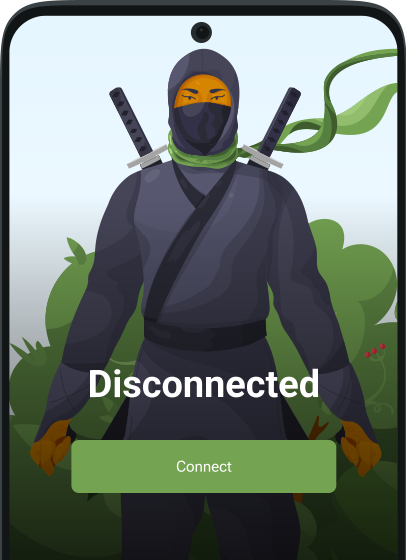
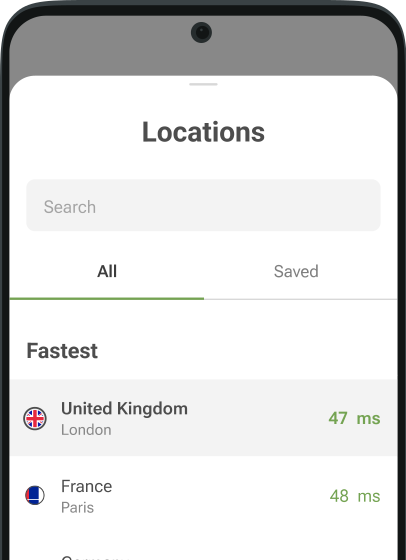

AdGuard VPN for iOS
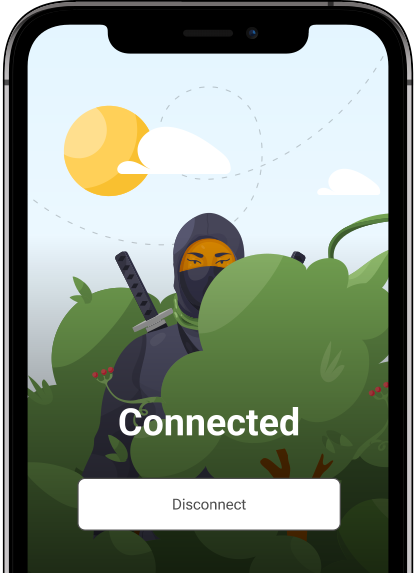
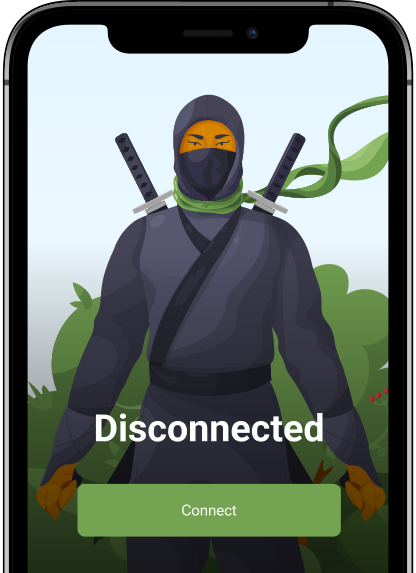
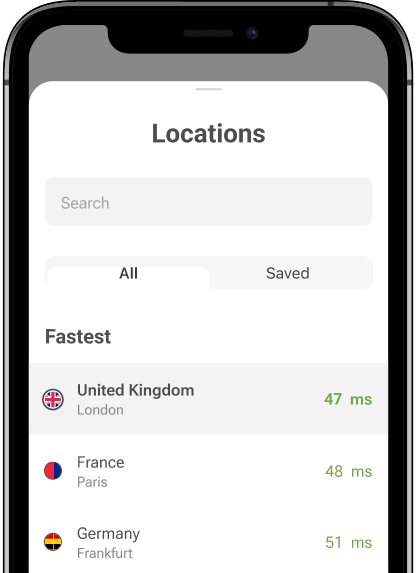
Protect your privacy and stream your favorite shows anonymously with AdGuard VPN for iOS. Block ads with the built-in DNS protection
Learn more
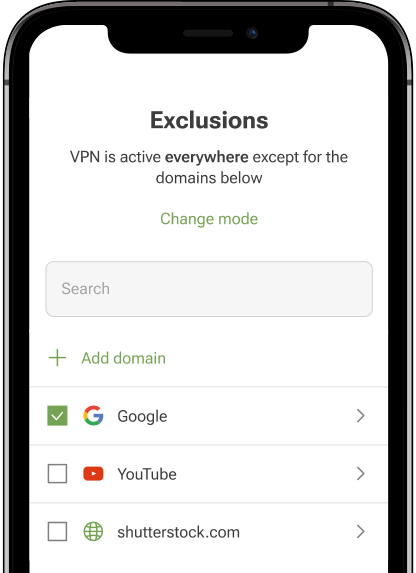
AdGuard VPN for Android TV
Discover AdGuard VPN for Android TV! Enjoy seamless streaming, enhanced security, and easy setup.
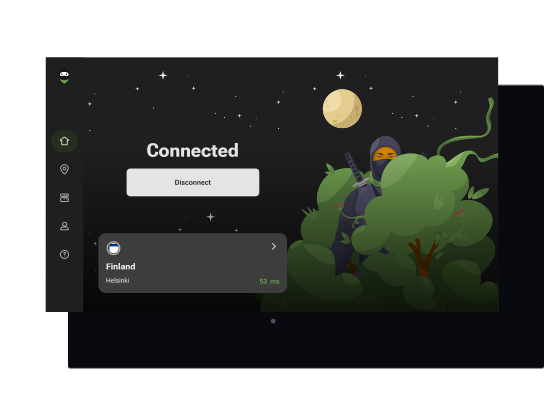
AdGuard VPN for Chrome
AdGuard VPN for Edge
AdGuard VPN for Firefox
AdGuard VPN for Opera
Hide your true location and emerge from another place in the world — access any content without speed limits and preserve your web anonymity.
Get to a different location in one click, hide your IP, and make your web surfing safe and anonymous.
Protect your privacy, hide your real location, and decide to where you need the VPN and where you don't!
Be a ninja in your Opera browser: move quickly to any part of the world and remain unnoticed.
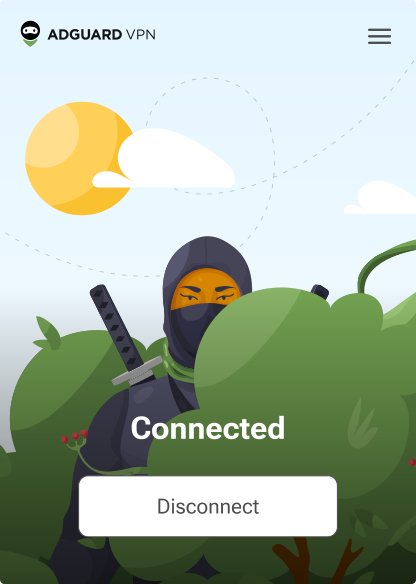
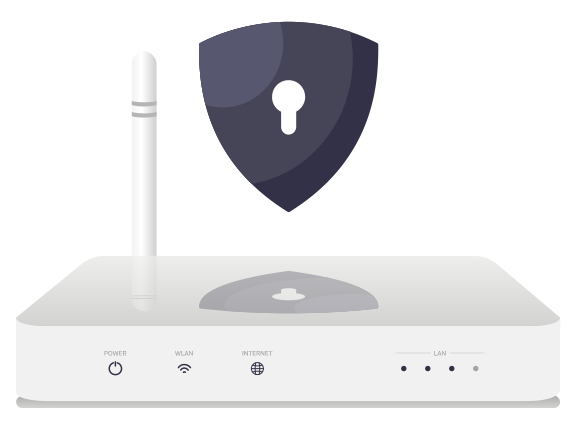
AdGuard VPN for routers
Install AdGuard VPN on your router to secure your entire network. Decide which devices to protect and when
This option is only available with an AdGuard VPN subscription
AdGuard VPN for Linux
Get the best free VPN for Linux and enjoy seamless web browsing, enhanced security, Internet traffic encryption, and DNS leak protection. Choose from multiple VPN servers and access the locations you want

AdGuard VPN for Apple TV
Discover AdGuard VPN for Apple TV! Enjoy seamless streaming, enhanced security, and easy setup
This option is only available with an AdGuard VPN subscription

AdGuard VPN for Xbox
Protect your Xbox with AdGuard VPN and enjoy seamless online gaming, enhanced security, and easy setup
This option is only available with an AdGuard VPN subscription

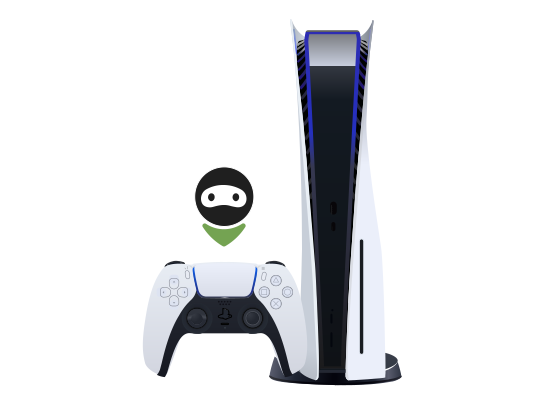
AdGuard VPN for PS4/PS5
Protect your PlayStation with AdGuard VPN and enjoy seamless online gaming, enhanced security, and easy setup. Choose from multiple VPN servers and access the locations you want
This feature is only available with an AdGuard VPN subscription
This option is only available with an AdGuard VPN subscription
AdGuard VPN for Chromecast
Install AdGuard VPN on your Google TV (Chromecast Gen 4) or on your network router (Chromecast Gen 3) and enjoy streaming content with Chromecast while staying anonymous online and accessing content from anywhere. For Chromecast Gen 3, you need an AdGuard VPN subscription
This option is only available with an AdGuard VPN subscription
AdGuard VPN for mobile
Scan to install AdGuard VPN on your mobile device
AdGuard VPN for mobile
Scan to install AdGuard VPN on your mobile device