Command-line completion
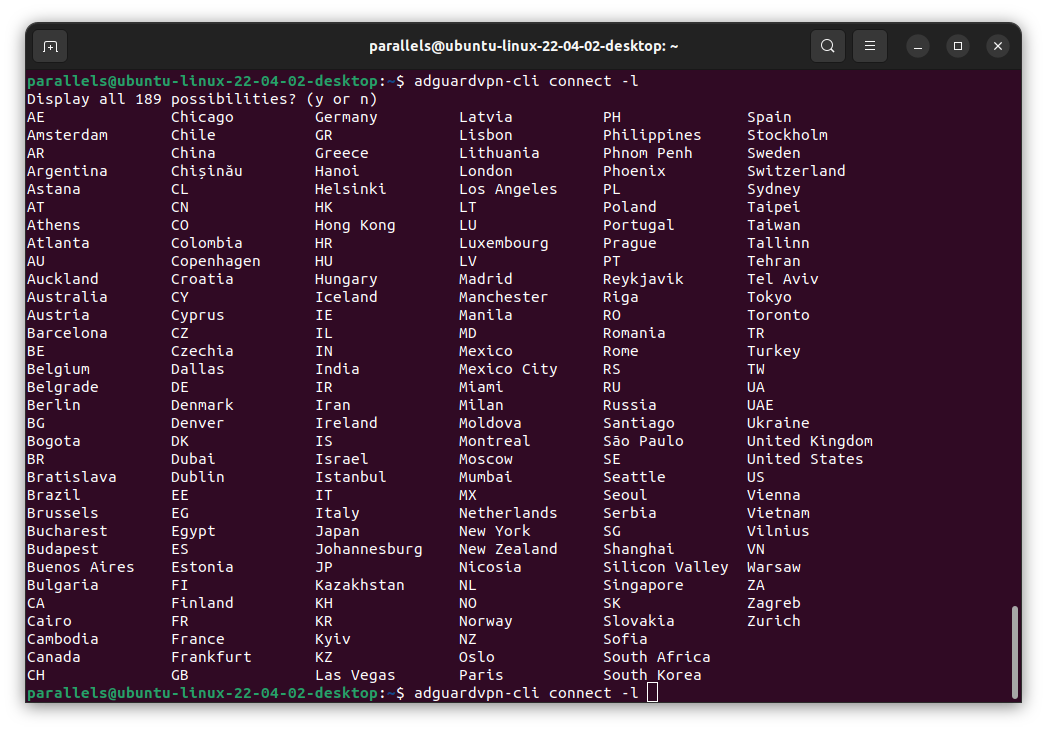
To make navigating through different and, sometimes, pretty long commands easier, you can use the command-line completion feature.
To enable it, see the bash-completion hint that is shown after installing or updating AdGuard VPN for Linux:
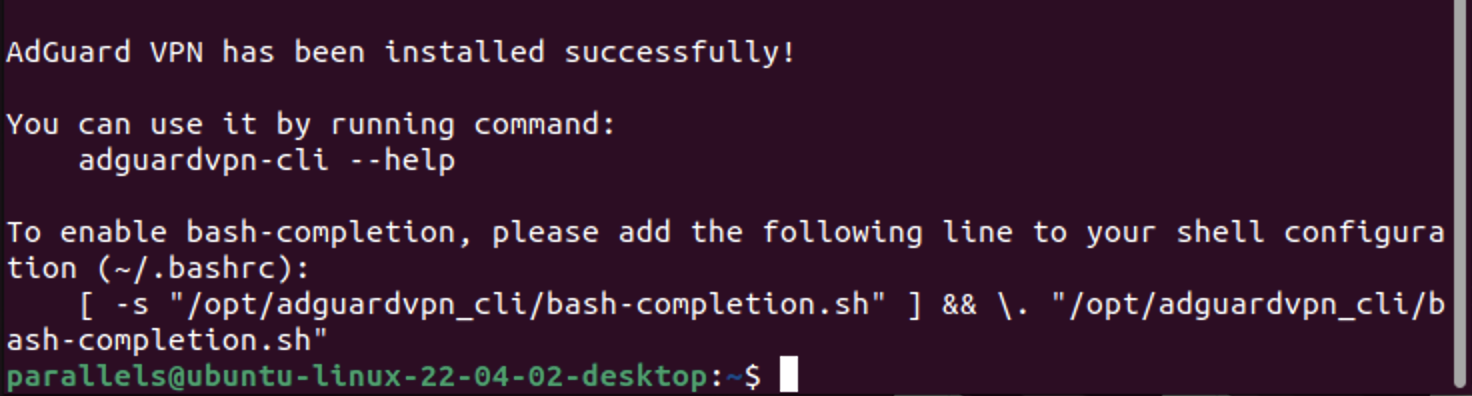
If you did not enable completions during installation and would like to do so later, edit your shell configuration file, typically located in your home directory such as ~/.bashrc or ~/.zshrc, and add the following line. You will need to update the path if you chose a different output directory during installation.
[ -s "/opt/adguardvpn_cli/bash-completion.sh" ] && \. "/opt/adguardvpn_cli/bash-completion.sh"
To use the feature, just start typing the command you want and hit the Tab ↹ key — the command will automatically complete with a necessary word or will show a choice of completion options.