AdGuard VPN for Android Nightly update channel is here!
There are two types of people: those who use release software builds and those who are ready to test builds that most likely contain bugs. If you are from the second category, you'll be interested to know that AdGuard VPN for Android finally has an update channel with Nightly builds.
What is a Nightly build?
Literally, the term "Nightly build" means a raw version of a program that was built at the end of the day. It contains all the changes and fixes made during that day. In reality, such builds are not necessarily posted strictly once a day but they are updated rather often.
Nightly builds are created to give users an opportunity to test new changes and report possible issues as soon as possible, so that developers can react and fix critical bugs before the beta testing phase.
Let's summarize: if you are not ready to face software bugs and report them, don't install the Nightly version. Use the stable release version which will not give you any trouble.
How to sign up for Nightly updates
Users of AdGuard for Windows and for Android were the first to get access to Nightly versions of the apps back in 2018. Then the apps for other platforms and AdGuard VPN desktop apps gradually got their own Nightly update channels. Now it's time for AdGuard VPN for Android.
Follow these instructions to participate in testing Nightly versions of AdGuard VPN for Android:
- Go to the AdGuard VPN Beta testing program page.
- Select the Android OS.
- Select Nightly from the drop-down list.

- Follow the link and fill out the form. Note: use the same Google account that you use on your device.
- Then join a dedicated Google group. To do this, proceed through the link and click Join group.
- In the opened window, enter your name, select the update notification frequency, and click Join group again.
- In the group, open the discussion Welcome to the AdGuard VPN for Android Nightly program! and go to Google Play using the link provided there. You'll see confirmation that you've joined the testing program. If AdGuard VPN is already installed on your device, the app will be automatically updated. If AdGuard VPN is not installed, download it using the link in the opened window.
You can always quit the testing program by uninstalling the Nightly version of the app and installing the release one.
How to report a problem
Once you start using the Nightly version of AdGuard VPN for Android, you will inevitably encounter bugs. If you decide to report them to us, please use these instructions:
- Go to AdGuard VPN GitHub repository and check if anyone has reported your bug before. We advise you to pay attention not only to open tasks, but also to closed ones.
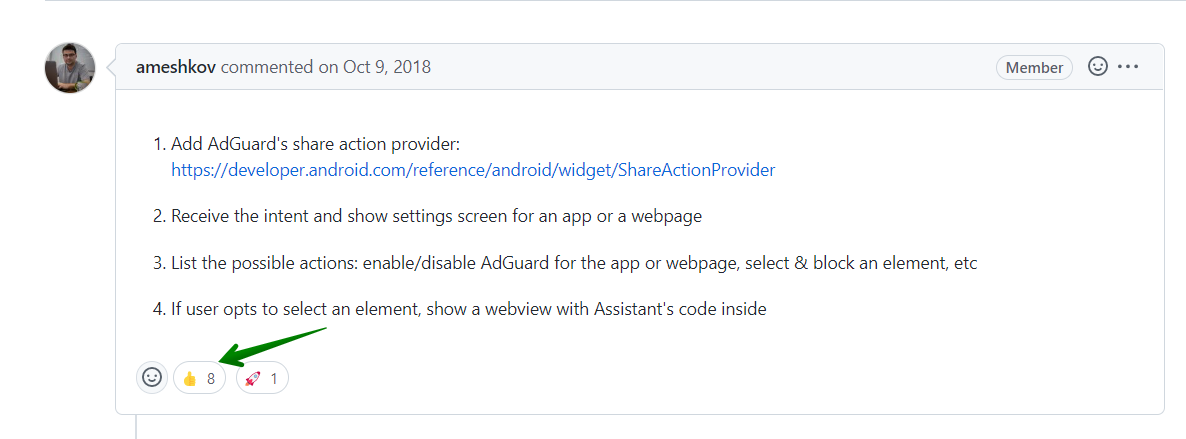
- If you see that someone has already reported your problem, vote for it. This way, there's a chance the problem will be solved faster.
- If you didn't find the problem you came up with, follow the link and select Bug report. Fill out the form and attach screenshots or a screen record if possible.
Unfortunately, there is no way to transfer logs via GitHub. But you can send an archive with logs and playback time to devteam@adguard.com with a link to your issue on GitHub.
The detailed information on how to collect standard and advanced logs, as well as all the ways to transfer them to AdGuard, can be found in AdGuard VPN Knowledge Base.
Acknowledgement to the testers
It's hard to overestimate the testers' contribution to the development of AdGuard VPN! Thank you to everyone who takes the time to test our apps. If you're not with us yet, join the ranks of our testers. Every year we choose the best contributors and award them. Maybe at the end of 2023 you will be among them!
Hopefully, with the AdGuard VPN Nightly channel, we'll be able to catch and fix more bugs in the early development stages and move faster toward stable release versions. Let's make AdGuard VPN better together!













