App settings
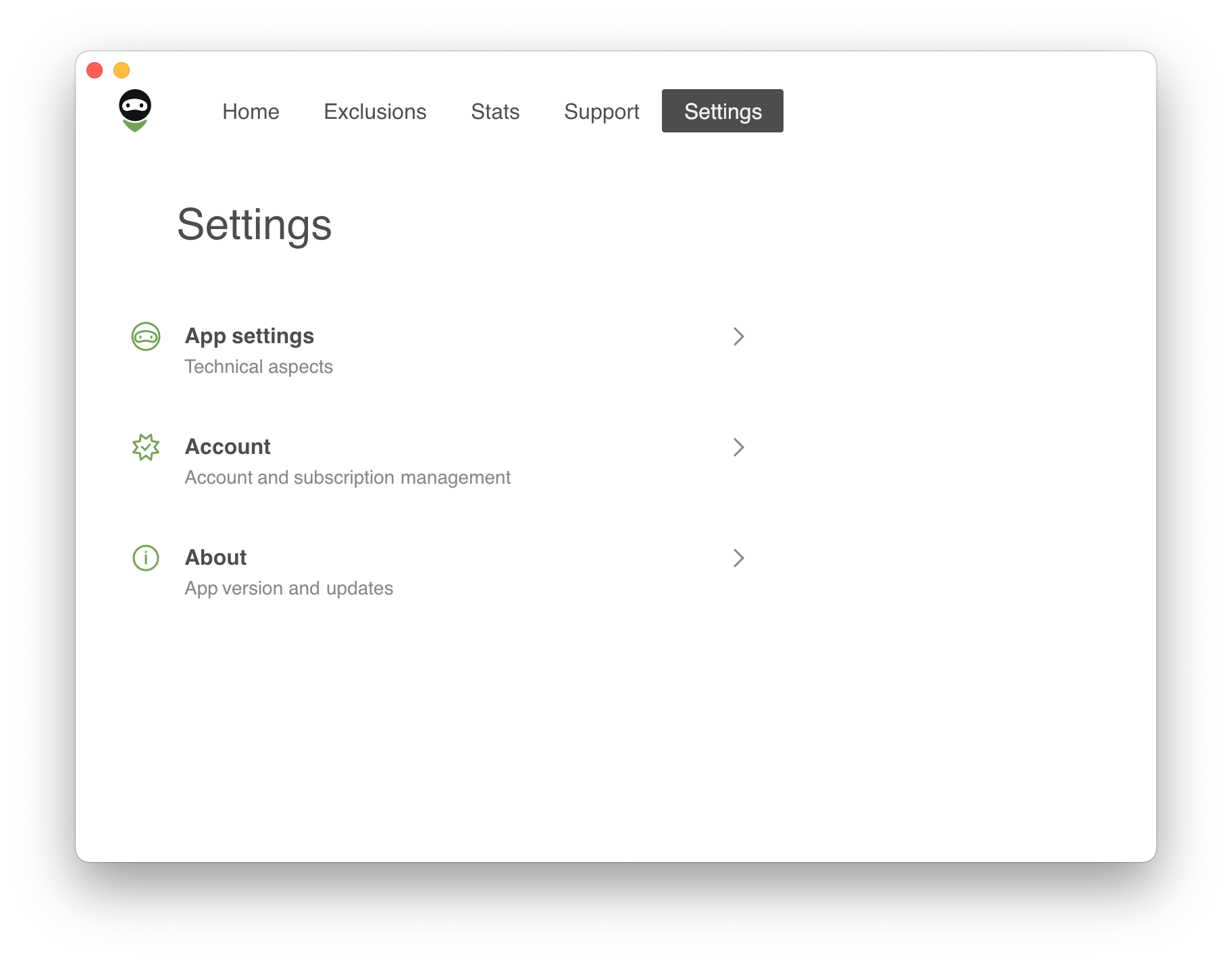
The Settings tab contains sections that will help you customize the app. In the About program section you can see the current version of AdGuard VPN, check for updates, visit our official website, and get acquainted with AdGuard’s EULA and Privacy policy. In the About license section you can upgrade from free to unlimited, manage your subscription, or log out. And from here you can access General settings.
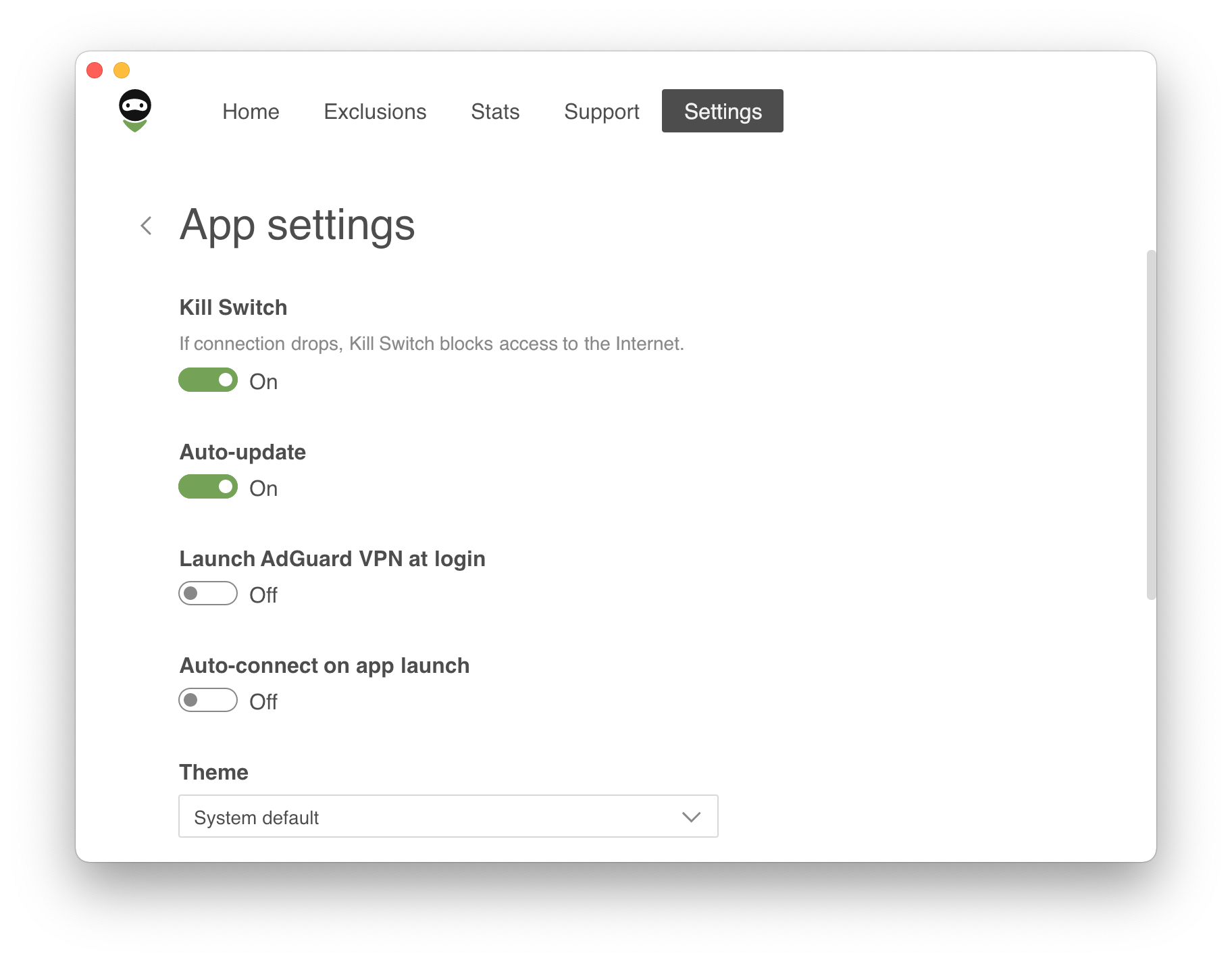
The first four basic features make the application more convenient and user-friendly, i.e. Kill Switch, Auto-update, Launch AdGuard VPN at login, and Auto-connect on app launch. What’s more, you can choose between light, dark, and system themes — the latter one matches the theme on your Mac.
You can also allow AdGuard VPN to gather and send anonymized crash reports, technical and interaction data in order to help us improve our app. Last but not least, you can export logs from your Mac. This can be useful if you want to attach logs to your message to support.
DNS servers
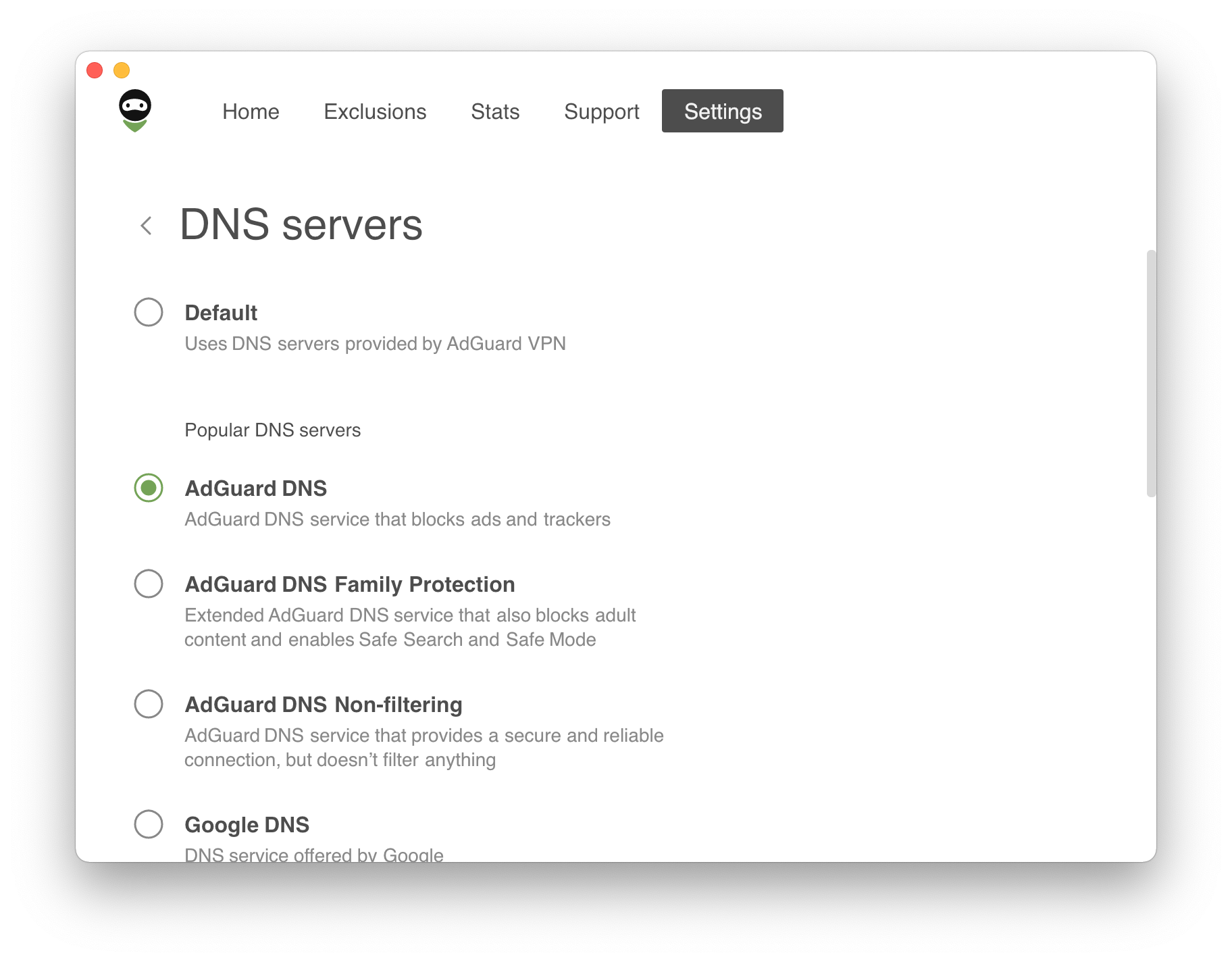
One or more DNS servers can be set up here. This is useful if you don’t want to rely on the default DNS server provided by your ISP. Select one from the list of popular DNS services or add a custom server manually. We recommend adding AdGuard DNS, which not only encrypts your DNS traffic, but also identifies requests to malicious websites and redirects them to a “black hole”.
To learn about the remaining options, see Advanced settings.