AdGuard VPN for Mac
This article covers the AdGuard VPN desktop app for Mac.
AdGuard VPN for Mac creates an encrypted tunnel between your device and a remote server, so your traffic is protected from interception and spoofing, and websites see the IP address of the server instead of yours. Use it to stay safe on public Wi-Fi in cafés and airports, open websites and services that are not available in your country, or hide your real location from advertisers. The app uses TrustTunnel, our own protocol, which provides a fast and secure connection. For the full list of AdGuard VPN advantages, see Why AdGuard VPN is the better option.
AdGuard VPN for Mac is currently supported on macOS 12 Monterey or later.
Starting with the app
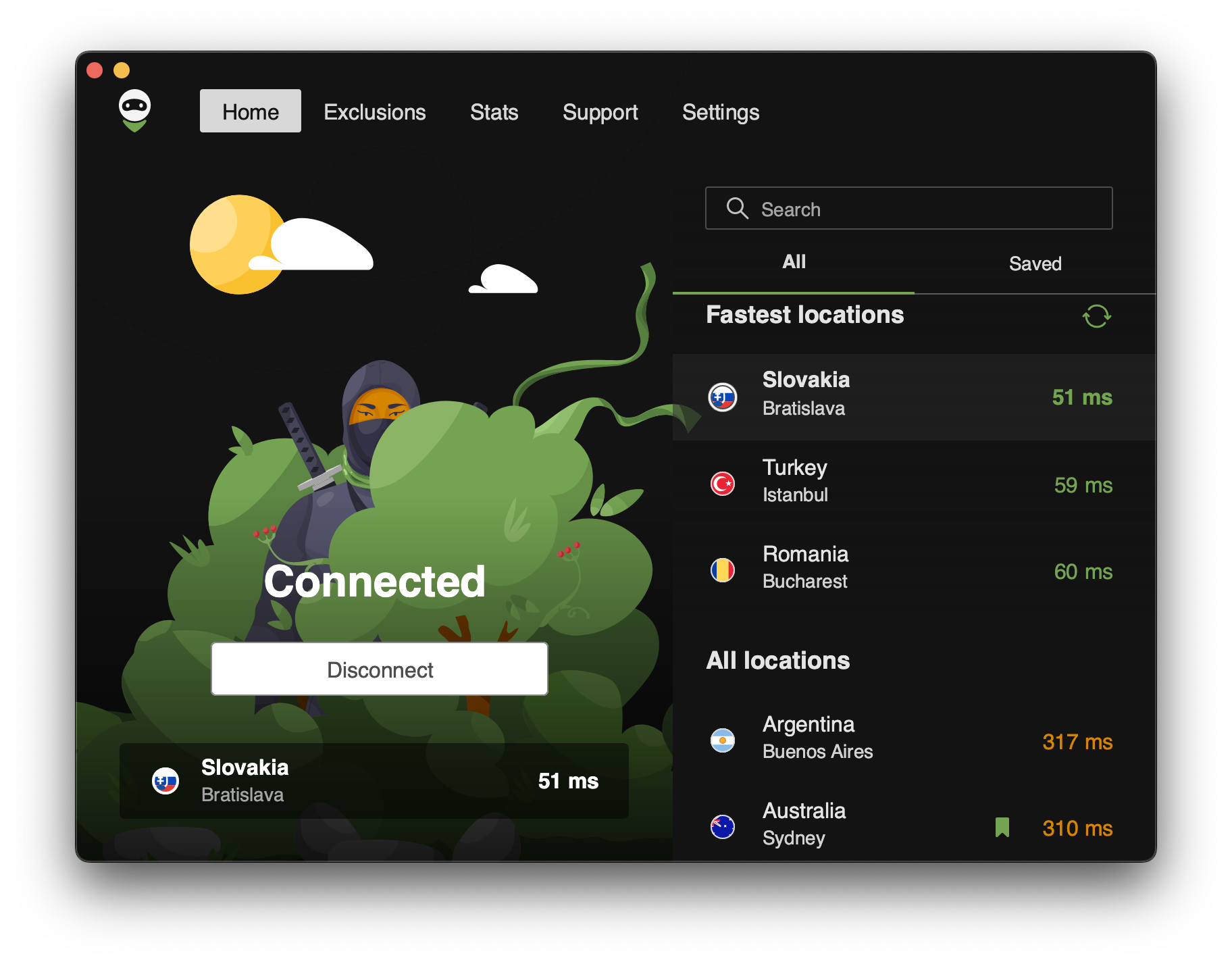
The first tab is the Home screen. Here you can see the current status of AdGuard VPN, the selected location (if enabled) and its ping. Ping is the response time of a VPN server. The lower the number, the faster the connection. If VPN is disabled, the last location you connected to is displayed at the bottom.
The fastest locations with the lowest pings are displayed in the upper right corner of the screen. There is also a refresh button that you can click if any locations are offline. Below you can see the full list of locations. The search field makes it easy to find the location you need.
Free users can connect only to certain locations, while others are blocked. Besides, there is a 3 GB monthly traffic limit in the free version.
Using VPN for selected websites and apps
AdGuard VPN has several features that make it unique, and one of them is definitely Exclusions. By default, AdGuard VPN will run on all websites and in all apps but the ones from the exclusions list. But you can switch to the other mode, so AdGuard VPN will run only on websites and in apps from the exclusions list.
App settings
In App settings, you can enable Kill Switch, auto-update, launch at login, and auto-connect, change the theme, and allow sending anonymous crash reports. There you can also configure DNS servers and advanced settings.
Statistics
The Stats screen provides detailed information about traffic consumed by location and app, most used locations and apps. View data for the day, month, or the entire time AdGuard VPN for Mac has been in use.
Solving problems
Known issues and possible solutions for connection problems.
Support
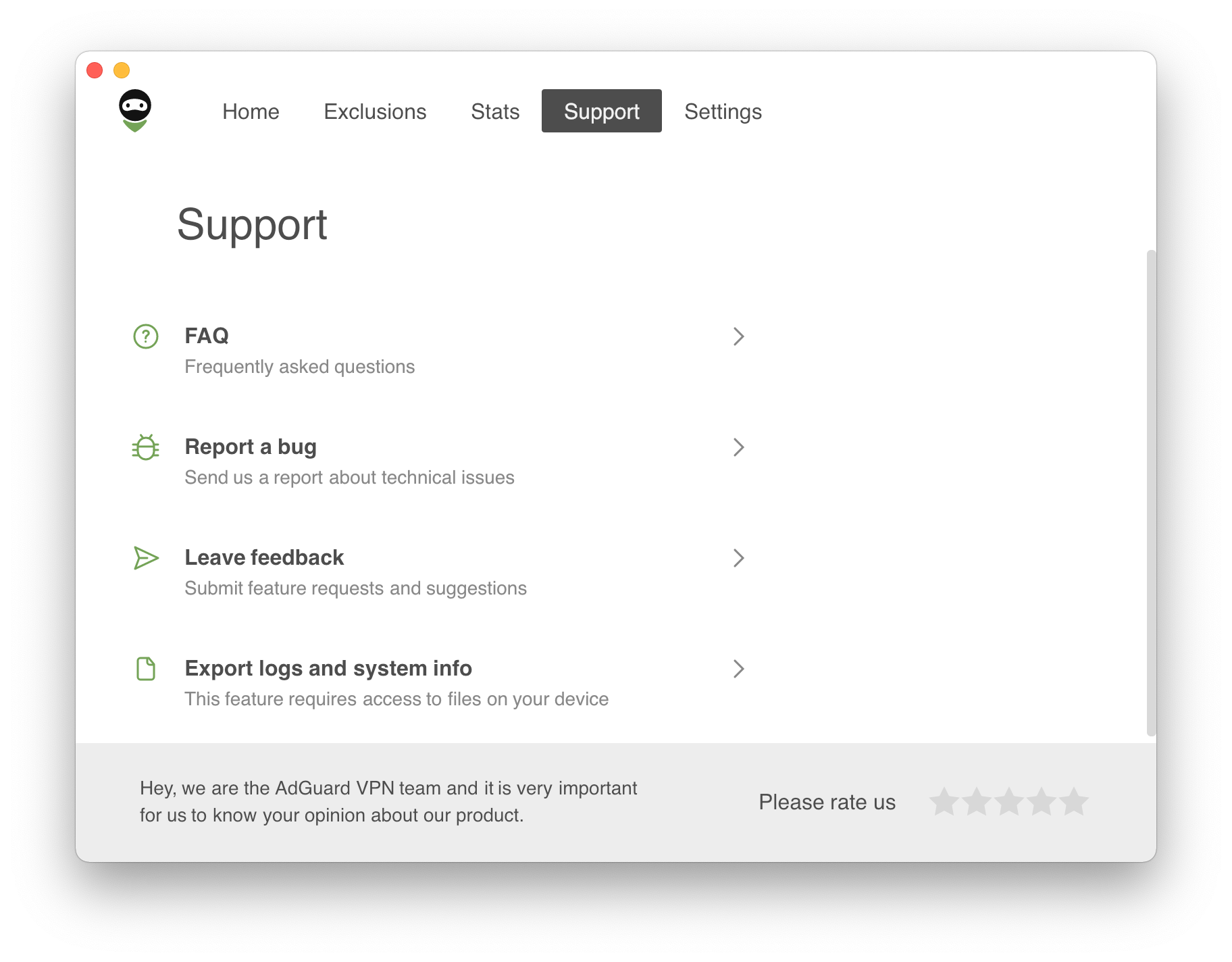
The fourth tab is the Support screen. Find answers to any questions in the FAQ or in the Knowledge base sections, report a bug if you encounter one, or discuss AdGuard on any of the platforms. And feel free to leave feedback about our product, we’d appreciate it.