Advanced settings
To open Advanced settings, go to the Settings tab and select App settings → Advanced settings.
It is entirely possible to use AdGuard VPN for Windows without ever touching the Advanced settings, but they can be useful if you’re willing to take time to learn what they do.
Operating mode
Despite the fact that there are two operating modes — VPN and SOCKS5 — we advise you to use only the one chosen by default (VPN). When the VPN mode is enabled, all the traffic of your device will be directed via AdGuard VPN, while in SOCKS5 mode AdGuard VPN uses a local proxy server which can be used by other applications to redirect their traffic.
Logging level
Two levels of logging are available to choose from: Record by default and Record everything. The first option is enabled by default. The Record everything option should only be activated if our support team has asked you to do so. Using the app in this mode for an extended period of time may increase CPU and battery usage.
All logs are stored locally on your device, and you can send them to the support team if needed.
Post-quantum cryptography
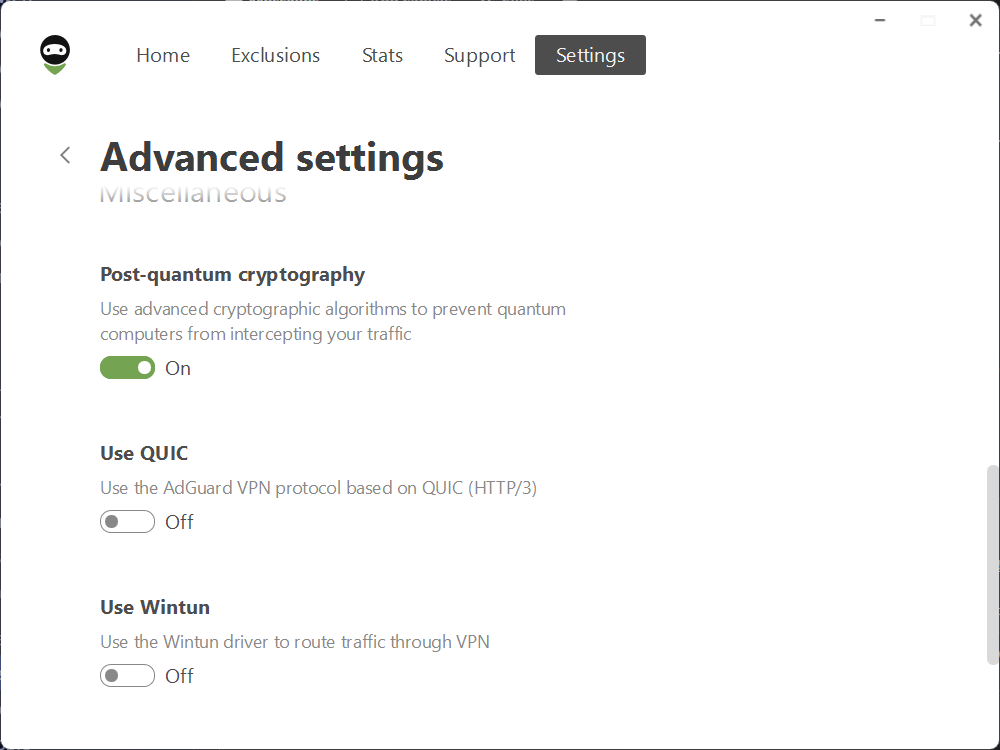
This feature encrypts your traffic in a way that even quantum computers can’t intercept it.
AdGuard VPN protocol
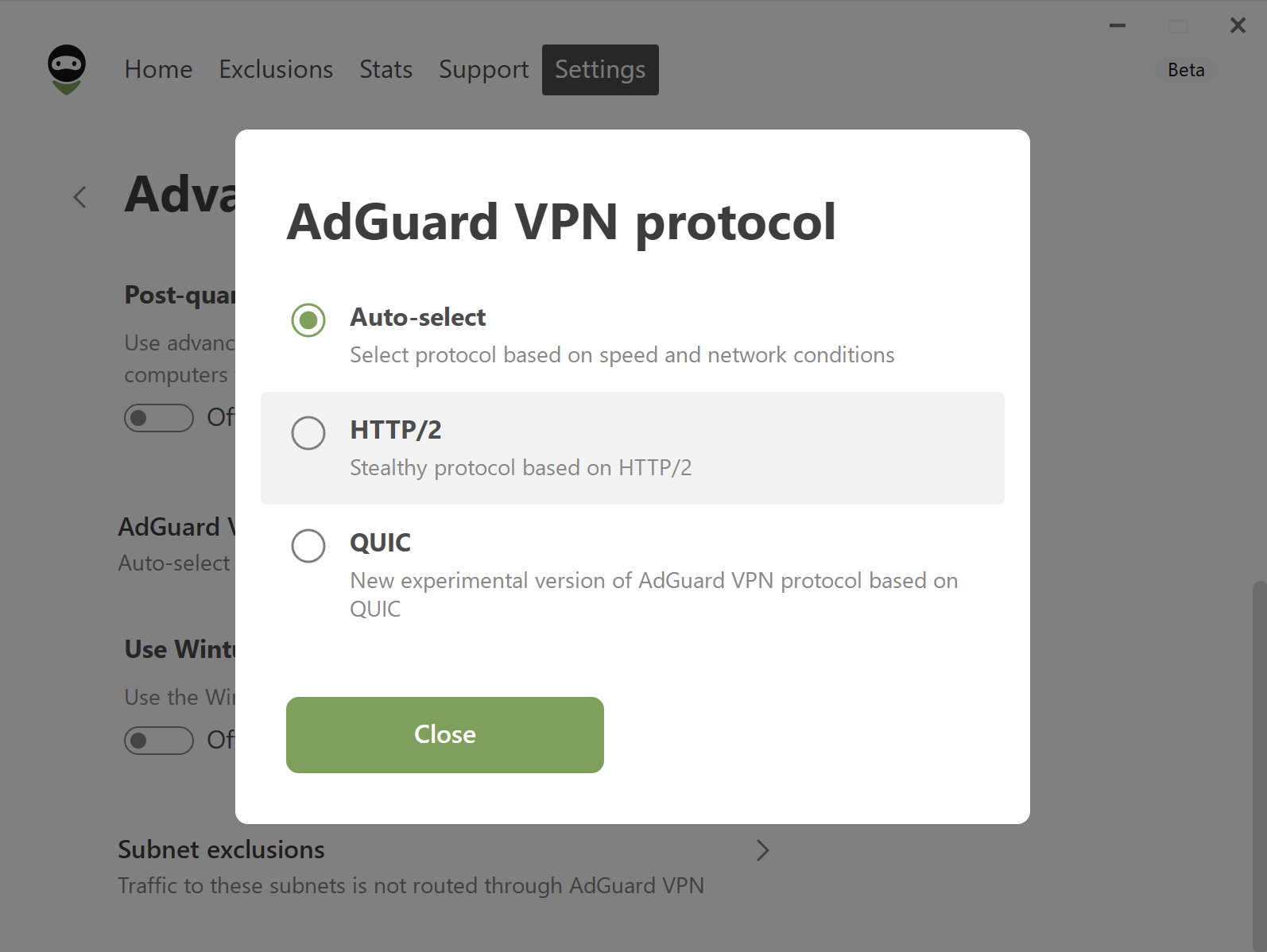
By default, AdGuard VPN protocol uses dynamic VPN protocol selection (Auto-select option). That means that AdGuard VPN automatically figures out which protocol — HTTP2/TLS or HTTP3/QUIC — will give you the best performance and switches to it instantly. This improves VPN speed and stability, which is particularly helpful in regions where VPN usage is restricted or unreliable.
If you wish, you can switch AdGuard VPN to use only HTTP2/TLS or HTTP3/QUIC protocol instead of Auto-select. Each protocol has its strengths, but the best choice can vary depending on your location, network conditions, and even the server you connect to.
Use WinTun
WinTun is a traffic routing driver commonly used for VPN implementations on Windows that improves the quality of VPN connections by creating a virtual network adapter. By default AdGuard VPN uses the regular WFP driver (and TDI driver for Windows 7).
IPv6 interface
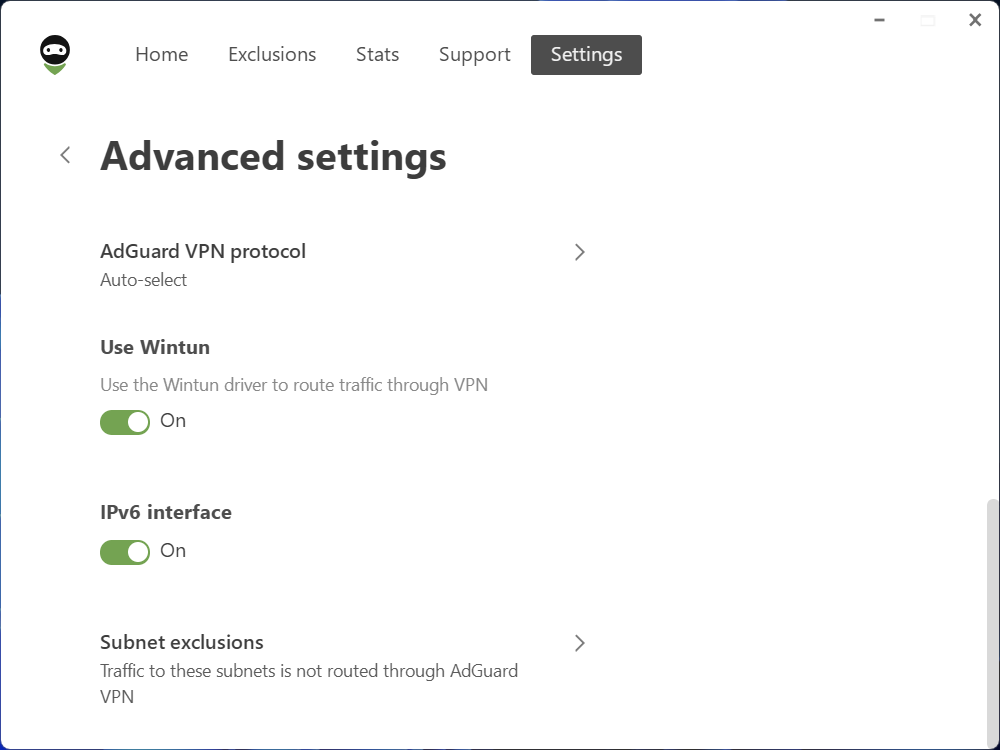
The IPv6 interface setting controls whether IPv6 traffic is available while you’re connected to AdGuard VPN. It’s enabled by default, so you can use IPv6 if your network supports it. If YouTube, Gemini, or other Google services don’t work with the VPN on, try turning this setting off. This blocks IPv6 traffic and lets you check whether the services work over IPv4.