General settings
To open General settings:
- Tap the Settings icon (⚙) in the bottom right corner of the app’s main screen.
- Tap General.
Here, you can configure AdGuard VPN for iOS as you need using different options: DNS server, Theme, Advanced, Send technical and interaction data, and Kill Switch.
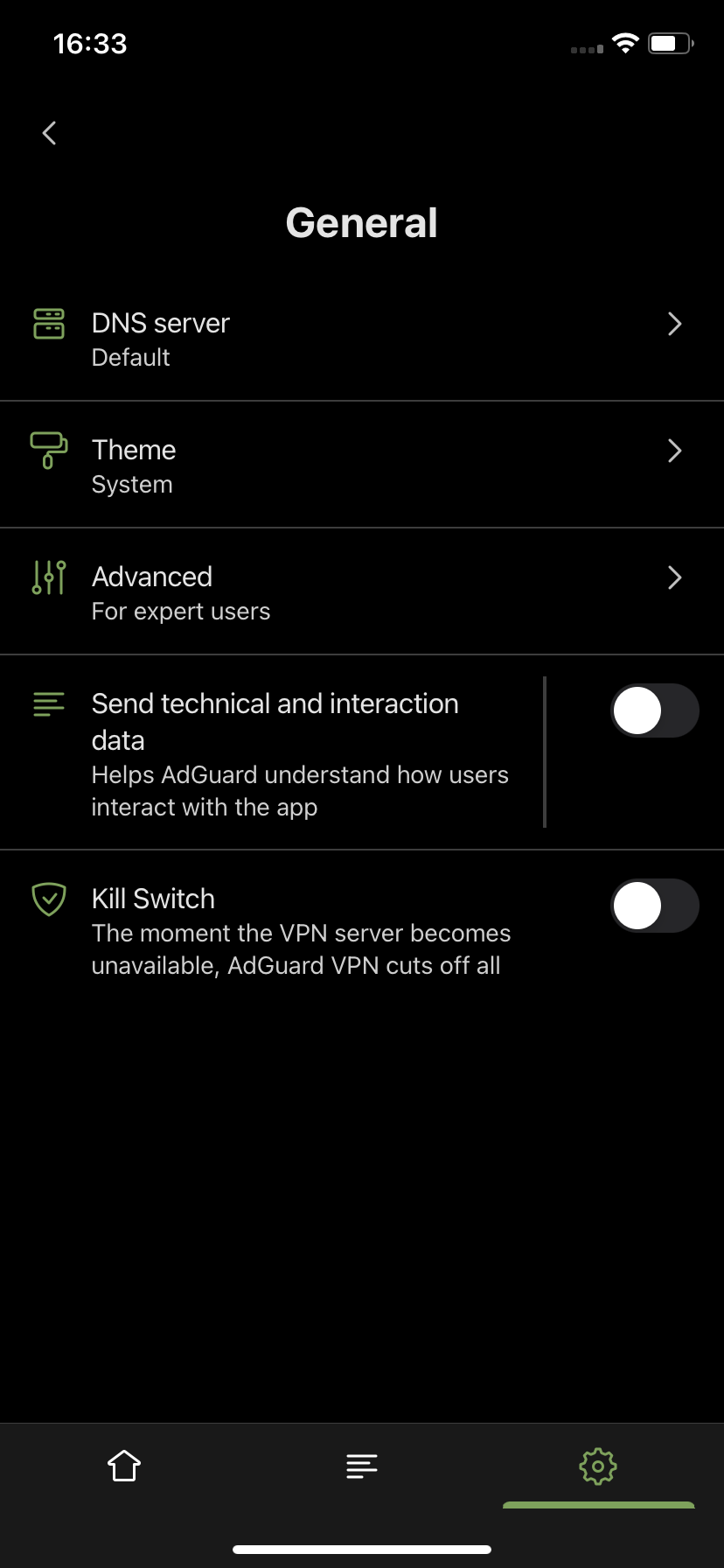
DNS server
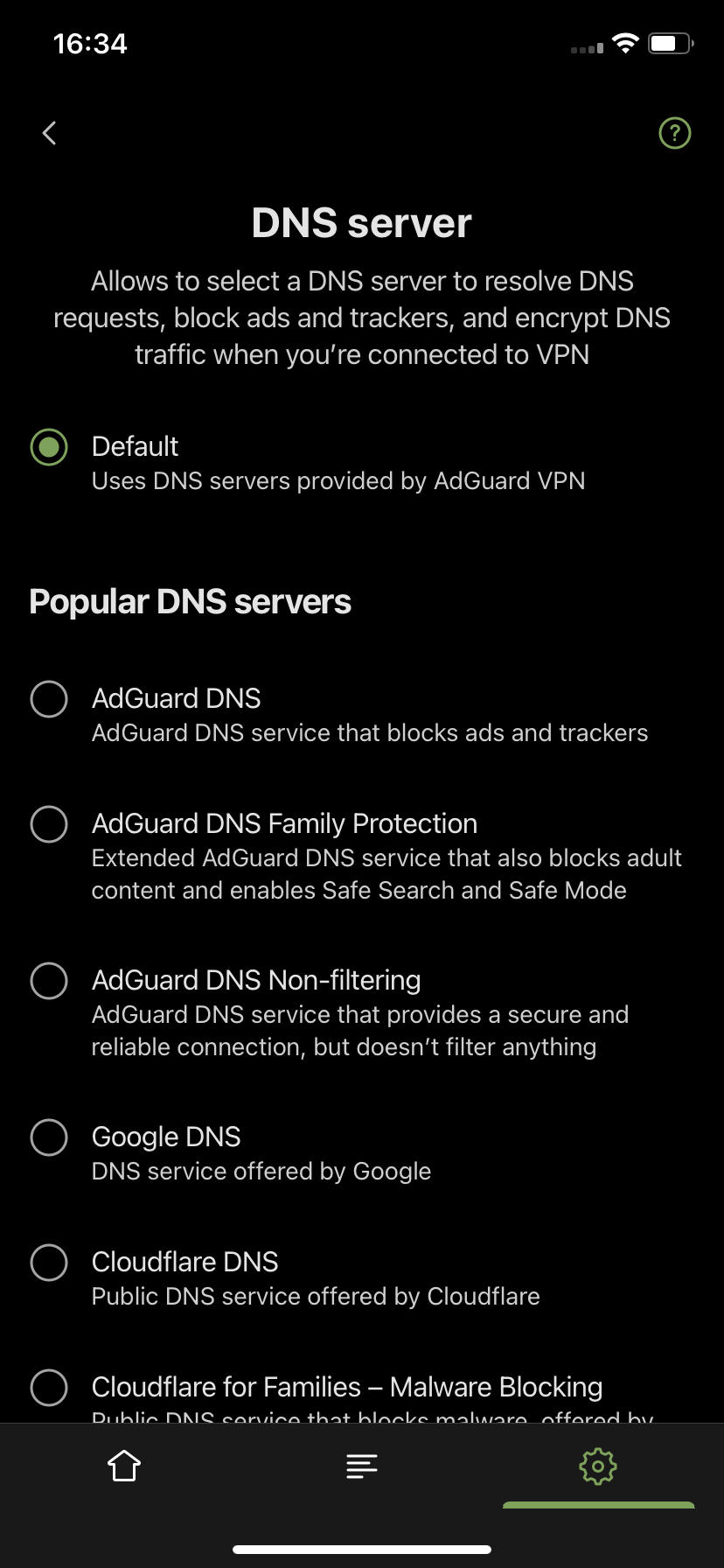
AdGuard VPN for iOS offers a choice between several DNS servers, each with their own special qualities. For example, AdGuard DNS removes ads and protects your device from tracking while AdGuard DNS Family Protection combines the functions of AdGuard DNS with Safe search and adult content blocking. DNS servers by different DNS providers may also work faster or slower depending on your location, ISP, and other factors. Choose the one that works best for you. You can find out more about DNS and its characteristics.
Theme
You can set your app theme to System, Dark, or Light (available in iOS 13 or later).
Send technical and interaction data
By turning this option on, you are helping us understand better how users interact with the app. We use that information to improve user experience.
Kill Switch
If for some reason your VPN connection suddenly drops, Kill Switch will automatically terminate the Internet connection, making sure your data doesn’t leak and your identity stays hidden.
To learn about the remaining options, see Advanced settings.