Exclusions
By default, AdGuard VPN for Windows works everywhere. You can add websites and apps you want to exclude from the VPN tunnel to the list of exclusions. Or, you can make AdGuard VPN work only on the websites and apps specified in the list of exclusions. Please note that these two lists are independent of each other.
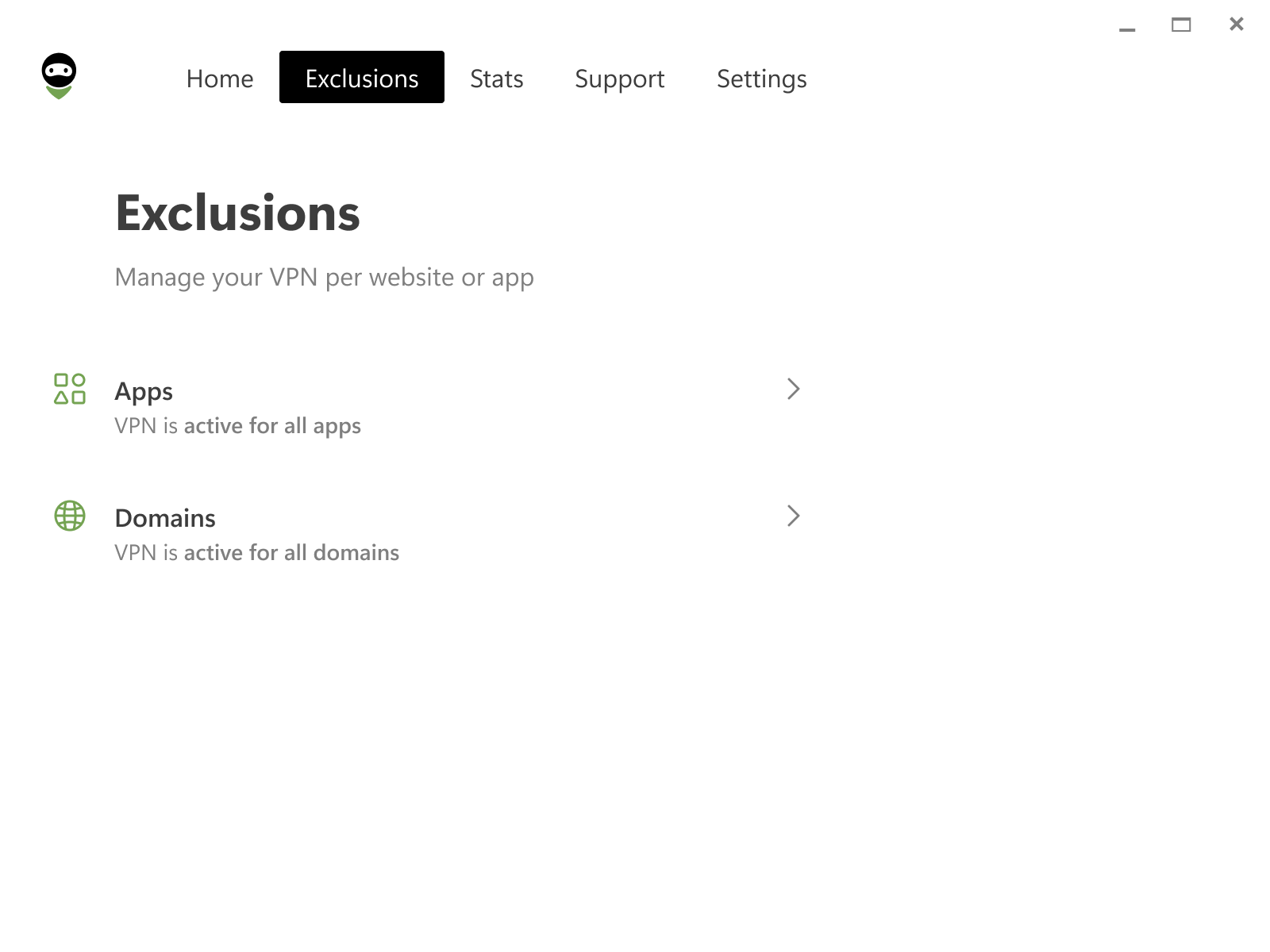
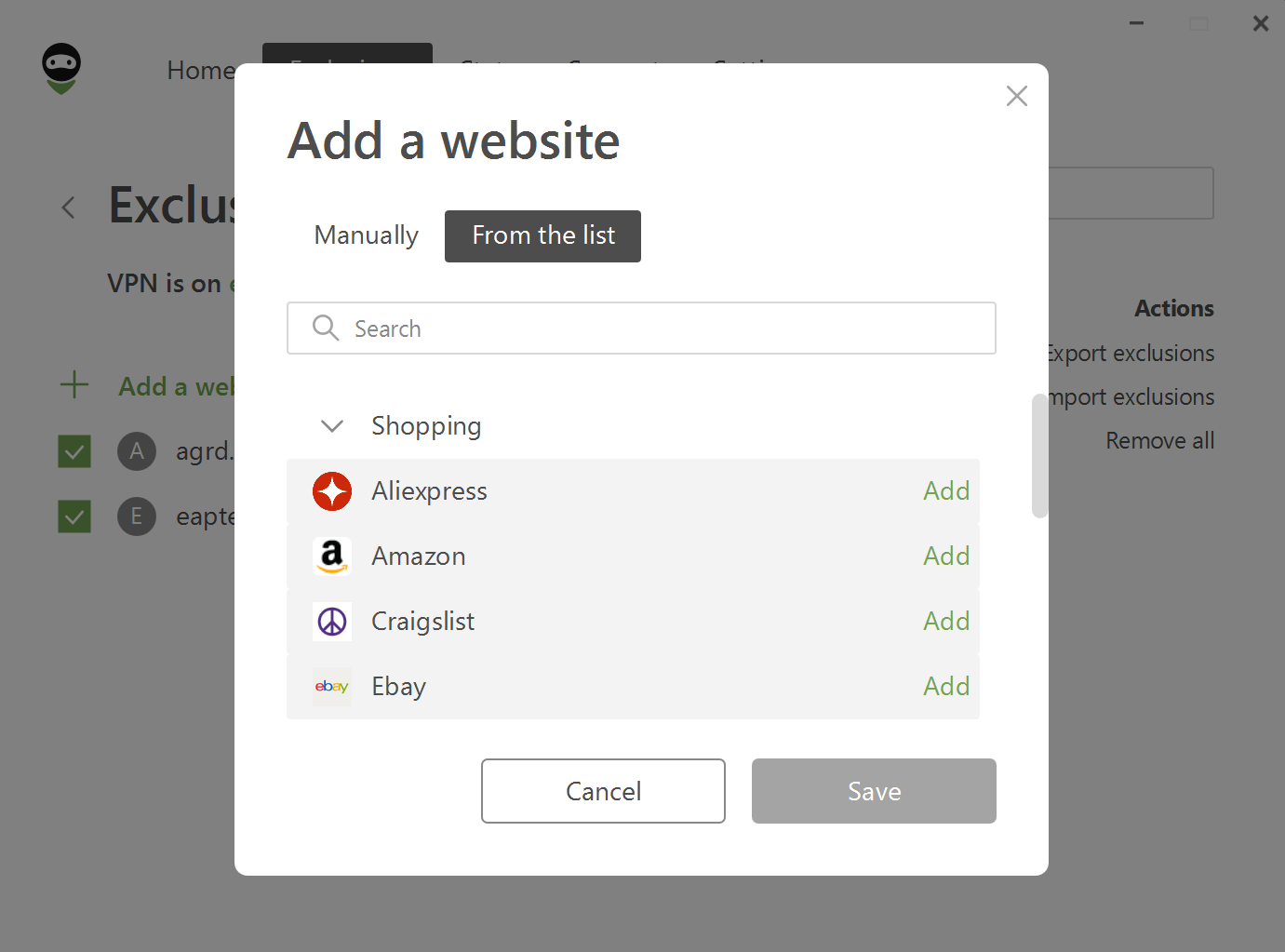
You can add websites to exclusions manually by entering their domain names. The app also offers you an option to choose popular websites from the list.
When adding domains manually, you should take into account certain details. For example, if you manually exclude the domain google.com, all the subdomains *.google.com will also be added to the exclusions list. However, domain names with other top-level domains such as google.es or google.it will not be excluded. Or you can add youtube.com to the exclusions, but the domain of the same service youtu.be will not be included in the list.
We recommend using the From the list option. Websites are grouped into eight categories: Social networks, Messengers, Video and Music streaming services, Games, Shopping, Search engines, and Work communication tools. We have placed the most popular services there, including all domain names and subdomains related to each platform.
Starting with the version 2.4, all browsers are automatically added to the list of exclusions when the VPN is active only for selected apps and websites. This change brings more convenience for users who were often confused and didn’t know whether to consider their browsers as apps or not. It applies under the following conditions:
- The user has installed AdGuard VPN for the first time
- The user did not modify the Exclusions settings prior to v2.4
Import/export exclusion lists
To export the list of exclusions from AdGuard VPN for Windows to your computer, click Export exclusions, select the folder where the list will be stored and click Save. The archive exclusions.zip with two .txt files will be downloaded, one for each of the lists. You can edit them by adding new exclusions or deleting old ones.
On the destination device, open AdGuard VPN, click Exclusions, and select Websites or Apps. Click Import exclusions and select the received archive.
Subnet exclusions
This feature allows you to add subnets to exclude traffic from specific devices connected to your network. For example, your robot vacuum cleaner.