App settings
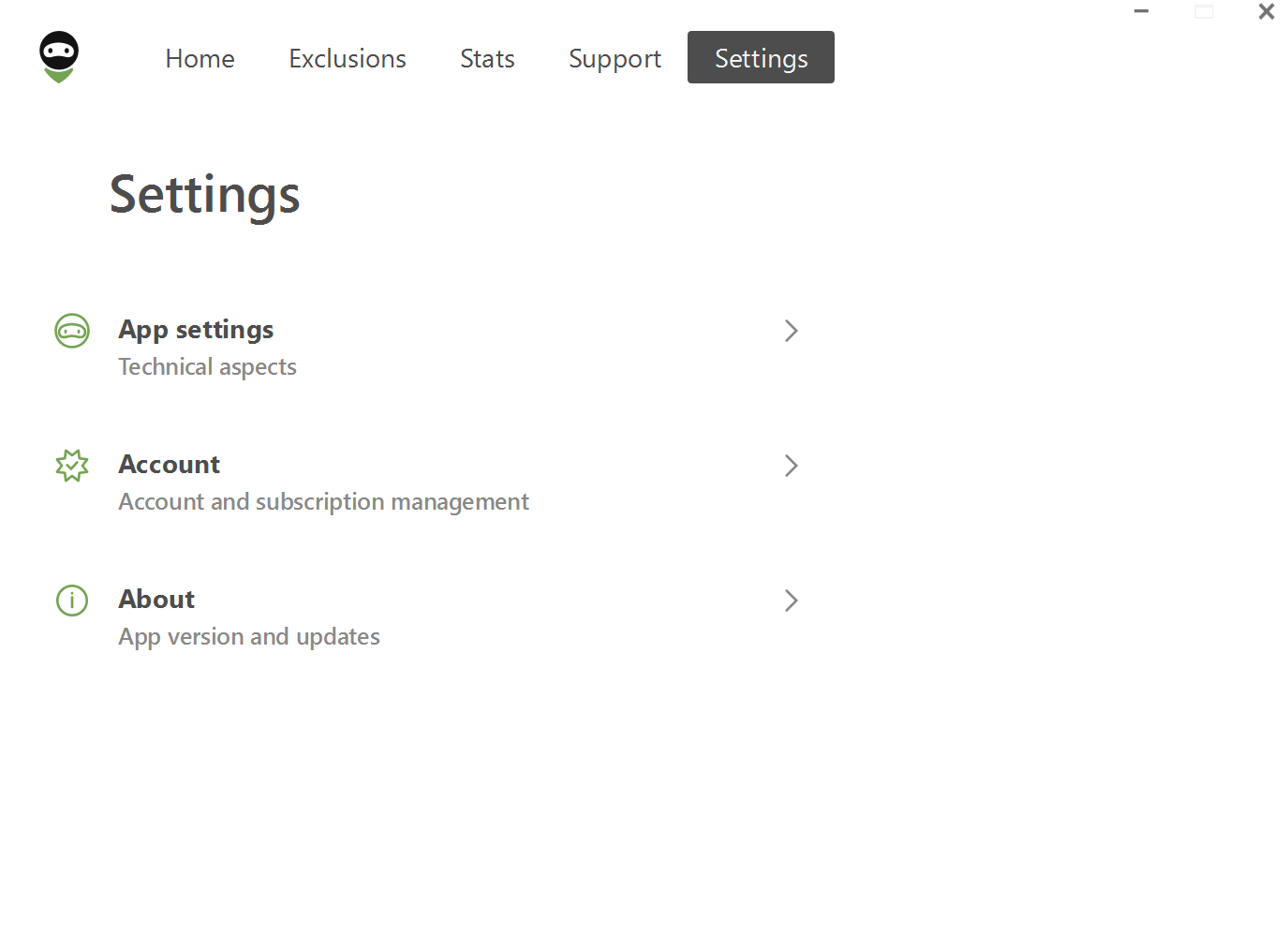
The Settings tab contains sections that will help you customize the app.
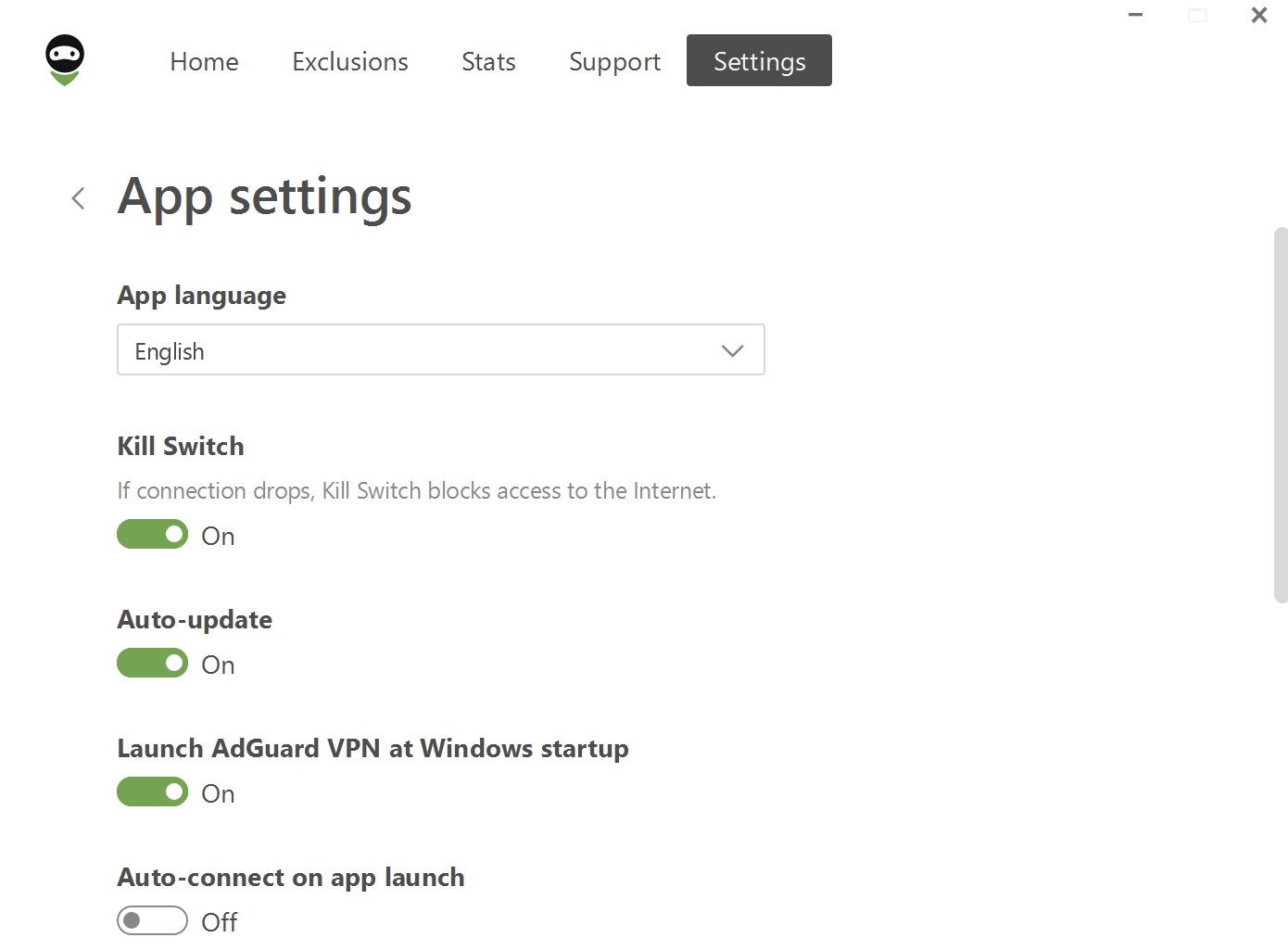
In the App settings section, you can set the app language and also enable Kill Switch, which will block access to the Internet if your VPN connection drops. This is needed to prevent intruders from getting to your data if you find yourself without VPN protection while connected to a public Wi-Fi or mobile network.
You can also activate the following features with a single click: Auto-update, Launch AdGuard VPN at Windows startup, Auto-connect on app launch, and allow AdGuard to collect anonymous app usage data so that the AdGuard team gets the info on potential usability issues. Here you can also change the theme to Light, System, or Dark.
At the bottom of the page, there are two sections: DNS servers and Advanced settings.
DNS servers
The DNS servers tab allows you to add your own DNS server — manually or from the list. You can set up a DNS server by any provider. We recommend adding AdGuard DNS, a server that can protect against advertising, tracking, and phishing, in addition to the standard functions.
To learn about the remaining options, see Advanced settings.