Advanced settings
To open Advanced settings, tap the gear icon in the bottom right corner of the screen and select Advanced.
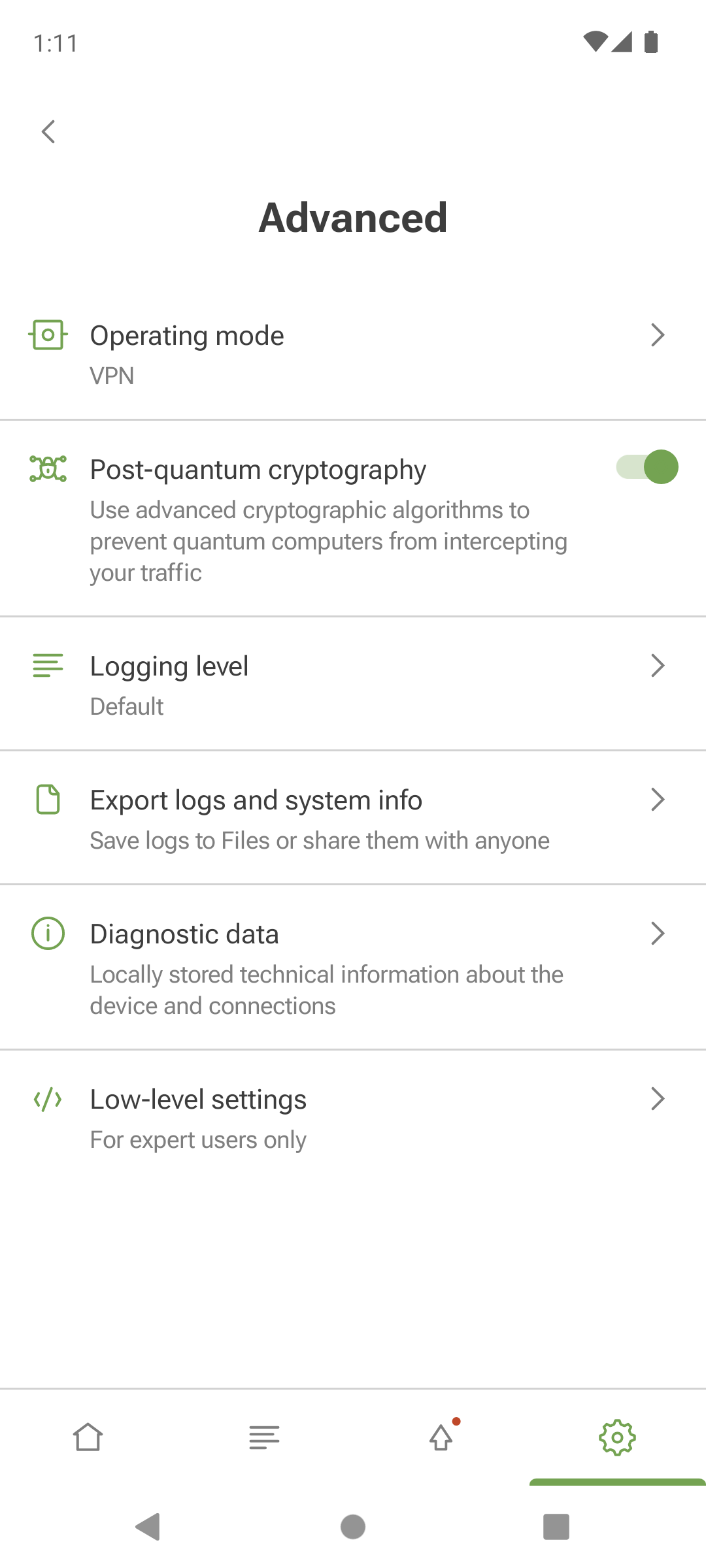
The Advanced section is a set of settings that are not as commonly used.
Operating mode allows you to specify how your traffic is routed. There are three modes: VPN, SOCKS5, and Integrated mode. In the VPN mode, all traffic is routed through AdGuard VPN. In the SOCKS5 mode, AdGuard VPN runs a local proxy server that can be used by other apps for traffic routing. Integrated mode allows AdGuard VPN and AdGuard Ad Blocker to work together. Read more about it in Compatibility with AdGuard Ad Blocker.
Some AdGuard VPN features are disabled in Integrated mode: DNS servers, Kill Switch, and App exclusions. You can manage DNS protection and route apps through your AdGuard VPN proxy in the AdGuard Ad Blocker app.
Post-quantum cryptography refers to cryptographic algorithms designed to secure data against potential threats posed by quantum computers, which could eventually break current encryption methods. This feature ensures that data remains securely encrypted, even in the face of advancements in quantum computing that might otherwise compromise traditional encryption techniques.
Logging level specifies how many app events are recorded. We don’t recommend enabling the Extended or Extreme logging levels unless requested by our support team.
In this section, you can also export logs and system info to share them with support.
Diagnostic data displays the locally stored technical information about the app, device, and connections. You can copy and send it to our support team if necessary.
The last section of Advanced settings is Low-level settings. There you can enable TUN interface logging or IPv6 protocol on the VPN interface, choose a proxy server port, or select the Internet protocol version to use. We urge you not to enter this section unless you are highly qualified or have been asked to do so by our support team.