Who did it best? Top contributors of 2024
Even after all these years, we’re still amazed at how AdGuard has inspired people to volunteer their time and skills to make it even better. From translating and proofreading to testing, reporting bugs, and improving filters, our contributors help make the Internet safer and cleaner for everyone. In return, we offer AdGuard licenses — and for the best contributors, special gifts at the end of the year.
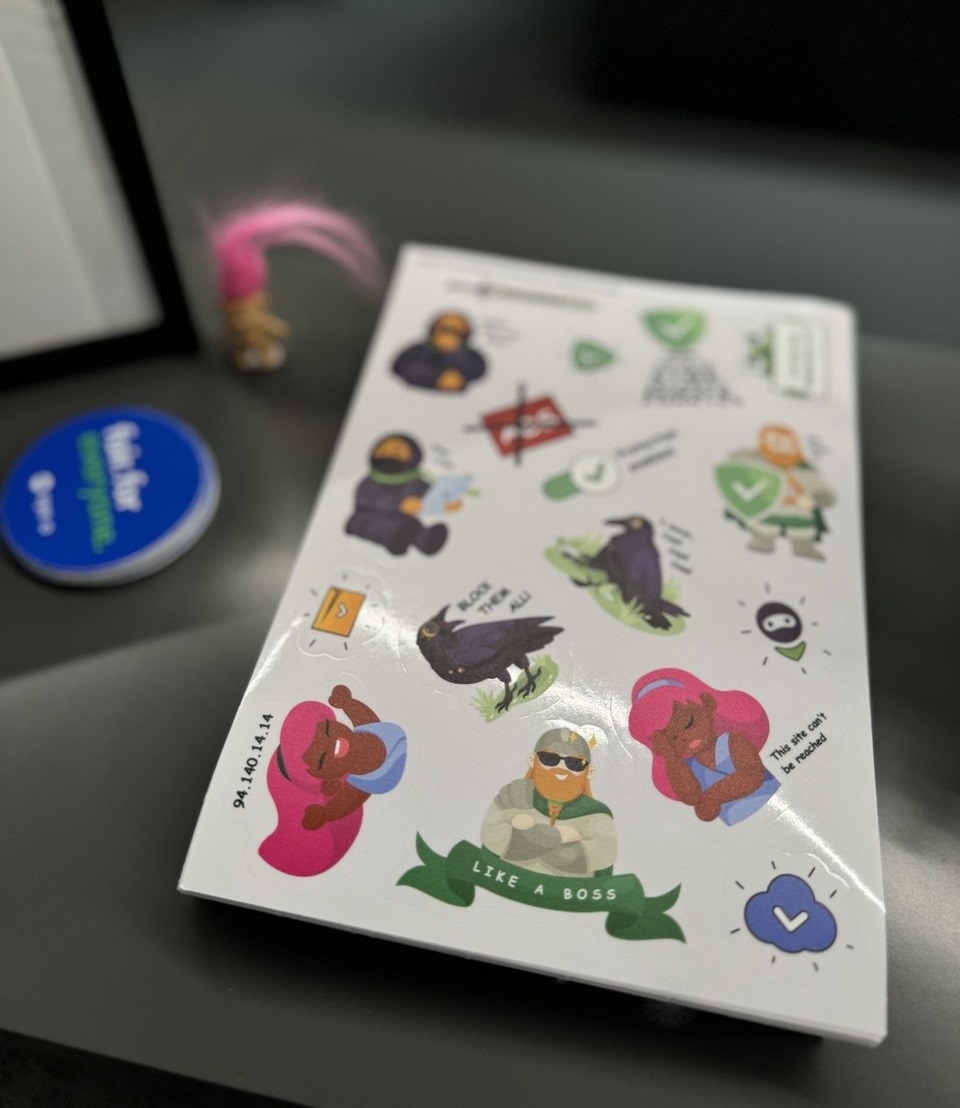
Choosing favorites isn’t easy, but we’ve selected a few outstanding contributors who went above and beyond in 2024.
We’ve contacted the winners. If you’re on this list and haven’t heard from us yet, please get in touch at translation@adguard.com.
The word masters
As content writers and translators, those who localize AdGuard hold a special place in our hearts. This year, we celebrate our golden team of long-time contributors and enthusiastic newcomers who continue to enrich our linguistic diversity.
Crème de la crème
These exceptional individuals have been with us for years, translating everything AdGuard has to offer (and there’s a lot!). They really are an impressive team and we are very proud of them. It’s hard to come up with new words to express our gratitude. Fortunately, they never have a problem with a lack of words and always get the job done while supporting their fellow translators.
- NCAA: Our trusted Danish proofreader who makes sure every word is perfect
- Alfred Spijker: A master of Dutch translations who popularizes AdGuard in the Netherlands
- Lukas Novotny: A meticulous keeper of Czech translations
- Andy Kleinert (AndyKl): Always ready to help with German translations and proofreading
- hubak: Slovakian users can thank him for keeping their AdGuard apps as well as AdGuard websites flawless
- Görkem Emrah Güler: Translator, proofreader, and eagle-eyed bug spotter — a rare person who does it all
Bright newcomers
We love welcoming fresh faces to our community. These contributors have made a big impact in their first year:
- Surena: A Persian wizard who improved our websites with skill and care
- Alessandro Visentin (alexvis): An Italian star who keeps an eye on existing translations and contributes his own
- robi: Indonesians, rejoice! Robi has translated a number of AdGuard apps and websites so you can use them in your own language
- marco.rkv: As well as helping with websites and apps, he took charge of the Traditional Chinese translations in the AdGuard VPN Knowledge base, which often doesn’t get as much attention as our apps but is helpful to users
- عمر (OEM): An eager contributor who carefully translated and proofread AdGuard apps for Arabic-speaking users
Star tech team
Our tech contributors are the backbone of AdGuard. They’re the ones we count on for filter maintenance, beta testing, bug reports, and chat moderation:
- Yuki2718: How many times has he been the best? AdGuard filters wouldn’t be the same without him
- Tim Harman (tjharman): Helps keep AdGuard Home in top shape and diligently tracks down issues
- Cebeerre: Great support in AdGuard Home and a very keen observer of issues
Both tjharman and Cebeerre are also moderators in the AdGuard chat, and we’re deeply grateful for their work.
- xglossyntx: An invaluable helper with filters, bringing issues — if you’re not seeing ads, you can thank him!
- jordansworld: A problem-solver who not only identifies issues but also fixes them, always with a helping hand
- Sergey Zozulya: An insightful and helpful tester who makes sure no bugs get into our Android apps
We have also offered them to share their experience so that you can get to know them, too. Below you’ll find some quotes from them.
- Görkem Emrah Güler:
I'm happy to be here for a long time and I love AdGuard. As always, AdGuard has released new products this year. However, all other products are still evolving and gaining new features. Last year I translated the DNS and VPN Knowledge Bases, and since they were updated this year, I continued to translate them and the new products. Reporting typos while translating brings a different flavour. Not only this, but I also report bugs that I find by testing some applications. Of course, not everyone has the same point of view, so everyone can find and report different bugs. You can join this affectionate community. Affection is good for everything!
- robi:
AdGuard has been my go-to app for years (since 3 or 4 years ago if I remember correctly). Admittedly, I used to use the pirated version. Until early this year I discovered they were offering a free beta license for contributors! Luckily I already had a very active GitHub, so I started reporting bugs here and there. From there, I also began helping with translations since many of my friends are also using it. Over the years, AdGuard has never let me down. Works reliably on both my laptop and phone to block all sorts of ads. Even better, they’re open source! I want to stay involved so everyone can benefit from it. Thank you to the entire team!
- عمر (OEM):
I’m thrilled to be a part of this extraordinary project, and offer AdGuard products in Arabic.
That project taught me the basics of proper translation. I checked Crowdin every day and translated a few lines. Over time, transparency improved, and I’m convinced that AdGuard is outstanding.
We’d love to have everyone who speaks Arabic join us — translating is a lot of fun, and we’re so excited to share our passion for AdGuard with you!
- marco.rkv:
I believe that providing technical details and knowledge base in other languages will make it easier for non-English speakers to understand the principle behind it. I’ve also learned a lot from the community, it is truly a goldmine of technical knowledge.
- Tim Harman (tjharman):
I'm happy to give back to the Adguard project, as the Adguard project has helped me make things a little bit easier for my kids to navigate the online world. Assisting with moderation is something I enjoy doing, and I am grateful for the Adguard Team for trusting me to do it. Thank you!
- Sergey Zozulya:
I support AdGuard because I can’t imagine using the Internet without it. AdGuard is one of the first and most important apps I install on all my devices and those of my family.
We are glad that you have chosen to be with us, thank you all for your kind words.
There are no winners or losers in volunteering — every contribution makes a difference. If you’d like to join our community, we’d love to have you on board. Whether you translate, test, or contribute to filters, you’ll receive free licenses as a thank you. And who knows? You might find your name on the list next year.



































